

Two emails went out on the same day, to the same list, selling the same offer. Only the subject line changed. One said “20% Off This Weekend Only.” The other said “Your cart’s about to expire.” Same product, same price, same send time. The second one pulled in almost double the clicks.
Nobody on that team guessed that would happen. They tested it. And that’s the whole point of this post, honestly. Most people running email campaigns are just picking whatever subject line sounds good to them at 11pm and hitting send. They’re not wrong to have instincts. But instincts without data are just expensive guesses, and email is one of the few marketing channels where you can actually find out what works before you bet your whole list on it.
This post is going to walk through what’s actually worth testing in your emails, how to set a test up so the results mean something, and where most people mess this up (spoiler: it’s usually ending the test too early or testing five things at once and then having no idea what actually moved the needle). By the end, you should be able to run a test on your very next send and trust the result enough to act on it.
What is Email A/B Testing?
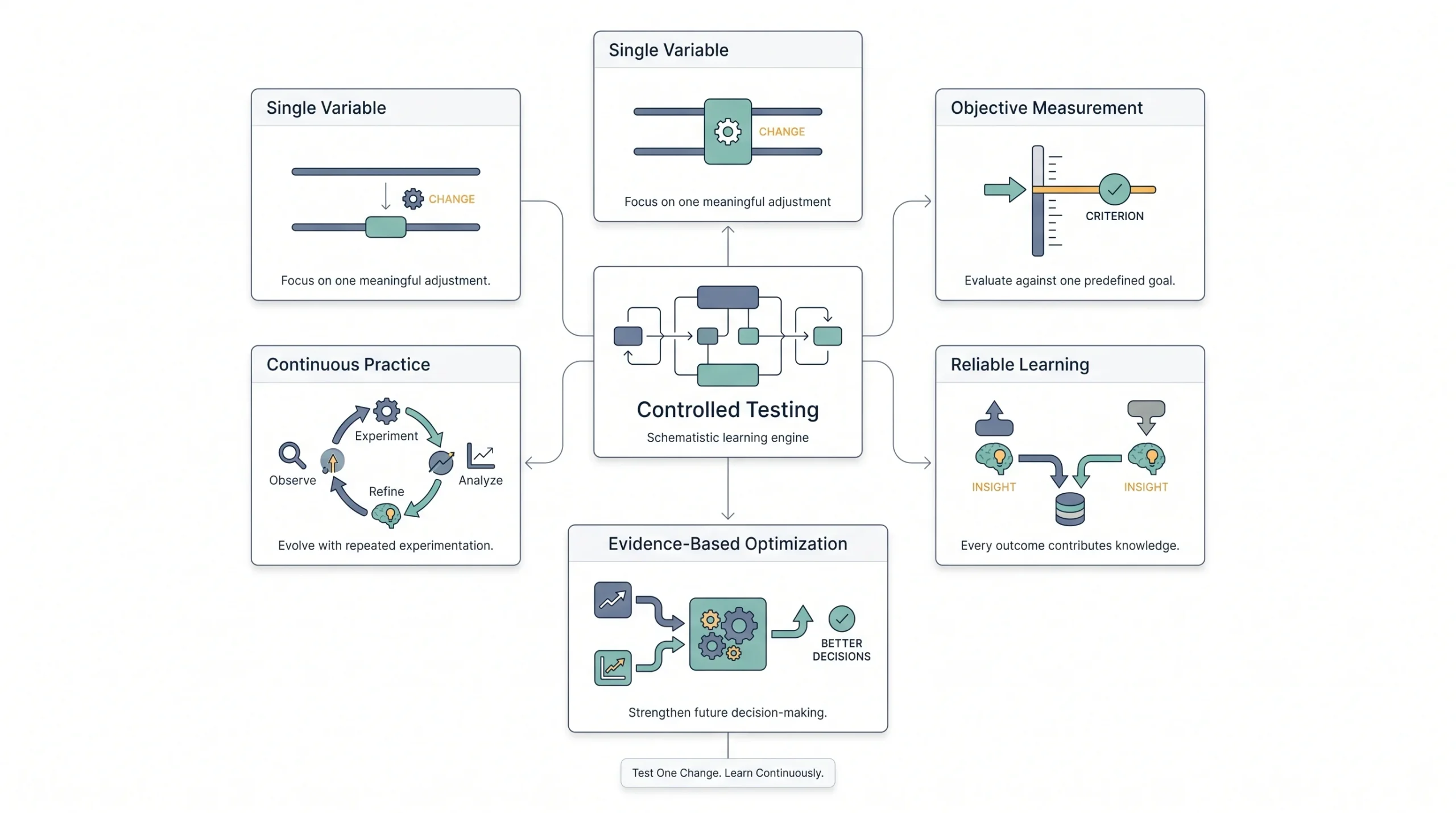
A/B testing an email means you send two versions of the same email to two smaller chunks of your list, wait to see which one performs better against a metric you picked ahead of time, and then send the winner to everyone else. That’s it. That’s the whole idea. It’s not complicated, but people manage to complicate it anyway.
Here’s where it gets confused with something else. A/B testing is different from multivariate testing, where you’re testing multiple elements at once in different combinations, like three subject lines paired with two different CTAs, giving you six versions running simultaneously. That’s a real thing and it has its place, but it needs way more volume to work, and we’ll get into that later in this post. For now, just know A/B testing is the “change one thing, compare two versions” approach. Simple by design.
And it’s also not the same as just trying something new because you felt like it. Look, switching up your subject line style because you’re bored of the old one isn’t testing. That’s just changing things and hoping. Testing means you isolate one variable, you measure it against something specific, and you actually learn something from the result, whether the new version wins or loses.
One thing beginners get wrong constantly: they think A/B testing is a project. Like, “we’re going to A/B test our emails this quarter” as some kind of initiative with a start and end date. Nope. The people who actually get value from this treat it as a habit baked into how they send email, not a campaign they run once and then forget about. You don’t test once and know everything about your audience forever. Preferences shift, seasons change, your list grows and changes character. Testing needs to keep happening.
Testing everything at once tells you nothing. Testing nothing tells you even less. The sweet spot is picking one thing that actually matters and staying disciplined about it.
Why Bother: What’s Actually at Stake
Here’s the thing people skip past when they think about testing: it’s not really about open rates. Open rates are nice, sure, but if your open rate goes up 8% and nobody clicks anything or buys anything, you haven’t actually won. You’ve just gotten better at getting ignored with the inbox open instead of closed.
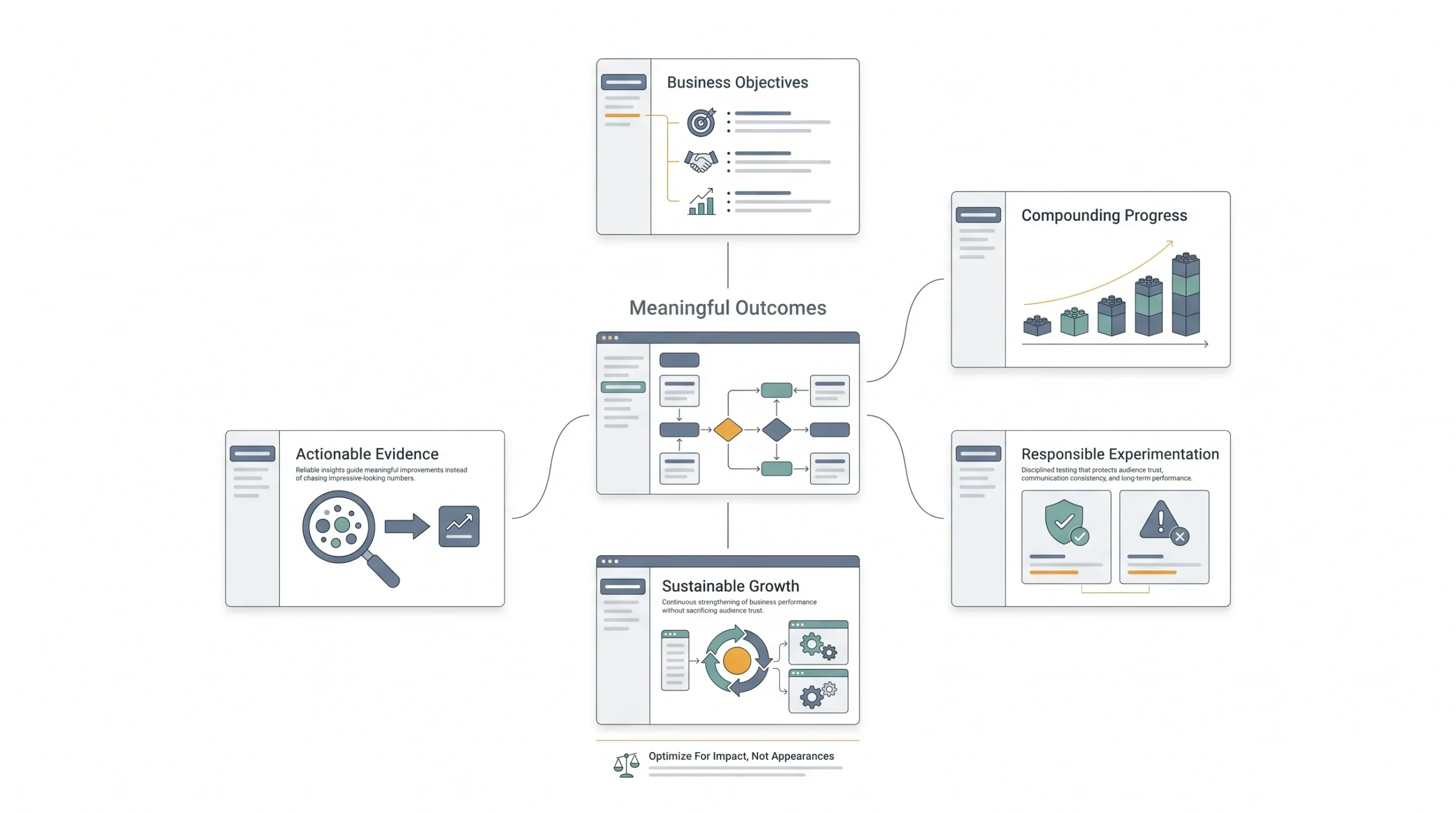
The real value of testing shows up when you tie it to something that actually matters to the business. Clicks. Conversions. Revenue per send. If a subject line test bumps your open rate but your conversion rate stays flat, that’s useful information, but it’s not the win it looks like on the surface. This is why picking the right success metric before you test matters so much, and we’ll dig into that in the next section.
What makes testing worth the effort isn’t one big win. It’s the fact that small improvements stack. A 2% lift in click rate doesn’t sound like much on a single send. But if you’re sending weekly and every test compounds slightly on the last one, by the end of a quarter you’re not looking at a 2% difference anymore. You’re looking at a meaningfully different campaign than where you started, built entirely out of small, boring, unglamorous tests that nobody’s going to put in a case study.
There’s also a cost side to this that people don’t think about enough. Testing responsibly matters just as much as testing at all. If you’re splitting your list into five fragments every week to run overlapping tests, you’re going to confuse your data and, honestly, you might annoy your subscribers with inconsistent messaging. Deliverability doesn’t love chaos either. ISPs pay attention to engagement patterns, and a messy testing habit that tanks engagement on parts of your list can hurt your sender reputation across the board. So test, but test with some restraint.
The Anatomy of a Proper Email A/B Testing
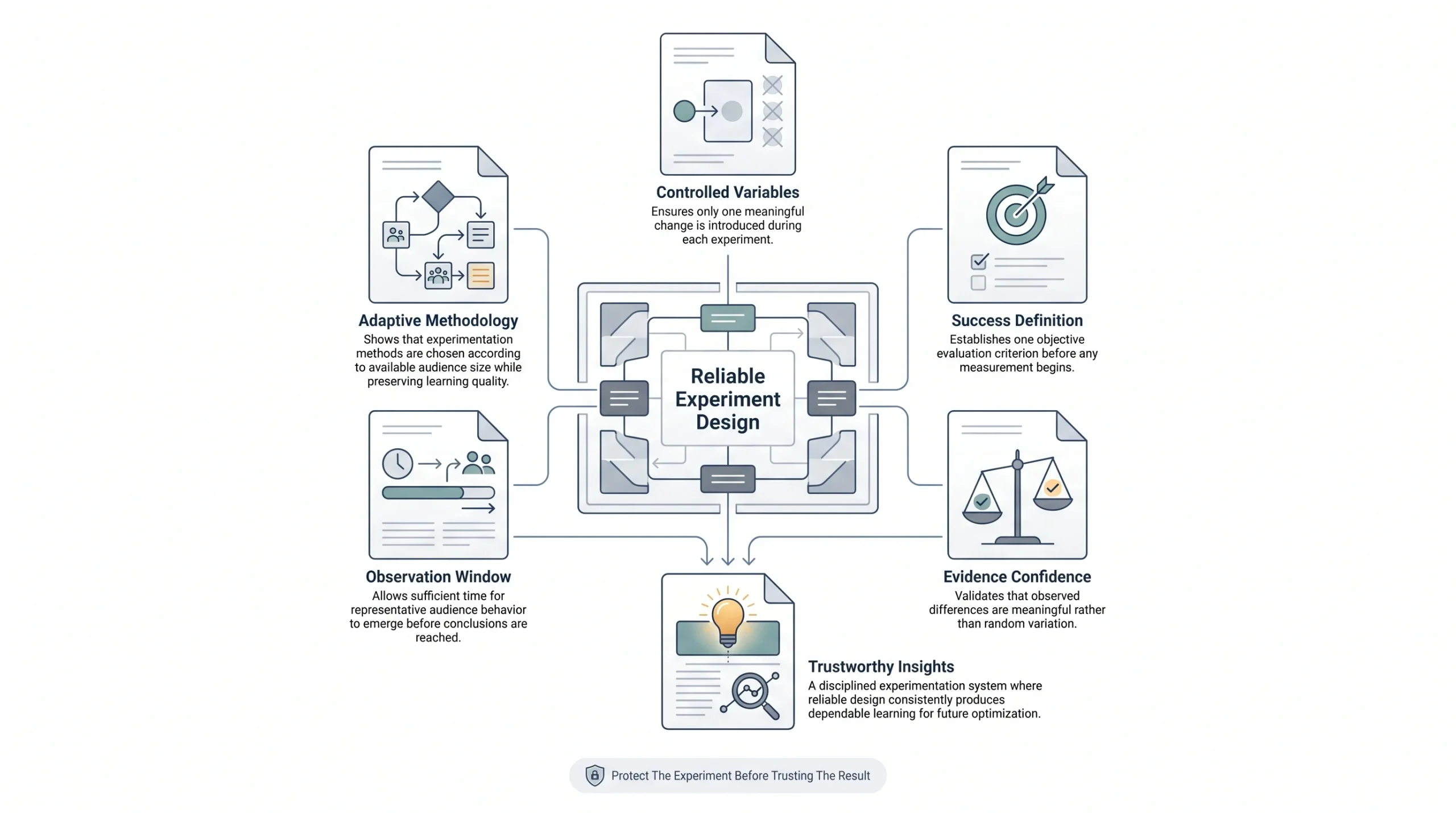
This is the part most people skip, and it’s exactly why most people’s tests don’t actually tell them anything useful. There’s a structure to doing this right, and none of it is complicated, but all of it matters.
Pick One Variable
Change one thing. Just one. If you change the subject line and the CTA button color in the same test, and one version wins, you genuinely don’t know why it won. Was it the subject line? The button? Some combination? You can’t say. And now you’ve burned a send and learned nothing you can actually use next time.
This is the single-variable rule, and it’s non-negotiable if you want clean data. Multivariate testing exists for a reason, and we’ll cover it later, but it’s a different discipline with different requirements. For standard A/B testing, one variable, every time.
Define Your Success Metric Before You Send
Decide what “winning” means before the emails go out, not after you’re staring at the results trying to find a story that makes your favorite version look good. That’s backwards, and it’s more common than you’d think.
Depending on what you’re testing, your primary metric should be one of these:
- Open rate: makes sense when you’re testing subject lines, preview text, or sender name, since those are the things that influence whether someone opens in the first place
- Click rate: better when you’re testing content, CTA copy, or layout, since opens don’t tell you if the actual message landed
- Conversion rate: the right call for promotional or sales emails where the whole point is getting someone to actually do something
- Revenue per email: the metric that matters most for high-stakes campaigns, because it accounts for the fact that not all conversions are worth the same amount
The mistake to watch for: don’t switch your success metric mid-test because the number you originally picked isn’t telling the story you wanted. If you said you’re testing on click rate and the click rate is a tie but one version has a slightly higher open rate, that doesn’t mean you get to declare the open rate winner instead. Pick your metric, stick with it, respect what it tells you even when it’s not the answer you were hoping for.
Sample Size and Statistical Significance
Here’s where a lot of small business testing falls apart, honestly. If you’re testing on a list of 400 people, split into two groups of 200, and one version gets 22 opens versus the other’s 18, that’s not a result. That’s noise. The difference between 22 and 18 out of 200 isn’t big enough to be confident about anything.
Statistical significance is just a way of asking “is this difference real, or could it have happened by random chance.” Bigger lists give you cleaner answers faster. Smaller lists need bigger differences to trust the result at all, and sometimes they just don’t have enough volume to test reliably in a single send. That’s a real limitation, and it’s worth knowing so you don’t overreact to noise dressed up as insight.
Test Duration
How long you let a test run matters more than people think. End it too early and you’re making a call based on incomplete behavior. People don’t all open email the moment it lands. Some check inbox first thing in the morning, some scroll through at lunch, some don’t open anything until they’re winding down at night. If you cut your test off after four hours, you’ve only captured the habits of people who happen to check email fast, and that’s not your whole audience.
Time zones matter too if your list spans regions. And weekday sends behave differently than weekend ones, so don’t compare a test that ran Tuesday afternoon against a “control” behavior pattern from a Saturday send. Give your test enough runway to capture a realistic cross-section of how your list actually behaves.
Sample Size & Duration Quick Reference
| List Size | Recommended Split | Minimum Test Duration | Notes |
|---|---|---|---|
| Under 1,000 | Don’t split test | : | Focus on sequential testing instead |
| 1,000–5,000 | 50/50 | 24–48 hrs | Workable, but treat results with some caution |
| 5,000–20,000 | 50/50 or 40/40/20 with holdout | 24 hrs | Standard range for most small-to-mid businesses |
| 20,000+ | Can run 3–4 variants | 12–24 hrs | Enough volume for faster, more confident results |
Most small businesses don’t have the list size to run constant split tests every week, and that’s genuinely fine. It doesn’t mean testing is off the table. It means you lean on sequential testing instead, which we’re about to get into.
Sequential Testing
If your list is too small to split cleanly, you can still test. You just do it across sends instead of within one send. Send version A this week, version B next week, keep everything else as close to identical as possible (same day, similar time, similar type of content), and compare how each performed.
It’s not as statistically clean as a true split test, because things change between sends that have nothing to do with your variable, seasonality, news events, whatever else is going on. But for a smaller list, it’s a legitimate way to still learn something instead of just throwing your hands up and deciding testing isn’t for you.
What to Test: The Core of This Whole Thing
Not every element of your email deserves equal attention when it comes to testing. Some things move the needle a lot for very little effort. Others take real work to test properly and might only shift results a couple of percentage points. Knowing where to spend your testing budget, meaning your list volume and your time, matters just as much as knowing how to test at all.
Here’s the full breakdown, roughly ordered by how much bang you get for your buck.
Subject Lines
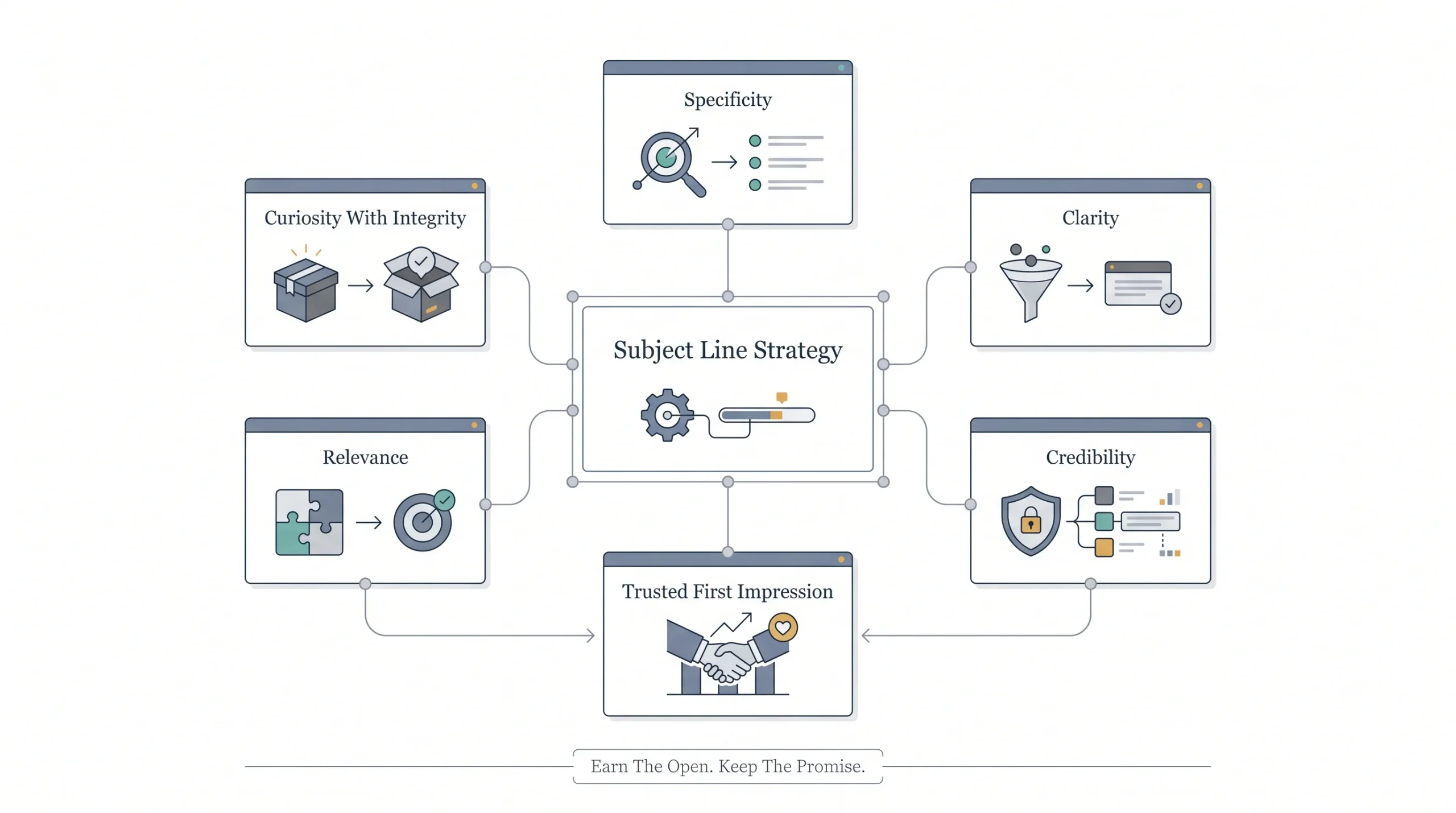
This is the first thing anyone should test, and for good reason. It’s the single biggest lever on whether your email gets opened at all, and it costs you nothing to test beyond writing a second line.
What’s actually worth testing here: length (short and punchy versus longer and descriptive), personalization (using a first name versus not), curiosity versus clarity (something like “You won’t believe this” versus “50% off ends tonight”), emoji use, urgency language, and specific numbers versus vague claims.
A generic subject line like “Check out our new products” almost never beats something specific like “3 new colors just dropped, and they’re going fast.” Specificity tends to win. Vague curiosity bait can work sometimes, but it’s inconsistent, and it can train your audience to distrust your subject lines over time if it doesn’t deliver on what it promises inside the email.
Length is worth its own mention here. A lot of people assume shorter always wins because mobile inboxes cut off long subject lines. That’s true up to a point, but it’s not a blanket rule. Some audiences respond well to a slightly longer, more descriptive line because it removes ambiguity about what’s inside. The only way to know which way your list leans is to actually run both and see. Don’t assume, just because a best practices article somewhere said short wins, that it’ll hold true for your specific subscribers.
Numbers deserve a mention too. “Save big this weekend” and “Save 30% this weekend” read completely differently, even though they’re saying roughly the same thing. Specific numbers tend to signal that the offer is real and worth a look, rather than vague marketing filler. Same goes for using an actual figure like “Join 4,200 marketers” instead of “Join thousands of marketers.” The specific version almost always feels more credible, even when the vague version is technically true.
Preview Text
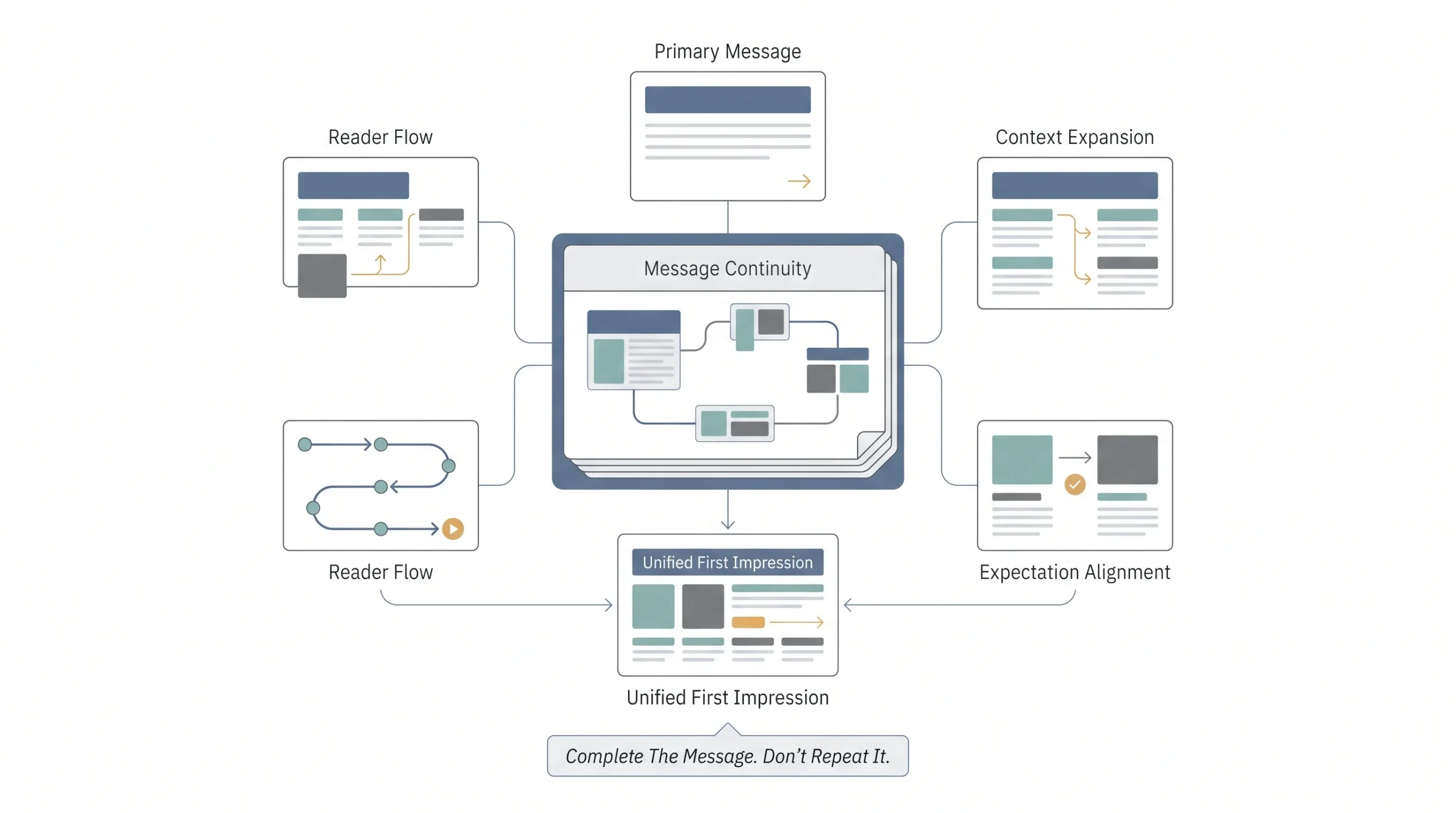
This one gets ignored constantly, and that’s a mistake. Preview text, also called the preheader, is the little snippet that shows up next to or under your subject line in most inboxes. It works alongside your subject line, not on its own, so testing it in isolation without thinking about how it pairs with your subject line misses the point.
The real question to test here is whether your preview text should repeat or extend the idea in your subject line, or whether it should add something new. If your subject line asks a question, does the preview answer it or does it tease something else? Both approaches can work, but they create very different reader experiences, and testing which one your specific audience responds to is worth the small effort it takes.
Sender Name
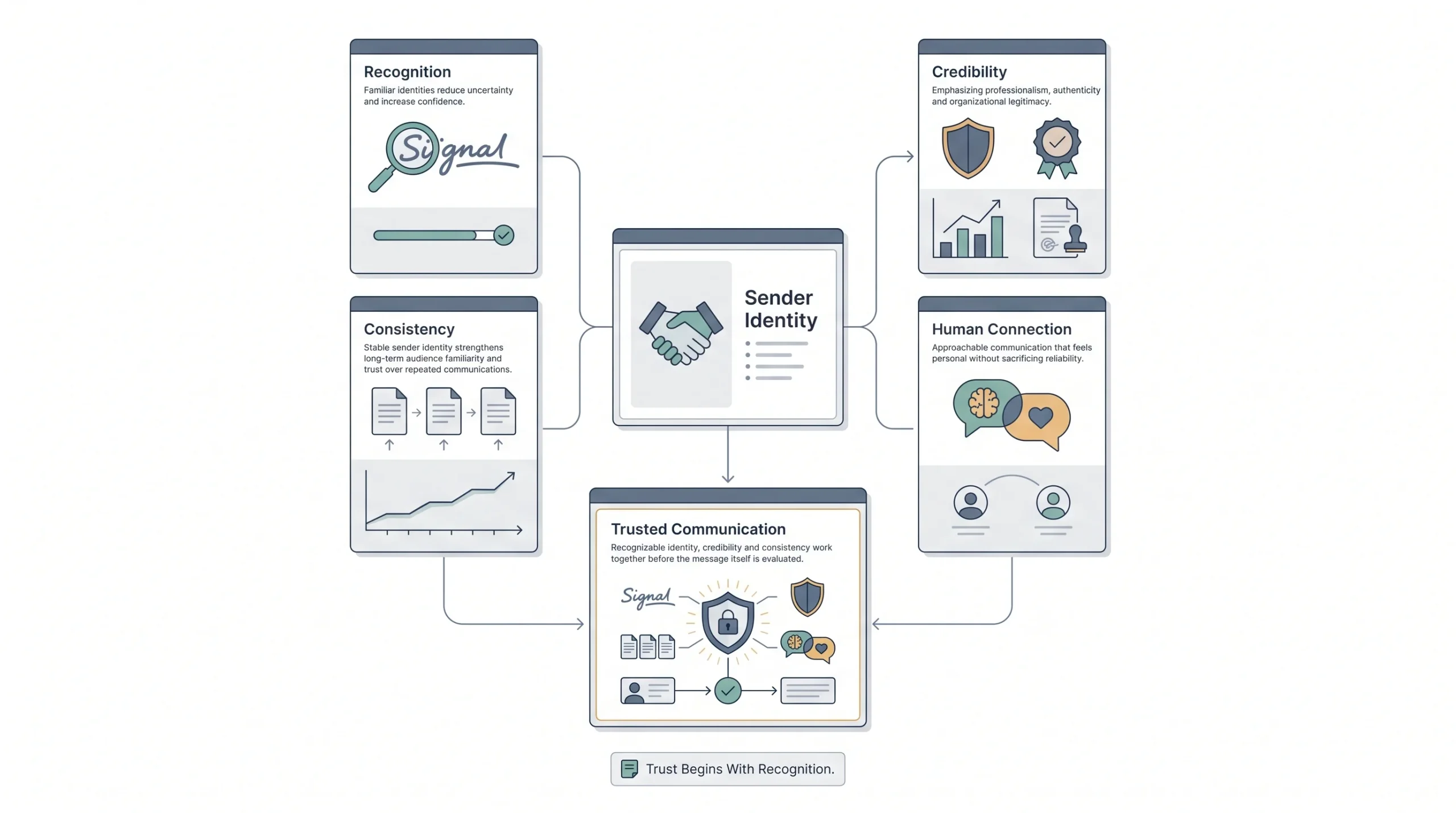
Small change, sometimes surprisingly big impact. The choice between sending from your brand name, a real person’s name, or a hybrid like “Priya at Tattvam Media” changes how much trust signal the email carries before it’s even opened.
A brand name feels more official and less personal. A person’s name can feel warmer and more like an actual relationship, but only if that person is someone the recipient would actually recognize or feel connected to. The hybrid format tries to get both. This one’s usually worth testing once early on and then revisiting only occasionally, since it doesn’t need constant tweaking the way subject lines do.
Send Time and Day
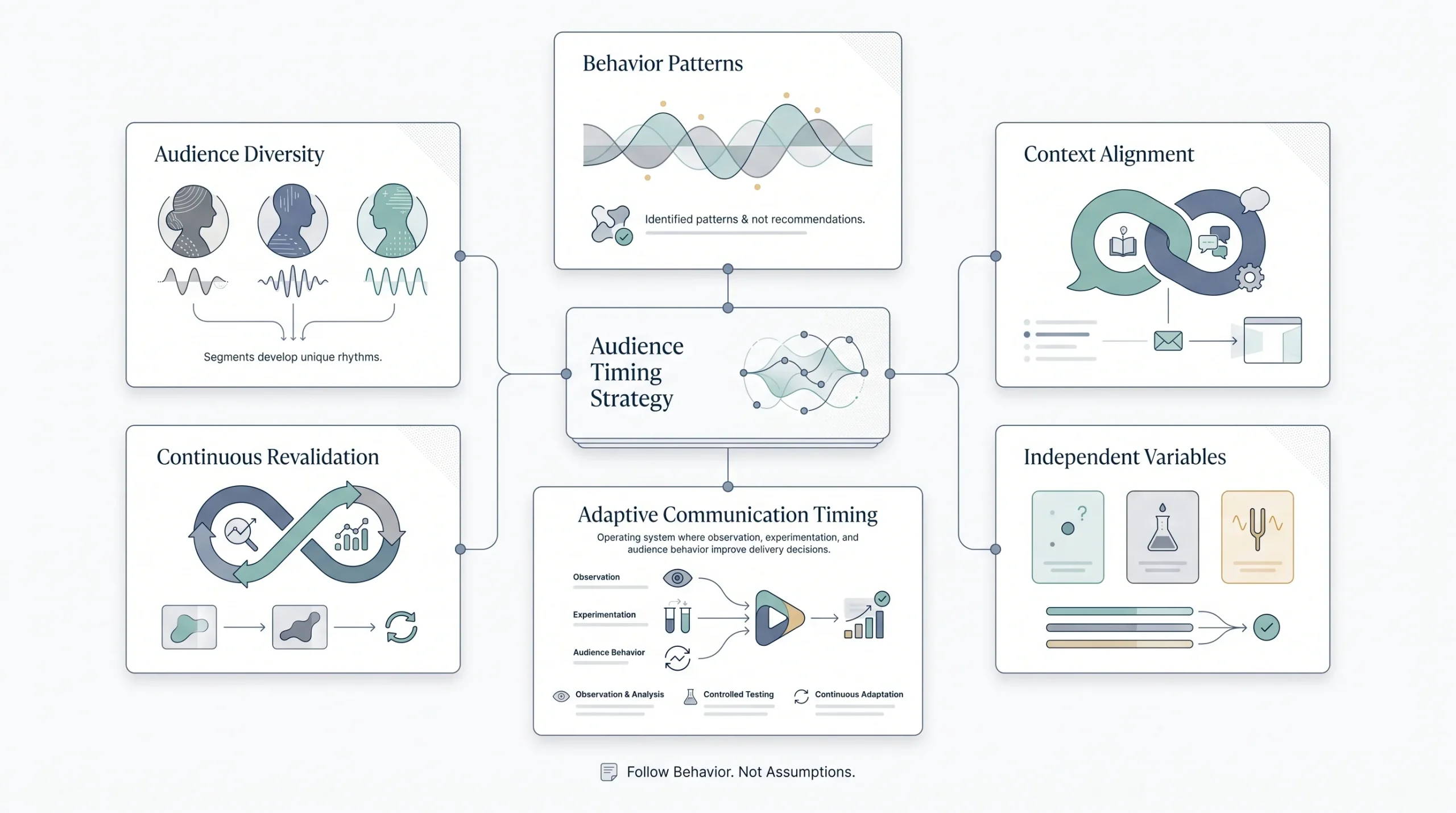
This is one of the highest-leverage, lowest-effort tests you can run, and it’s honestly underrated. The same email sent at 7am versus 2pm versus 8pm can perform completely differently depending on your audience’s habits, and those habits are specific to your list. What works for a B2B audience checking email during work hours is not what works for a consumer audience scrolling in the evening.
B2B and B2C lists behave differently here as a rule. B2B audiences tend to engage more during work hours on weekdays, since that’s when they’re checking their inbox for anything, work-related or not. B2C audiences skew toward evenings and weekends, when people have more headspace for browsing and shopping. But “as a rule” is exactly why you test it instead of assuming it applies to your specific list.
There’s also a difference between day of the week and time of day, and both need testing separately, because they don’t always move together. A list might open emails just fine on a Tuesday versus a Thursday, but show a real difference between a 9am send and a 6pm send. Or the opposite could be true. Layer one test on top of the other instead of trying to solve both at once, or you’ll end up back in multivariate territory without meaning to, and won’t know which of the two actually caused the shift.
One more thing worth flagging here. Send time preferences aren’t fixed forever. A list that skewed toward evening opens a year ago might have shifted, especially if your subscriber base has grown or changed in makeup since then. This is one of those tests worth revisiting every so often rather than treating as solved once and never touching again.
CTA (Call-to-Action)
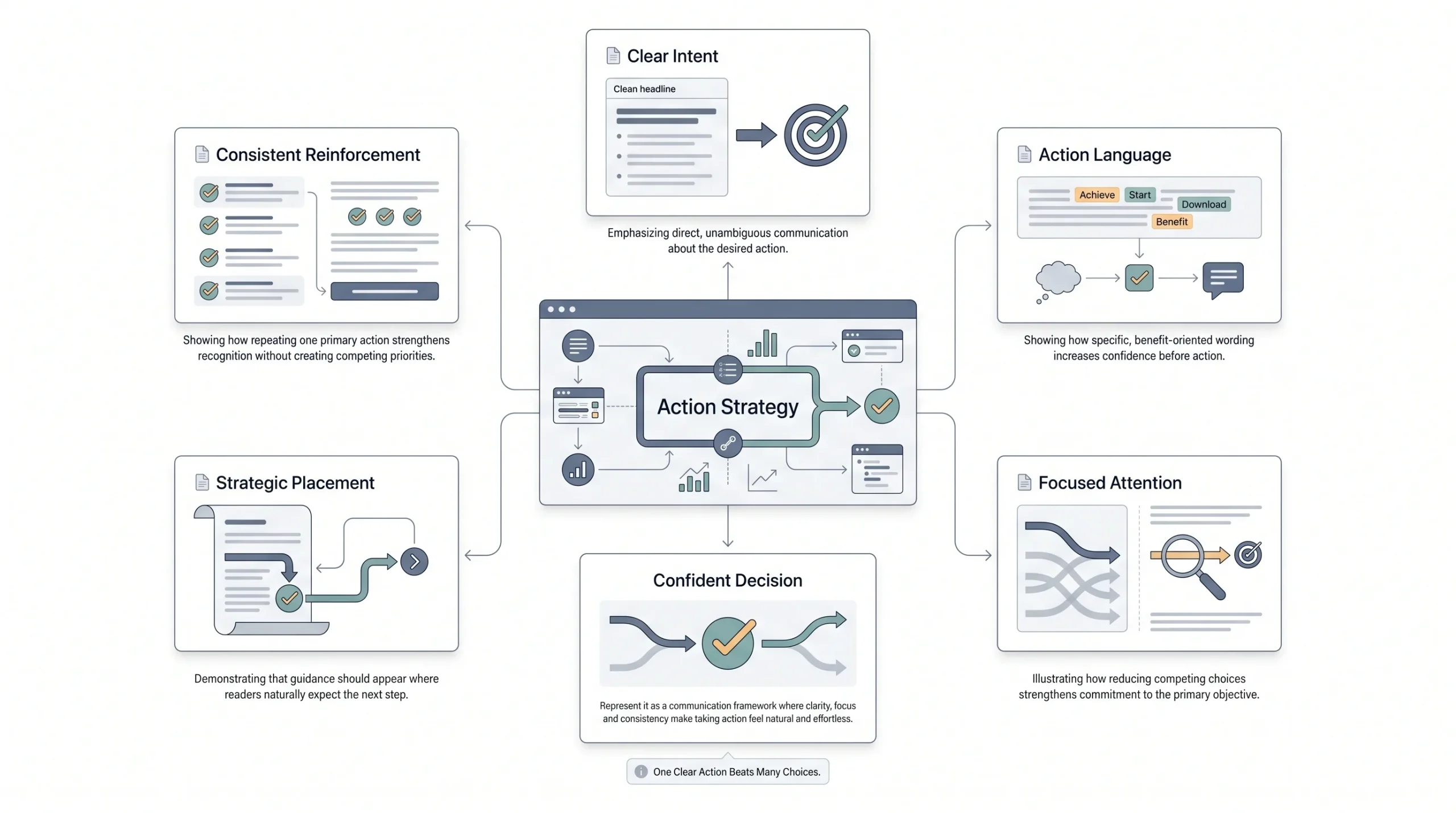
There’s a lot to test inside a single CTA. Button versus plain text link. Copy variations like “Get Started” versus “Show Me How” versus “Claim My Spot.” Placement, meaning whether the CTA shows up early in the email or only at the end. And whether you’re using a single CTA throughout or offering multiple CTAs for different actions.
Color and contrast matter too, but that edges more into design territory, which gets its own section below. The copy and placement of your CTA is usually the higher-impact test to run first, since a great looking button that says something boring or unclear still won’t get clicked.
One pattern worth knowing: multiple CTAs pointing at different actions can actually hurt conversion on the primary goal, because you’re splitting attention. A single, clear, repeated CTA usually outperforms an email that’s trying to get someone to do three different things at once.
Email Copy Length and Tone
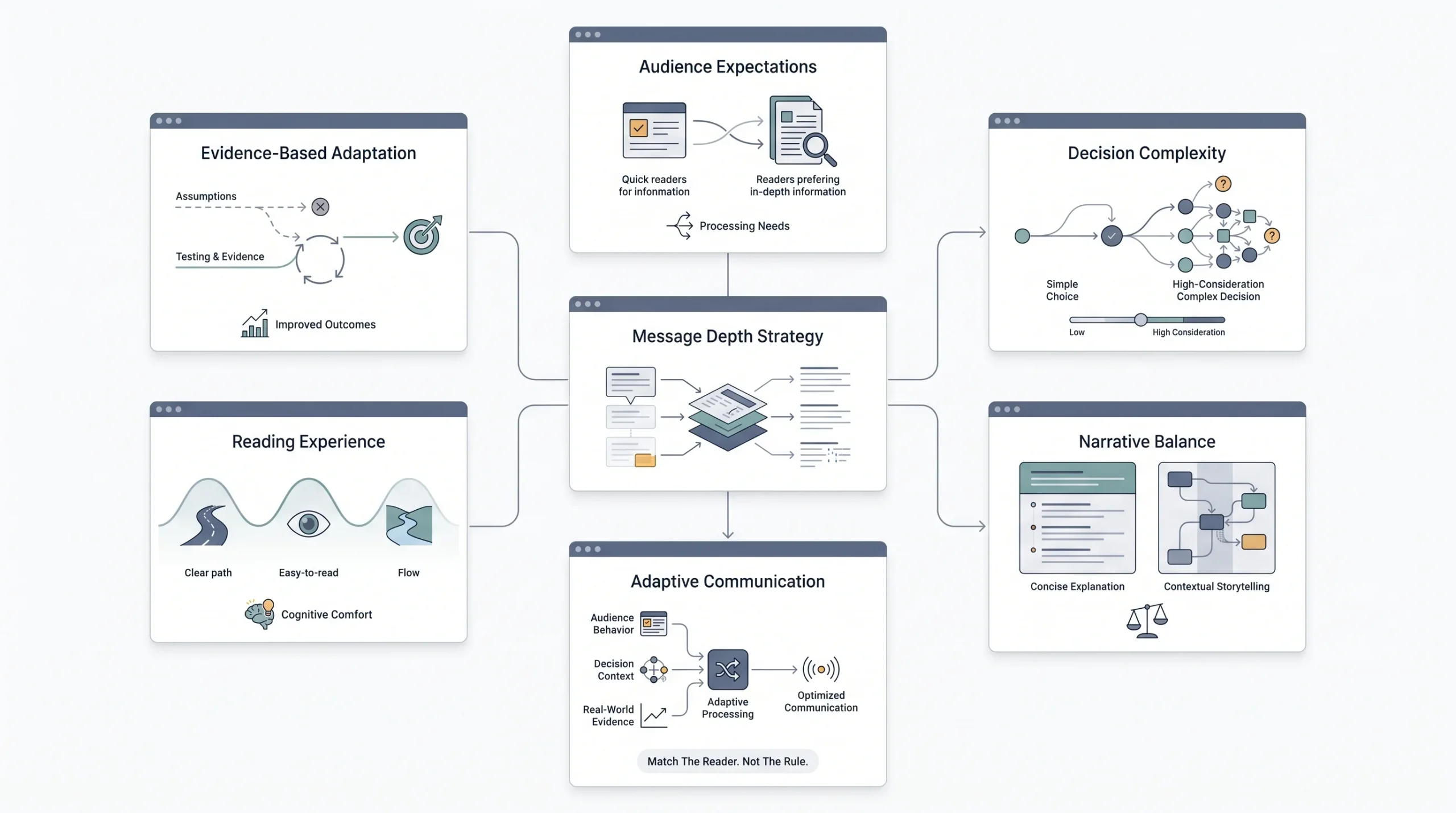
Short and punchy versus long-form storytelling. There’s no universal winner here, and anyone who tells you there is hasn’t actually tested it on their own list. Some audiences want the point made in three sentences. Others actually read and respond better to a longer, more narrative email that builds context before making the ask.
This depends heavily on what you’re selling and who you’re selling to. A software product with a technical buyer might do better with something concise and scannable. A higher-consideration purchase, or an audience that’s used to reading longer content from you already, might respond better to something that takes its time. Test it on your own list rather than assuming either direction is the “right” one.
Personalization Depth
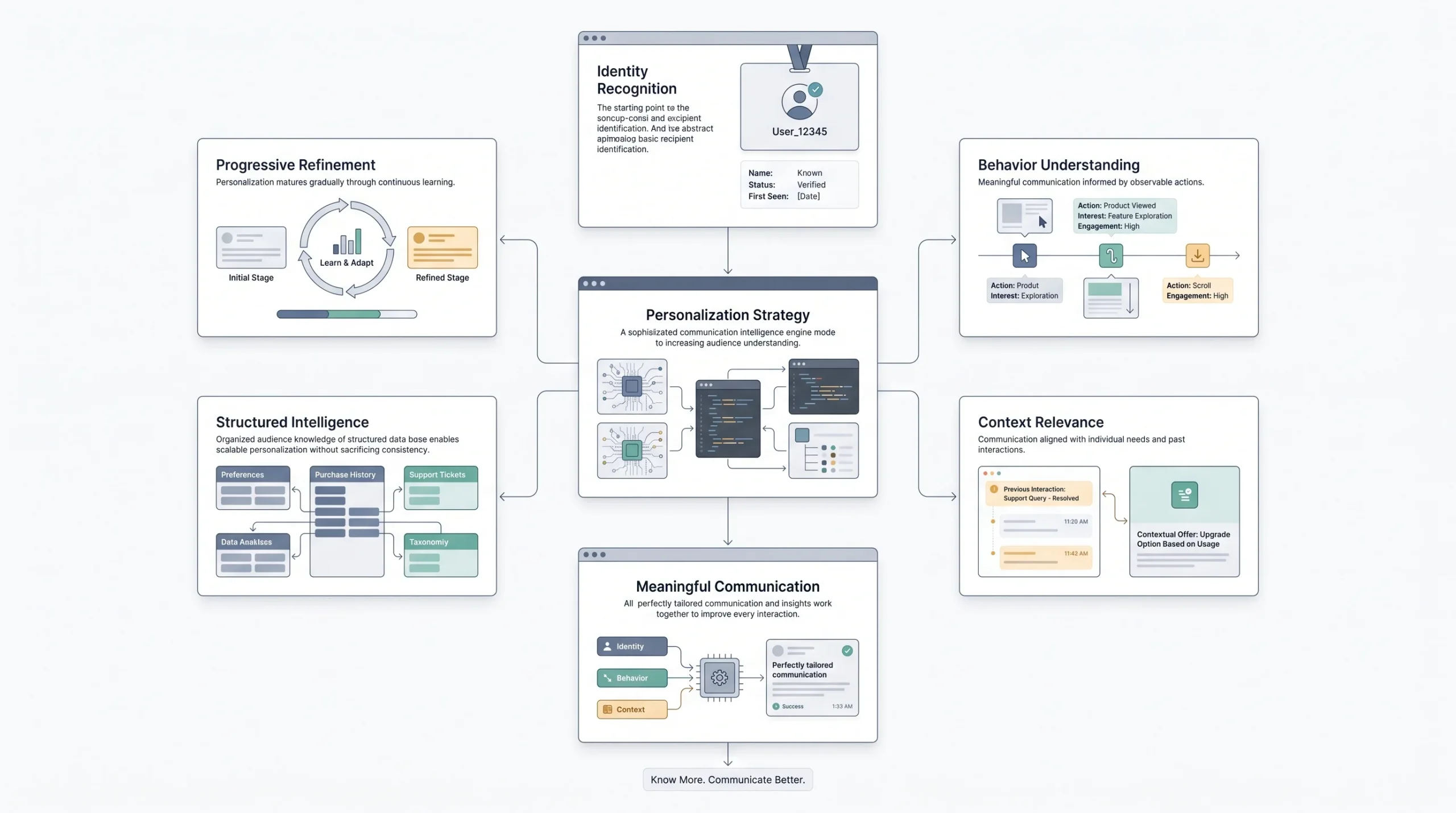
There’s a real range here, from basic to fairly advanced. First-name personalization is the entry point, just inserting the subscriber’s name into the subject line or greeting. Behavior-based personalization goes further, referencing what someone actually browsed, purchased, or clicked on in the past.
Basic personalization is easy to test and cheap to implement. Behavior-based personalization takes more setup, usually requiring some kind of tagging or segmentation infrastructure behind the scenes, but it tends to perform meaningfully better when done well, because it’s actually relevant to that specific person instead of just inserting their name into an otherwise generic message.
Visual Design and Layout
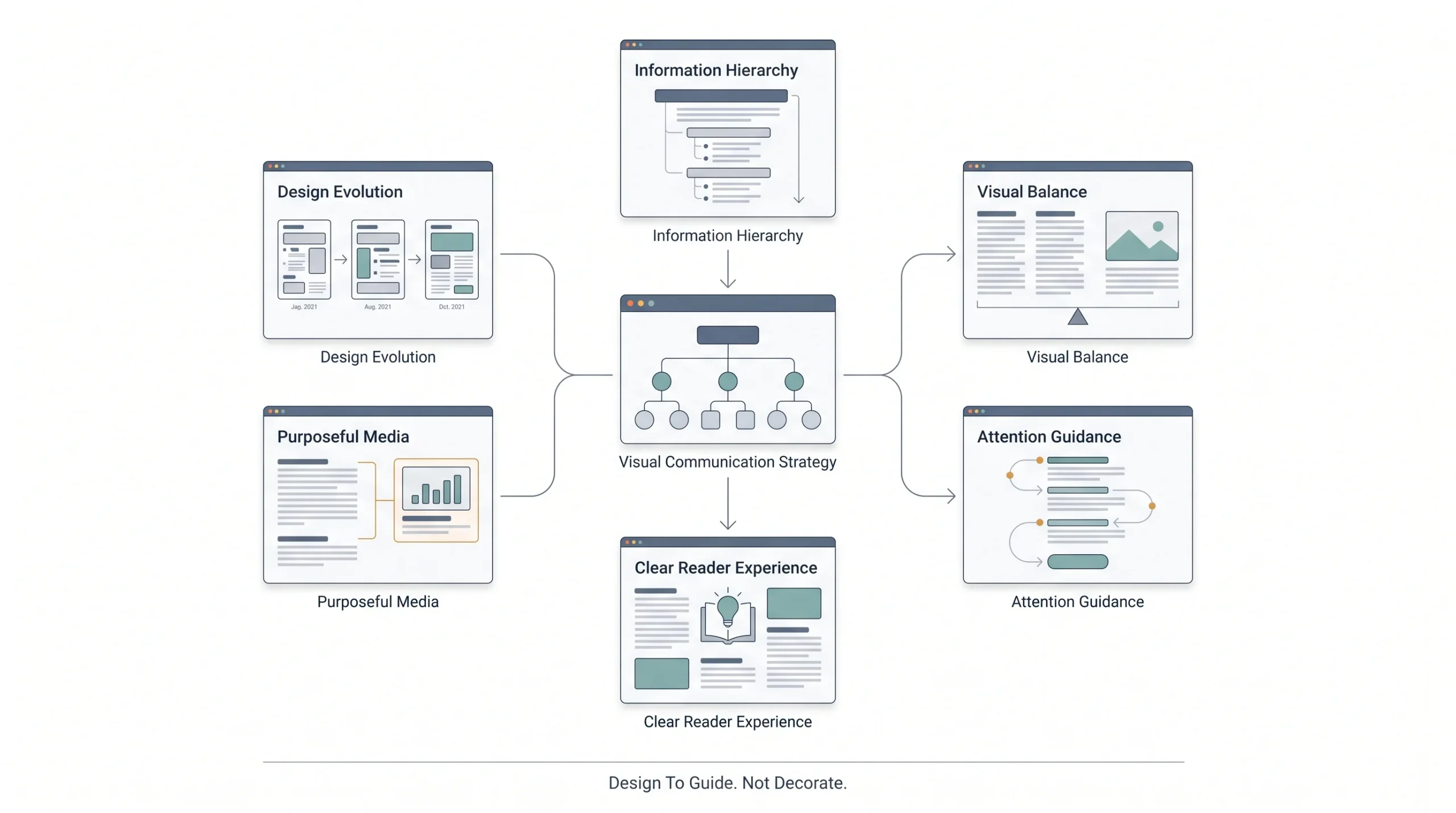
Single column versus multi-column. Image-heavy versus text-heavy. Whether you’re using GIF or video thumbnails to add movement and catch the eye. This is a real testing category, but it’s also the most resource-intensive one on this list, since you usually need actual design work done for each version instead of just swapping out a line of copy.
That’s why this one tends to get tested less frequently than something like subject lines. It’s worth doing periodically, especially if you’re noticing engagement plateau or if your brand is going through any kind of visual refresh, but it’s not something to rerun every single week the way you might with lighter-weight elements.
Offer Framing
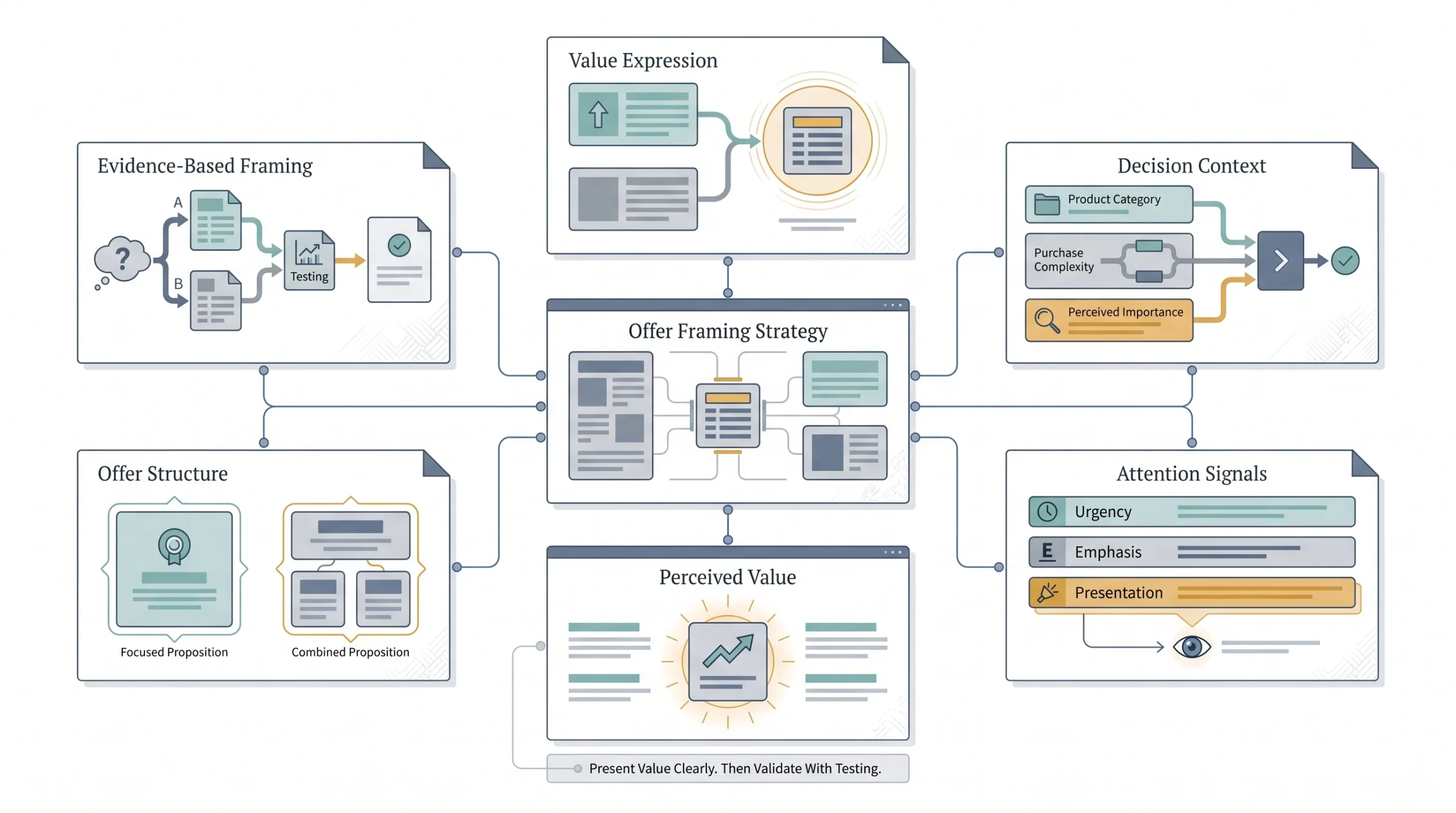
This one matters a lot specifically for promotional emails. Percentage off versus a flat dollar or rupee amount off. Urgency framing like “ends tonight” versus no urgency at all. Bundled offers versus a single, standalone offer.
The framing of an identical discount can change how it performs. “20% off” and “Save ₹500” might represent close to the same value depending on the price point, but they read completely differently to a subscriber scanning quickly. Higher-priced items sometimes do better with percentage framing since the number looks bigger, while lower-priced items sometimes do better with a flat amount since the percentage can look small and unimpressive. Test it against your actual price points rather than assuming.
From-Email Address
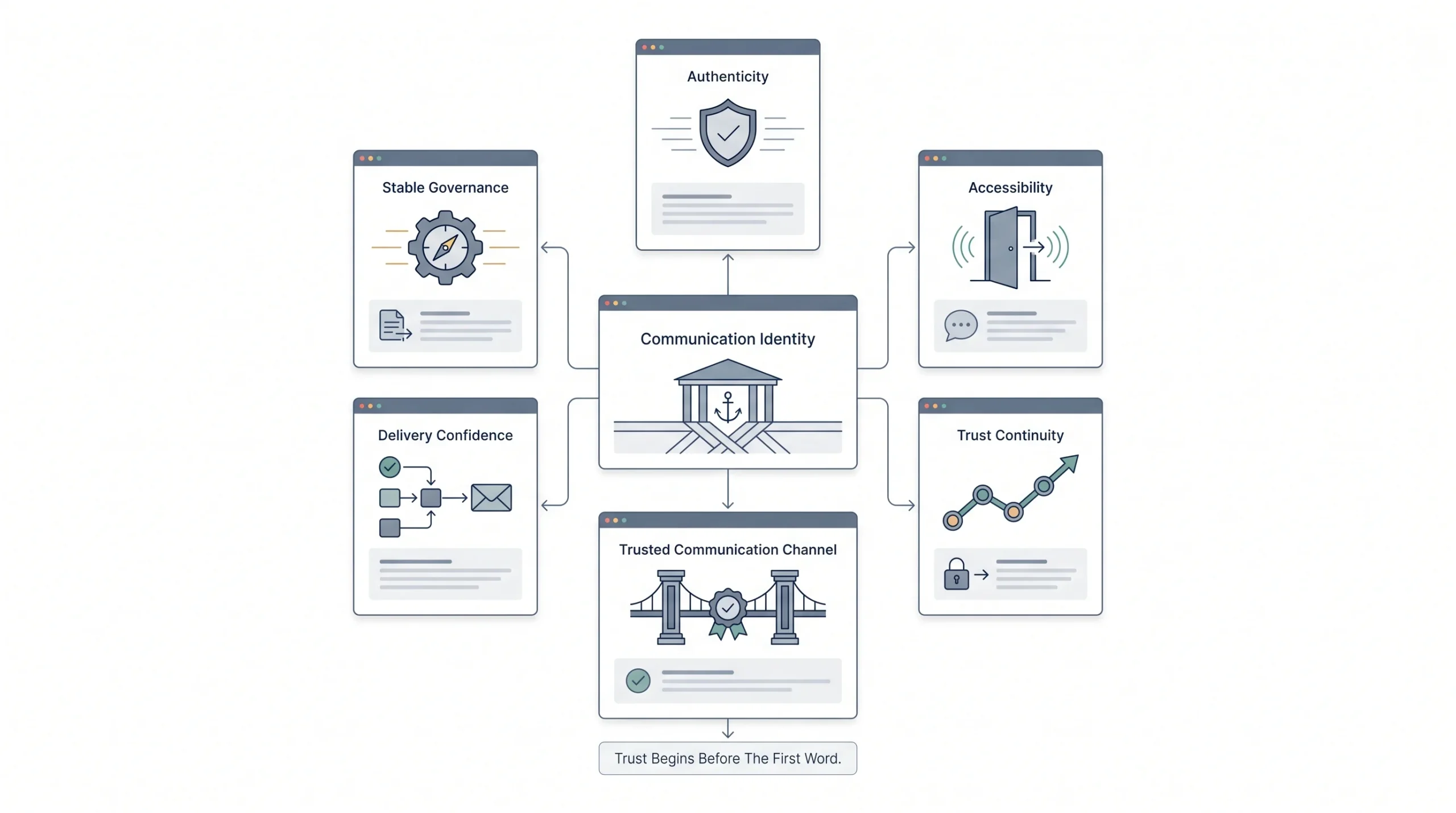
The last one on this list, and for good reason, it’s usually the lowest-impact test here, but it’s still worth knowing about. Branded domain versus a generic address. No-reply versus an address someone can actually respond to.
This is more of a trust and deliverability consideration than a straight performance lever. A no-reply address can feel a little cold and one-directional, while a reply-enabled address signals that there’s an actual person or team behind the email. This is usually something you set once, based on your brand’s overall tone, and revisit rarely rather than testing on a rolling basis.
Impact & Effort Matrix by Element
| Element | Typical Impact | Effort to Test | Test Priority |
|---|---|---|---|
| Subject line | High | Low | Test first |
| Send time | High | Low | Test first |
| CTA copy/placement | Medium-High | Low | Test early |
| Preview text | Medium | Low | Test early |
| Offer framing | High (promo emails) | Medium | Test regularly |
| Personalization depth | Medium-High | Medium-High | Test after the basics |
| Email length/tone | Medium | Medium | Ongoing |
| Visual design/layout | Medium | High | Test periodically |
| Sender name | Low-Medium | Low | Quick win, test once early |
| From-email address | Low | Low | Set once, revisit rarely |
If there’s only time to test one thing this quarter, make it subject lines or send time. Both are cheap to test and both sit right at the top of the funnel, where a small improvement affects everything downstream.
How to Structure the Test: Step-by-Step Walkthrough
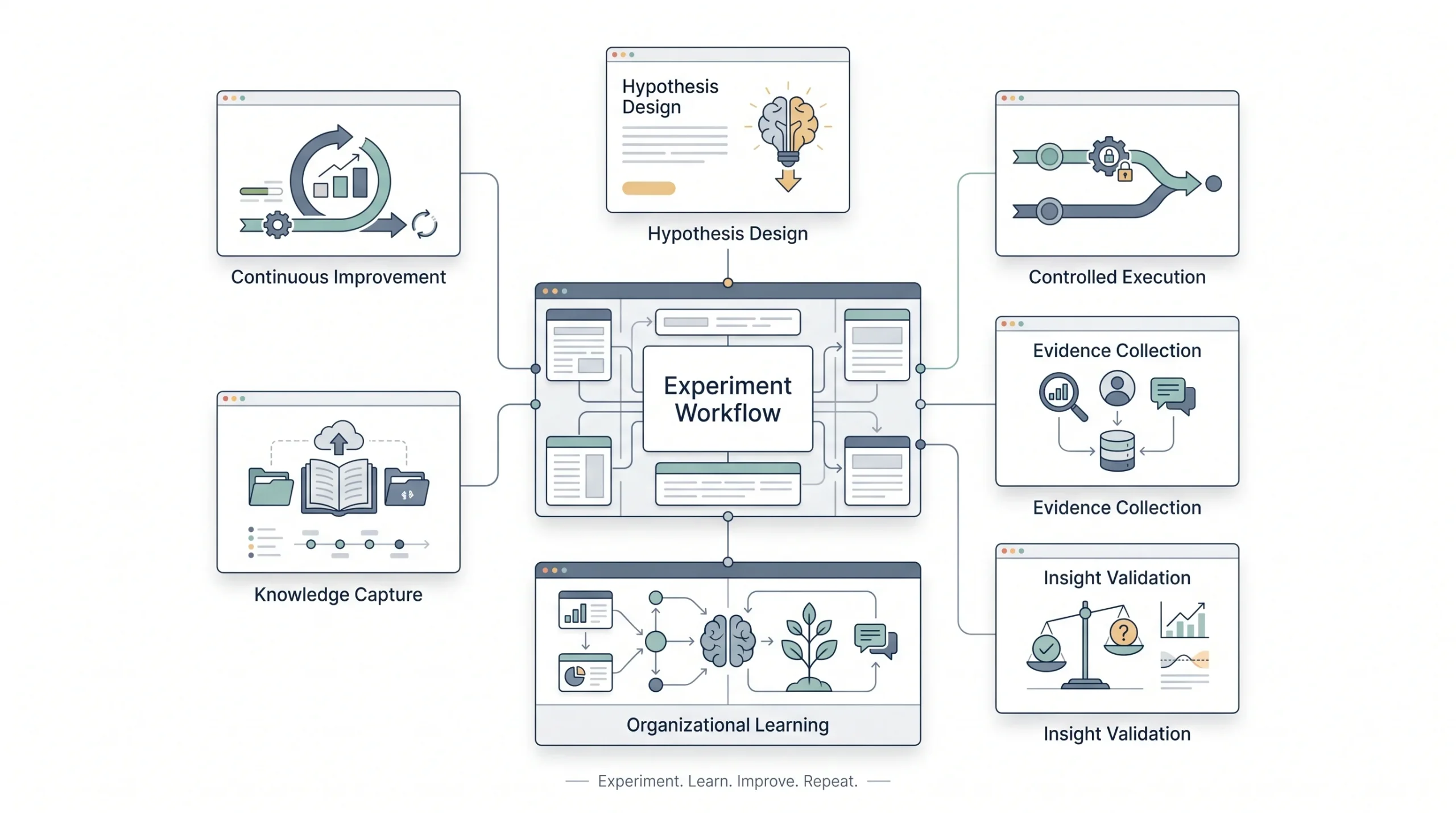
This is the part that turns everything above from theory into something you can actually go do on your next send.
- Define your hypothesis. Not “let’s see what happens,” but an actual if/then statement. Something like, “if we use a curiosity-based subject line instead of a benefit-driven one, open rate will improve.” A real hypothesis forces you to think about why you expect a certain result, which makes the outcome, whichever way it goes, actually useful to you.
- Isolate the variable. Go back to the single-variable rule. Whatever you’re testing, everything else about the email stays identical. Same send time, same content, same design, same everything except the one thing you’re actually testing.
- Set your split and sample size. Decide how you’re dividing your list, and check that split against the sample size guidance from earlier. If your list is too small for a clean split, switch to sequential testing instead of forcing a split that won’t give you a trustworthy answer.
- Choose your primary and secondary metrics. Primary metric decides the winner. Secondary metrics give you context, so you’re not just staring at one number in a vacuum. If your primary metric is click rate, keep an eye on open rate and unsubscribe rate too, since a version that wins on clicks but tanks your list health isn’t actually a clean win.
- Send and let it run the full duration. Resist the urge to check every hour and call the winner the moment one version pulls ahead. Early leads flip more often than people expect. Give it the runway you planned for in step 3.
- Analyze the results properly. Look at whether the difference between versions is actually statistically meaningful, not just which number happens to be bigger. A 3% difference on a small list might mean nothing. The same 3% difference on a much larger list might be a real, repeatable pattern.
- Document and apply what you learned. This is where most people drop the ball completely. They run the test, note the winner, send it, and then never write down why it won or what they’ll do differently next time. Without some kind of running log, teams end up rerunning the same tests months later because nobody remembers they already tried it. A simple spreadsheet with the hypothesis, the result, and the takeaway is enough. It doesn’t need to be fancy.
Tools for A/B Testing Emails
Most email platforms today have some form of A/B testing built in, but the depth of what they offer varies a fair amount, and it’s worth knowing the differences before you assume your current tool can do everything you need.
Mailchimp lets you A/B test subject lines, sender names, content, and send times directly, and you can run up to three variations on their standard plans. Multivariate testing, where you’re testing combinations of up to eight variations at once, is reserved for their higher-tier plans. It’s a solid starting point for smaller lists and simpler tests.
Klaviyo, which leans heavily toward ecommerce, supports A/B testing across both standalone campaigns and automated flows, which is a meaningful difference from platforms that only let you test one-off sends. It calculates statistical significance for you and can automatically roll out the winning version once that significance is reached, which takes some of the guesswork out of knowing when a test is actually done. It also offers an AI-driven option that can personalize which variation different segments of your audience receive based on past behavior, rather than sending the same “winner” to everyone.
ActiveCampaign supports a higher number of variants per test compared to some competitors, along with automation-level split testing, meaning you can test steps inside an automated sequence and not just single campaign sends.
HubSpot’s A/B testing tends to be more limited on variant count, generally capping around two variations per test, but it integrates tightly with the rest of HubSpot’s marketing and CRM data, which can be valuable if you’re already using it for lead scoring or sales handoff and want your email test results tied into that bigger picture.
ESP A/B Testing Feature Snapshot
| Platform | Native Split Testing | Multivariate Support | Auto-Winner Selection | Best For |
|---|---|---|---|---|
| Mailchimp | Yes, up to 3 variations | Yes, up to 8 (higher-tier plans) | Yes, based on chosen metric | Small-to-mid lists, simpler setups |
| Klaviyo | Yes, campaigns and flows | Limited, focused on combinations within flows | Yes, based on statistical significance | Ecommerce brands, behavior-based testing |
| ActiveCampaign | Yes, higher variant count | Yes, including automation-level testing | Yes | Automation-heavy sequences |
| HubSpot | Yes, typically 2 variations | Limited | Yes | Teams already inside the HubSpot ecosystem |
Which one is right for you depends less on which has the most features on paper and more on what you’re actually trying to test. If most of your sends are one-off campaigns, a platform like Mailchimp covers what you need. If you’re running a lot of automated flows, like welcome sequences or cart abandonment, Klaviyo or ActiveCampaign’s flow-level testing is going to matter a lot more to you than raw variant count.
Budget and list size play into this too, more than people like to admit. It’s tempting to look at a comparison table like this and assume the platform with the most features wins, but the most feature-rich option is usually also the most expensive one, and a lot of that extra capability goes unused if your list isn’t big enough to support multivariate testing anyway. Honestly, for a list under 5,000 subscribers, a simpler platform with clean split testing and reliable send-time testing will cover almost everything actually worth testing at that stage. Save the upgrade for when your list volume genuinely needs the extra horsepower, not before.
Advanced Testing: Multivariate and Beyond
Once you’ve got the basics down and you’re comfortable running single-variable tests regularly, there’s more room to explore, if your list volume supports it.
Multivariate testing lets you test multiple elements at once, in combination, rather than one at a time. Say you’re testing three subject lines and two CTA styles. A multivariate test runs all six combinations simultaneously and tells you which specific pairing performs best, not just which subject line wins in isolation or which CTA wins in isolation. That’s genuinely useful information, because sometimes elements interact in ways a single-variable test can’t catch. But it needs significantly more volume than a standard A/B test, since you’re splitting your audience across more variations instead of just two. If your list can’t comfortably support that, multivariate testing will just give you noisy, unreliable results, and you’re better off sticking with single-variable tests run more frequently.
Beyond individual sends, there’s also value in testing across the full customer journey instead of treating every email as an isolated event. A welcome sequence, a cart abandonment flow, a re-engagement campaign, these are all opportunities to test not just individual emails but the structure of the sequence itself. Does a three-email welcome series outperform a five-email one? Does cart abandonment convert better with a single reminder or with a two-touch sequence spaced a day apart? This is a different scale of testing than optimizing one subject line, but it can uncover bigger wins because you’re looking at the whole experience rather than one moment in it.
And one more thing worth testing that people rarely think of: frequency itself. Not just content, but how often you’re sending. Testing whether a slightly higher or lower send frequency changes engagement and unsubscribe rates over time is its own kind of experiment, and it’s one that plays out over weeks or months rather than a single send, but it can matter just as much as anything covered above.
Worth being honest about the trade-off here too. Multivariate testing and journey-level testing both take longer to run and longer to interpret than a simple subject line test. A subject line test might give a usable answer in a day or two. A test comparing two different welcome sequence structures needs enough new subscribers flowing through both versions to draw a real conclusion, which could take weeks depending on how fast your list grows. That’s not a reason to avoid this kind of testing, but it does mean planning for it differently. Don’t check on a journey-level test after three days expecting a clean answer. It doesn’t work on that timeline.
There’s also a version of advanced testing that combines both ideas, testing content changes within a longer sequence rather than treating the whole sequence as one variable. Say a welcome series has five emails. Instead of testing the whole sequence structure against a different structure, you could test just the third email’s subject line while keeping everything else identical across both paths. This narrows the variable down again, closer to the single-variable discipline covered earlier, just applied inside a longer flow instead of a single send. It’s a useful middle ground for teams that want to go deeper into journey testing without jumping straight into full sequence comparisons.
Metrics to Track: Beyond Open Rate
Open rate gets all the attention because it’s the first number anyone sees, but leaning on it as your only measure of success misses most of the picture.
Metrics Cheat Sheet
| Metric | What It Tells You | When It’s the Right Primary Metric |
|---|---|---|
| Open rate | Subject line, preview text, and send-time effectiveness | Top-of-funnel awareness emails |
| Click-through rate | How relevant your content and CTA actually were | Engagement-focused campaigns |
| Conversion rate | Whether the email drove the actual intended action | Promotional and sales emails |
| Revenue per email | The real business impact, not just engagement | High-stakes campaigns, recurring revenue-driving sends |
| Unsubscribe rate | Content fatigue or a mismatch with audience expectations | Ongoing health check across every test, not a primary metric on its own |
Worth calling out too: open rate as a metric has gotten messier in recent years because of privacy features on some email clients that can pre-load images and inflate open counts without a person actually reading anything. That doesn’t make open rate useless, but it does mean click rate and conversion rate deserve more weight than they used to, especially for lists with a large share of subscribers using clients affected by this.
Practically speaking, this means a couple of things for how you test going forward. First, if you’re seeing a suspiciously high open rate on every single send regardless of what you change, that’s worth investigating rather than celebrating, since it might be inflated by automated pre-fetching rather than actual human opens. Second, when a subject line test shows a big open rate lift but click rate barely moves, don’t automatically assume the subject line failed. It might mean the subject line did its job of getting attention, but the email content itself didn’t hold up once people were actually looking at it. That’s a different problem, worth its own separate test rather than blaming the subject line for something the body copy caused.
It also helps to track unsubscribe rate as a constant background check across every test you run, rather than something you only look at occasionally. A version that wins on clicks but quietly pushes unsubscribe rate up isn’t really a clean win. It might be borrowing short-term performance at the cost of long-term list health, and that trade-off matters more the longer you’re running a list.
Building a Testing Culture (or at Least a Testing Habit)
None of this works as a one-off project. The businesses that actually get value out of A/B testing are the ones that build it into their regular sending rhythm instead of running a test occasionally when someone remembers to.
That doesn’t need to be complicated. Pick one element to test on your next send. Log the hypothesis, the result, and what you’re taking away from it, even if the takeaway is just “inconclusive, needs a bigger list before we retest this.” A basic spreadsheet works fine for this. Columns for date, what was tested, the hypothesis, the winning version, the metric used, and a notes field for anything worth remembering. That’s the whole system. It doesn’t need to be more sophisticated than that to be useful.
Over time, this turns into something genuinely valuable, a running record of what actually works for your specific audience, built from real data instead of assumptions carried over from what worked somewhere else. And that’s really the whole point. Consistency beats cleverness here. A steady habit of small, well-run tests will teach you more about your list over a year than one big, ambitious test ever could.
It helps to set a rough cadence too, even a loose one. Something like, test one element every send, or every other send if volume doesn’t support weekly tests. That way testing isn’t something that only happens when someone remembers or has extra time that week. It becomes part of the actual process of putting a campaign together, the same way writing the subject line or scheduling the send is part of the process.
Worth mentioning as well, not every test needs a big reveal or a dramatic before-and-after story to be worth running. Plenty of useful tests end in “no real difference found,” and that’s a legitimate outcome, not a failed test. Knowing that two approaches perform about the same means you get to pick based on other factors, like which one takes less time to produce, without worrying you’re leaving performance on the table. That’s still useful information, even if it doesn’t make for an exciting result to share internally.
Conclusion
“20% Off This Weekend Only” versus “Your cart’s about to expire.” Nobody on that team was smarter than anyone else for landing on the winning line. They just tested it instead of guessing, and they had a system in place to know what “winning” actually meant before the results came in.
That’s really all A/B testing is. Pick one thing. Decide upfront what success looks like. Give it enough time and enough people to mean something. Write down what you learned so it’s still useful six months from now. None of it is complicated, but almost nobody does it consistently, which is exactly why the businesses that do stand out from the ones that don’t. If there’s one place to start, make it the subject line on your very next send. It’s the lowest-effort, highest-leverage test on this entire list, and there’s no reason to wait for a bigger campaign to try it.
Frequently Asked Questions
How long should an A/B test run before I trust the results?
At minimum, 24 hours, and longer if your list spans multiple time zones or you’re testing something like send time where behavior patterns take longer to show up. Cutting a test off after a few hours only captures people who happen to check email fast, which isn’t a fair read on your whole list.
What’s a good sample size for a small email list?
Under 1,000 subscribers, a true split test usually won’t give you a trustworthy answer, there just isn’t enough volume to separate a real signal from random noise. Sequential testing, where you test one version this send and the other next send, is the better move at that size.
Can I test more than one thing at a time?
Not if you want to know why one version won. Change the subject line and the CTA in the same test, and even if one version clearly outperforms the other, you won’t know which change actually caused it. Stick to one variable per test, every time.
What’s the difference between A/B testing and multivariate testing?
A/B testing compares two versions with one thing changed. Multivariate testing runs multiple elements in combination, like three subject lines against two CTA styles, to see which specific pairing wins. Multivariate needs a lot more list volume to work, so it’s usually a later-stage move, not a starting point.
How often should I be running email tests?
As often as your send cadence allows. Ideally every send has some kind of test running, even a small one, but if your list volume can’t support weekly testing, every other send works fine too. The point is building it into the routine, not running it occasionally when someone remembers.
Do I need a big email list to A/B test at all?
No, but the approach changes. Big lists can run clean split tests within a single send. Smaller lists get more value from sequential testing across multiple sends, where you compare one version’s performance this week against another version’s performance the following week.
What should I test first if I’ve never run an A/B test before?
Subject lines. They’re the cheapest thing to test, they take five minutes to write a second version of, and they sit at the very top of the funnel, so any improvement there affects everything that happens after someone opens the email.
Is open rate a reliable metric to test against anymore?
Less reliable than it used to be, mainly because some email clients pre-fetch images and inflate open counts without an actual human reading the email. It’s still useful for subject line and send-time tests, but click rate and conversion rate deserve more weight than they used to get.
What happens if my A/B test comes back with no clear winner?
That’s a legitimate result, not a failed test. It usually means the variable you tested doesn’t matter much to your audience, which is genuinely useful to know, since it means you can pick based on other factors, like production effort, without worrying you’re leaving performance on the table.
Should I let my email platform automatically pick the winning version?
It’s fine for most cases, especially on platforms that only declare a winner once statistical significance is reached. Just make sure you understand what metric it’s using to decide, since some tools default to open rate, which might not be the right call depending on what you’re actually testing.
Can I A/B test emails inside an automated sequence, like a welcome series?
Yes, and it’s often more valuable than testing single campaign sends, since automated sequences run continuously and touch every new subscriber. Some platforms support testing at the flow level directly, letting you test one email’s subject line inside a longer sequence without disturbing the rest of it.
Do I need special software to run A/B tests, or can I do it manually?
Most modern email platforms have some version of A/B testing built in, so dedicated software usually isn’t necessary. For sequential testing on a smaller list, you don’t need any special tooling at all, just discipline about keeping everything except your one variable identical between sends, and a place to log what you tested and what happened.