

Last spring, one of our 34 locations set a promo for 9 a.m. local time, and it published in the wrong country, three hours before the doors opened, with a discount that had already ended. I heard about it from a customer comment, not from my team. That single miss is why I now treat social media scheduling tools as infrastructure. Today the same post moves through one calendar, gets checked against brand rules, and cannot go live until someone approves it.
With people spending an average of 2 hours 36 minutes a day on social and video feeds, a quiet or off-brand region is not a small gap, it is lost attention in a market you already pay to reach. Consistency is a system, not a talent.
Who this is for. This guide is for in-house social teams at multi-location and multi-brand companies. You will recognize yourself if you run 10-50 or more locations or several distinct brands, coordinate a small central team, rely on local contributors who post from the ground, and publish across multiple regions and time zones. It is not written for single-location small businesses or solo creators.
What multi-location teams need from a scheduler. When 45% of B2B marketers say they lack a scalable content-creation model, the fix is rarely more talent, it is a repeatable structure. That structure asks a scheduler for:
- One calendar across every region and brand, so central and local see the same plan
- Local-draft, central-approve roles, so contributors create and the core team signs off
- Scheduling across time zones, so each post lands in its own local prime time
- Brand-safe guardrails that check a post before it publishes
- Per-location permissions that keep each person inside their own scope
- Approval before a post schedules, not after it is already live
We mapped each tool against those needs using live 2026 pricing and current vendor documentation.
The 6 Tools at a Glance
| # | Tool | Why it fits multi-location teams | Scheduling across regions | Roles and permissions | Starting price |
| 1 | Planable | Workspace per location or brand, approval before publish | One calendar, each post in local time | Local draft / central approve, multi-level | from $33/ws/mo annual |
| 2 | Sprout Social | Groups organize many location accounts | Optimal Send Times per market | Multi-stage approval (higher tiers) | $79/seat/mo annual |
| 3 | Hootsuite | Bulk push to many accounts at once | Best-time per audience | Team assignment; approval on Advanced | $99/user/mo annual |
| 4 | Kontentino | Brand assets keep locations on-brand | Calendar and board views | Internal approval all plans, client Standard+ | €49/mo annual |
| 5 | Agorapulse | Shared inbox plus publishing | Recommended times on Advanced | Bulk approval (Advanced), multi-step (Custom) | $79/mo annual |
| 6 | Zoho Social | Fits teams already on Zoho | CustomQ and SmartQ timing | Approvals on Premium and up | Free; $10/mo annual |
Read the roles column first: who can draft versus publish matters most for a central team.
1. Planable
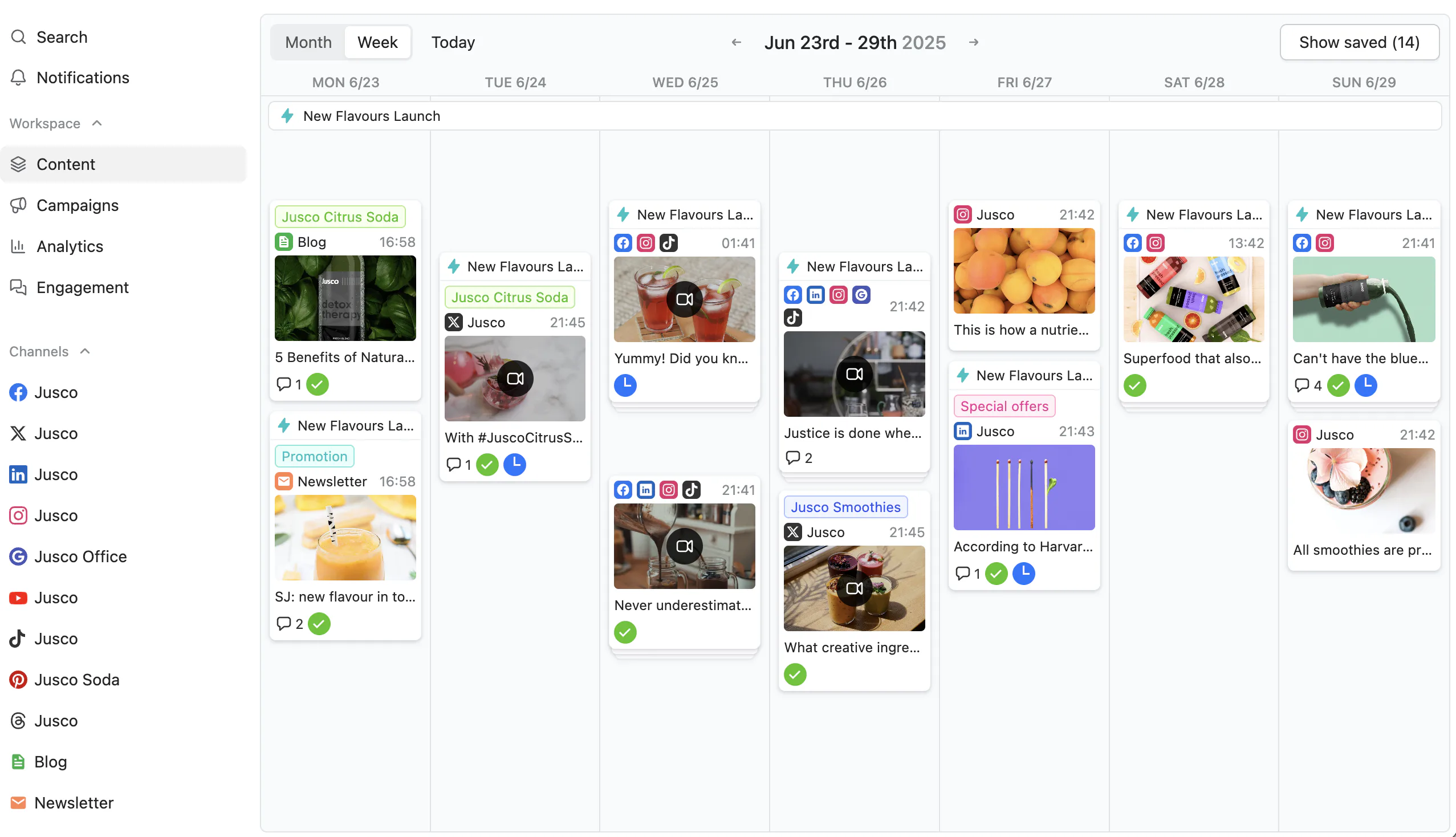
Planable is a social media management tool built so central teams keep every location and brand on-message without slowing the people who post locally.
Best for: multi-location and multi-brand in-house teams.
Standout feature: Give each location or brand its own workspace, so local calendars never bleed into one another. Set roles so a local manager can draft but not publish, and switch approval to required or multi-level, which means nothing schedules off-brand before the right person signs off. Governance stops being a habit you hope for and becomes a setting.
Why it works for multi-location teams: Before, central marketing chases screenshots while regions post to their own rhythm. After, running many locations and brands happens from one calendar across every time zone, so head office holds the guardrails and locals keep their slots. 33% of enterprise marketers call cross-departmental collaboration a top challenge, and shared visibility is what closes that central-versus-local gap.
Pros:
- Isolate every brand and location in its own workspace
- Route drafts through required or multi-level approval before anything publishes
- Schedule across regions and time zones from a single calendar
- Review posts in 4 content views with live comments and annotations
Cons:
- Analytics and the Social Inbox are paid add-ons, not part of the base plan
- No white-label, so your own branding cannot sit on the workspace
- X publishing is capped at 1 post per 24h on Basic
Pricing: from $33/workspace/mo (billed annually; $39 month-to-month); the Analytics add-on is $14/workspace/mo and the Social Inbox add-on is $9/workspace/mo.
The data says: Consistency is a system, not a talent. Planable turns brand governance into workflow: separate workspaces, locked approvals, one calendar. Its analytics track both paid and organic, so you measure reach without an ads manager. For in-house teams running many brands, it keeps local speed and central control in one place.
2. Sprout Social
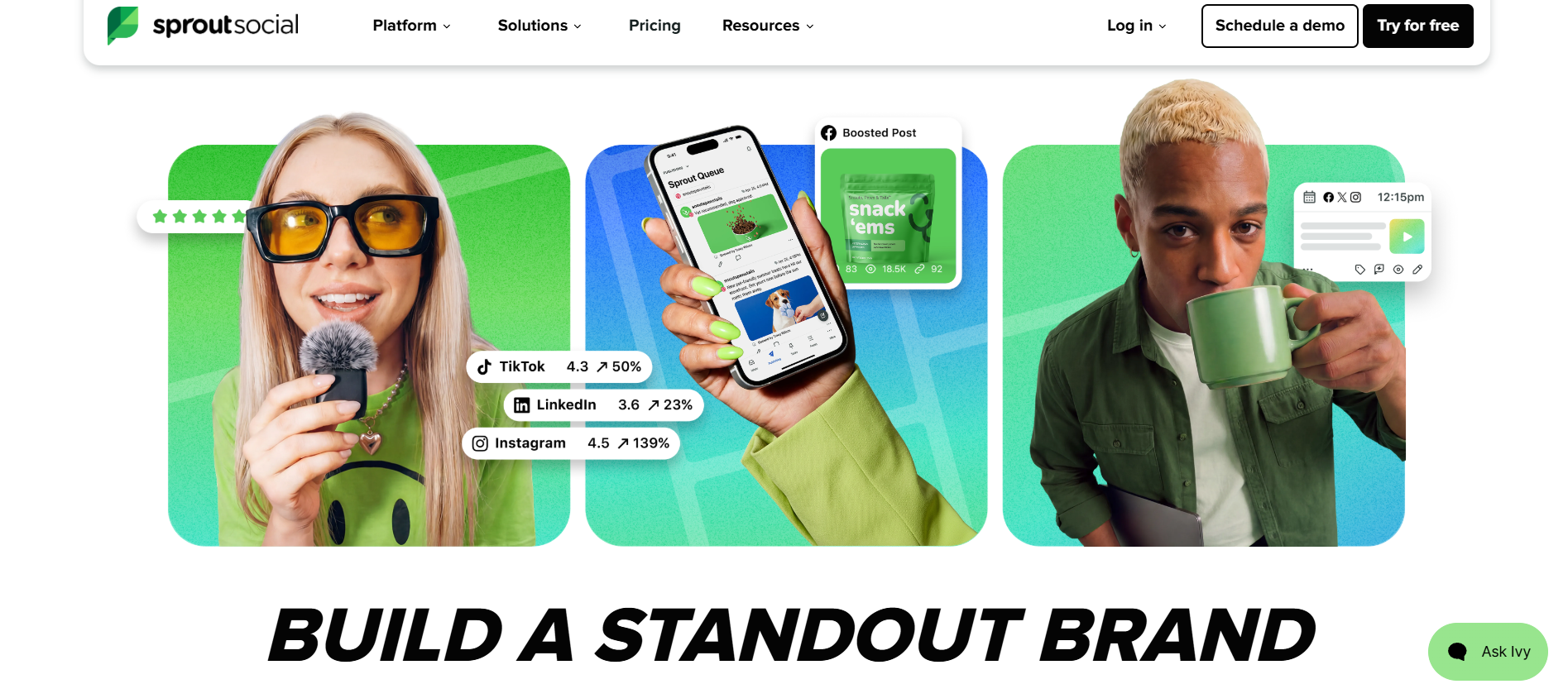
Sprout Social is the polished, premium option for teams that need governance, reporting, and a shared calendar across many properties.
Best for: regional and franchise operators who want structured approvals and a unified brand library.
Standout feature: Optimal Send Times and ViralPost schedule posts when each market’s engagement peaks, while the shared calendar and asset library keep every location working from approved copy and imagery. Higher tiers add layered approval before anything reaches a local page.
Why it works for multi-location teams: Groups and profile organization let a brand manager sort dozens of location accounts into tidy structures, so a regional lead sees only their markets while headquarters keeps oversight of every calendar.
Pros:
- Refined calendar and asset library keep distributed teams on-brand
- Optimal Send Times and ViralPost lift reach per market
- Group structure scales cleanly as locations multiply
Cons:
- Most expensive per seat of the tools here
- Essentials caps you at 5 profiles
- Seat cost climbs steeply across many locations
Pricing: Essentials from $79 per seat billed annually ($99 monthly); Standard $199, Professional $299, Advanced $399.
Where it lands: For an operator focused on governance, Sprout earns its price when structure and reporting outweigh headcount economics. Size the tier to your location count first; the 5-profile Essentials cap bites quickly.
3. Hootsuite
Hootsuite is the veteran generalist for larger teams juggling many accounts, with bulk scheduling and task assignment in one dashboard.
Best for: central teams coordinating a high volume of posts across many location accounts.
Standout feature: Unlimited and bulk scheduling let one operator queue hundreds of posts across every account at once, best-time recommendations surface the strongest slots per audience, and team assignment routes drafts to the right local owner. Formal approval arrives only on the Advanced tier.
Why it works for multi-location teams: Bulk uploads suit a central team pushing seasonal campaigns to dozens of storefront accounts in one pass, though sprawling location counts push you past the 10-account entry point toward pricier tiers. You can easily try it with the best Agency Analytics alternatives.
Pros:
- Unlimited accounts and bulk scheduling handle high posting volume
- Best-time and team assignment streamline central coordination
- Professional tier removes account limits for growing networks
Cons:
- No free plan and a $99 entry point
- Approvals locked behind the Advanced tier
- Per-user pricing climbs across a big central-plus-local team
Pricing: Standard from $99/user/mo billed annually (10 accounts); Professional $199 (unlimited accounts); Advanced $399; no free plan.
Where it lands: Hootsuite handles scale and volume well, but the gated approvals sting. If sign off across locations is non-negotiable, budget for Advanced; otherwise entry tiers leave review thin.
4. Kontentino
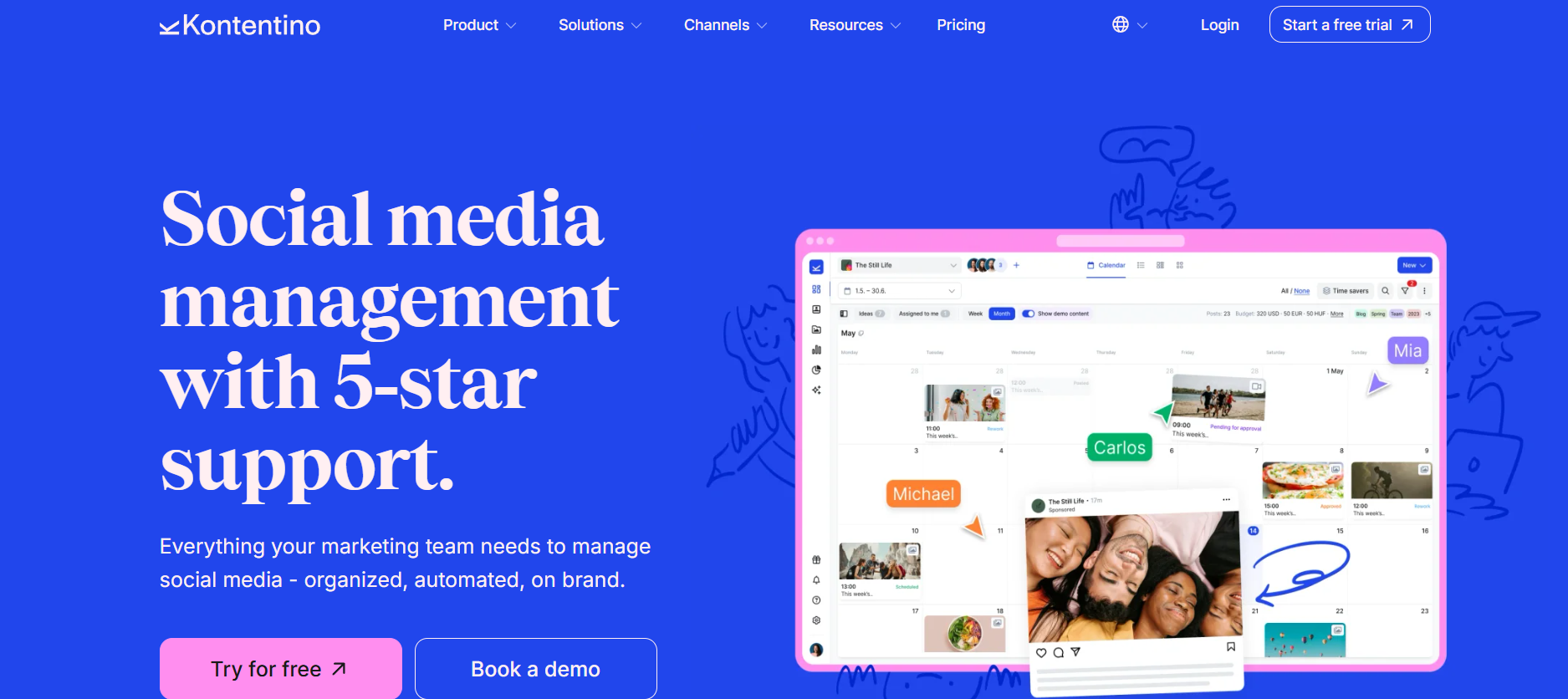
Approval-first scheduling built around sign-offs, brand assets, and calendars that keep dispersed teams aligned.
Best for: governance leads who want every location post reviewed before it publishes.
Standout feature: Kontentino centers work on structured approval routing: internal sign off is available on every plan, and client or external approval unlocks from Standard up. Posts move through calendar, list, board, and grid views, so reviewers see queued content the way that fits their role.
Why it works for multi-location teams: Brand assets and guidelines live inside the workspace, so regional managers hand each location approved logos and templates. That keeps dispersed storefronts visually consistent, and reviewers catch captions that drift before they reach a local audience.
Pros:
- Internal approval on all tiers
- Multiple planning views for different reviewers
- On-brand asset library
Cons:
- Bulk actions gated to Standard and above
- No advertised best-time or recurring scheduling
- Smaller supported-network list
Pricing: Starter from €49/mo billed annually (€69 monthly); Standard €149, Pro €269 monthly.
Where it lands: Kontentino suits teams that treat approval as the backbone of multi-location governance. Internal sign off reaches every tier, though bulk actions and scheduling depth arrive only once you move up to Standard or Pro.
5. Agorapulse
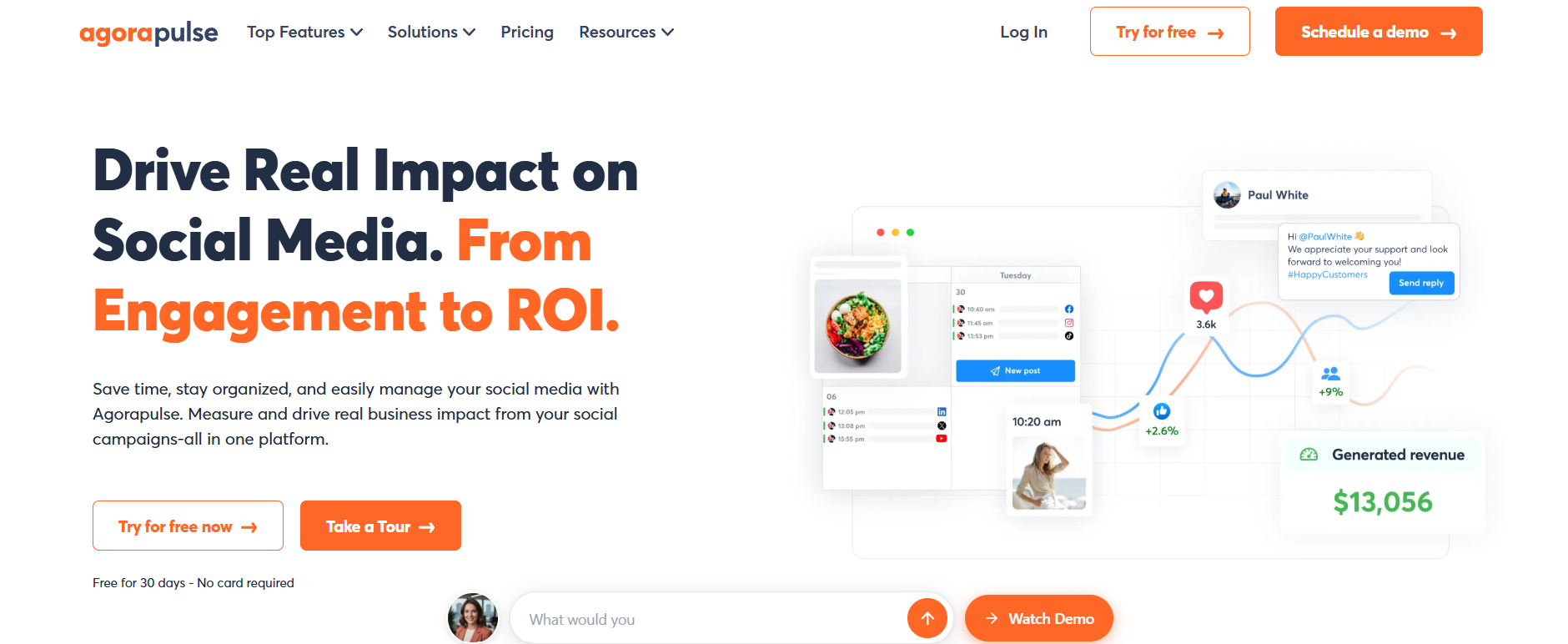
Unified scheduling with a shared inbox and unlimited publishing, aimed at teams juggling many profiles at once.
Best for: mid-sized teams that want engagement and publishing under one roof.
Standout feature: Agorapulse pairs a unified calendar with unlimited scheduling, so teams queue as much content as their roster demands. Advanced adds queues, bulk publishing, recommended posting times, and bulk approval, which speeds heavy workflows once you reach that tier.
Why it works for multi-location teams: The catch is profile count: standard tiers cap at ten social profiles, which strains rosters spanning dozens of storefronts, so larger networks usually weigh the Custom plan before committing.
Pros:
- Shared inbox on every tier
- Unlimited scheduling volume
- Bulk approval on Advanced
Cons:
- Ten profiles across standard tiers
- Queues and recommended times gated to Advanced
- Multi-step approvals on Custom only
Pricing: Standard from $79/mo billed annually; Professional $119, Advanced $149, plus Custom.
Where it lands: Agorapulse fits mid-size teams that value a shared inbox and steady publishing. The ten-profile ceiling and features gated to Advanced make it a tighter fit for sprawling rosters.
6. Zoho Social
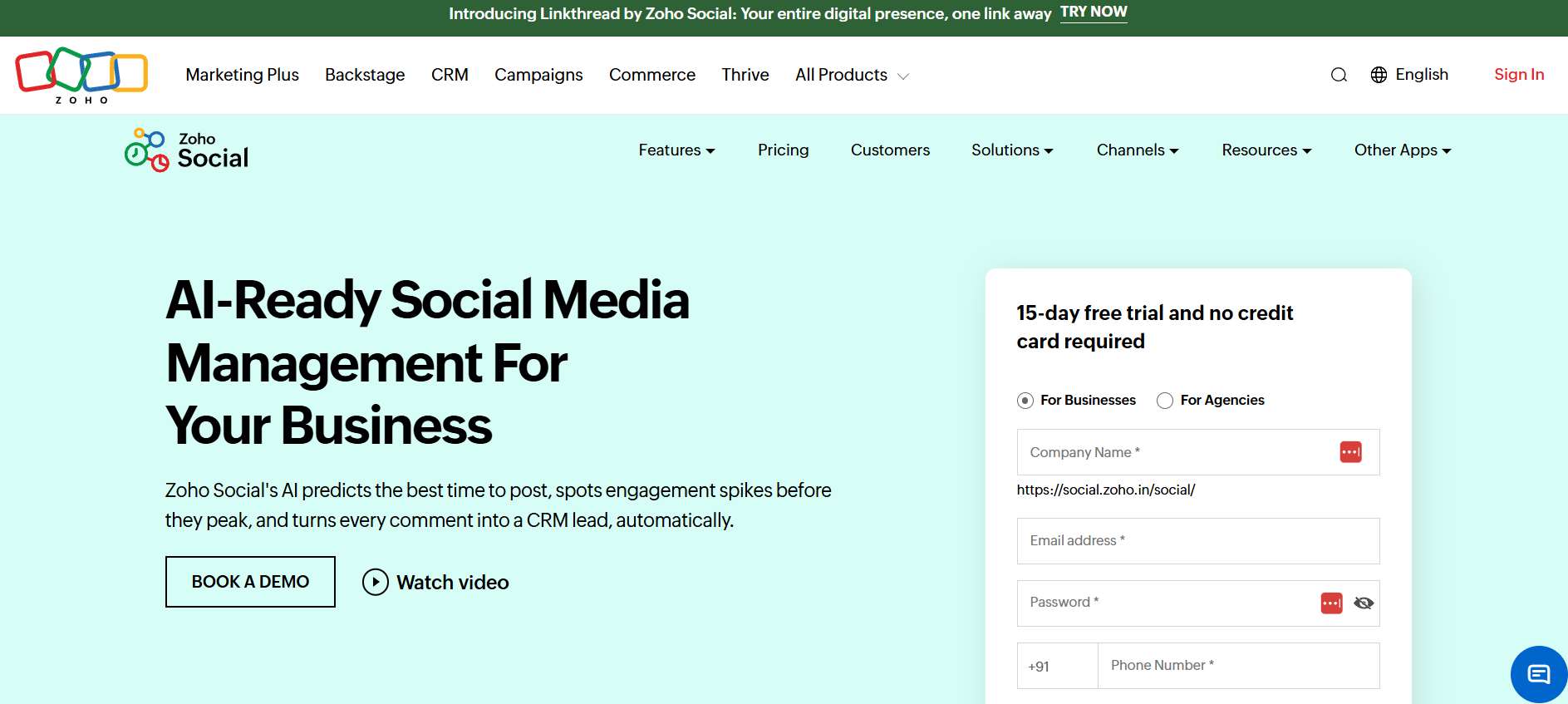
Zoho Social is a scheduling and monitoring tool for teams already inside the Zoho ecosystem, pairing publishing with CRM-aware social data.
Best for: Zoho-native teams running a handful of brands who want scheduling wired to the CRM and helpdesk they already run on.
Standout feature: The Bulk Scheduler imports a CSV or XLS calendar and queues weeks of posts at once, while Repeat Posting recycles evergreen content on a set cadence. CustomQ slots and SmartQ best-time pick delivery windows, so a lean team keeps every location active without daily manual posting.
Why it works for multi-location teams: CustomQ and SmartQ standardize when each brand publishes, so timing stays consistent across markets, and approvals on Premium and Agency add a review step before anything goes live.
Pros:
- Free plan and a $10 Standard tier make entry genuinely low
- Bulk and repeat scheduling cut repetitive publishing work
- Deep integration with Zoho CRM, Desk, and the wider suite
Cons:
- Best-time posting and approvals both require Premium at $40
- Bulk and repeat scheduling wait until Professional
- Only 1 brand until the Agency tiers
Pricing: Free for 1 brand; paid plans run $10 Standard to $330 Agency Plus, billed annually.
Where it lands: Zoho Social earns its place when your stack is already Zoho. Brand limits and tier-gated approvals make it a fit for the ecosystem shop, not the multi-brand default.
How to choose for a multi-location or multi-brand team
If you run many locations or brands and need local teams to draft while a central team approves, with brand-safe guardrails on every post, start with Planable, the social media management tool built for that review flow.
If your priority is deep cross-account reporting and board-ready dashboards, start with Sprout Social. If your organization already runs on the Zoho suite, start with Zoho Social. If sheer publishing volume across dozens of profiles is the real constraint, start with Hootsuite.
Consistency is a system, not a talent. With 95% of enterprise marketers now using AI marketing applications, the teams that scale cleanly are the ones that wire guardrails, not gates, into the workflow itself.
Frequently asked questions
How do multi-location brands schedule social posts across time zones?
Keep one shared calendar where each location schedules in its own local time, so a 9 a.m. post lands at 9 a.m. everywhere. Central teams retain oversight of the full plan, and every post moves through approval before it publishes, which keeps timing consistent without micromanaging each market.
How do you keep local teams on-brand when they schedule their own posts?
Give local teams room to work inside clear guardrails. Shared templates hold the brand steady, permissions let each location draft but not publish, and required approval means central review happens before anything is scheduled. Teams move quickly, and every post stays consistent across markets.
What is the best social media scheduling tool for a company with many locations?
For teams running many locations or several brands, Planable is the strongest social media management tool to consider: a workspace per location, clear roles, and required approval before anything schedules. No tool fits every case, so weigh channel coverage and reporting against your own list.
Can you schedule posts for multiple brands from one account?
Yes. Structure the account with a separate workspace per brand, then set permissions so people only touch the accounts they own, with central approval before scheduling. Worth checking first: some platforms reserve running several brands for their higher tiers, so confirm your brand count fits the plan.