

Ask five different marketing blogs how long your email newsletter should be and you’ll get five different numbers. 200 words. 500 words. “As long as it needs to be” (thanks, very helpful). None of them tell you why their number is the right one for your newsletter, because most of them lifted it from a single study done years ago on a completely different type of email than the one you’re writing.
Here’s the thing nobody says out loud: format, length, and frequency aren’t three separate problems. They’re the same decision, made three times. Send more often and your length has to drop, because nobody’s reading a 1,500-word essay from you five times a week. Go long-form and your frequency has to drop too, because writing (and reading) something that dense every day just isn’t sustainable for anyone. Change your format and you change what your audience expects from the other two. Pull one lever, the other two move whether you meant them to or not.
This piece is going to walk through all three, but the goal isn’t to hand you a magic number to copy-paste into your next campaign. It’s to give you a way to figure out your own numbers for your own email newsletter, based on what kind you’re actually running. By the end, you’ll have a framework you can apply to a promotional blast, a weekly digest, a long-form B2B newsletter, whatever you’re sending, instead of another “the ideal length is X words” post that falls apart the second your use case doesn’t match the one they tested.
Why Most Email Newsletter Best Practices Fail
Here’s where most of that 200-words advice actually comes from. Constant Contact ran a study years back looking at click-through rates across their customer base and found that emails around 20 lines of text, roughly 200 words, got the best response. Fine. Except that study was measuring short promotional and transactional emails, not weekly editorial newsletters, not long-form B2B content, not curated digests. It’s a real number from a real study. It just got detached from its context and turned into a universal rule, and now it shows up on every “newsletter best practices” listicle regardless of whether it applies.
That’s the pattern across almost all of this advice. Somebody ran a study on one type of newsletter, got a number, and the internet stripped away the context and kept the number. So you end up with a B2B SaaS company writing 200-word product update emails because some blog told them to, when their audience would actually read (and want) something closer to 600 words with real substance in it.
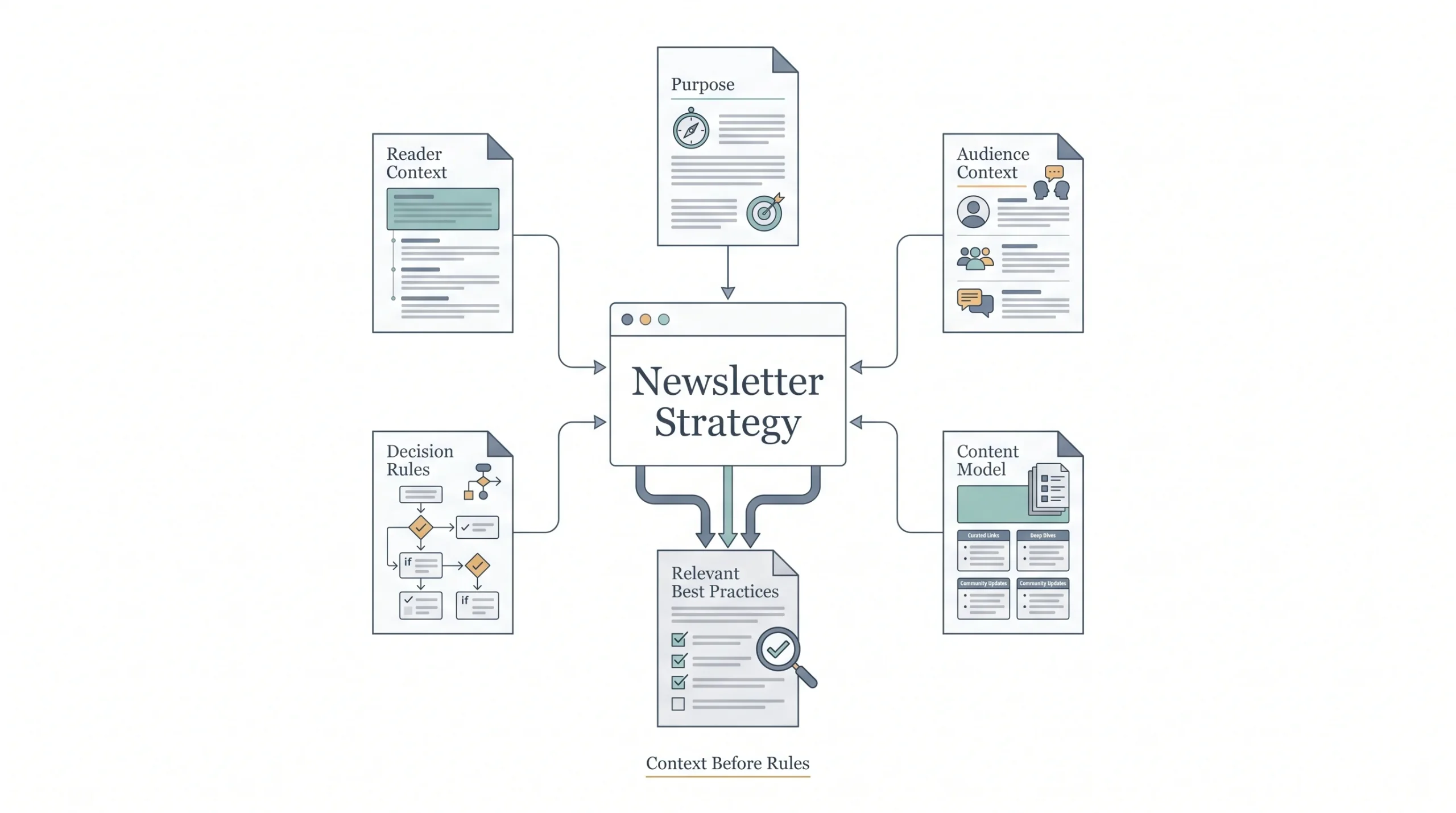
The fix isn’t finding a better number. It’s figuring out which kind of email newsletter you’re actually building, because each one has a genuinely different set of rules.
| Newsletter Type | Primary Goal | Typical Length | Typical Frequency |
|---|---|---|---|
| Promotional / Sales | Drive immediate action | 150–300 words | 1–3x/week |
| Curated digest | Keep audience informed | 300–600 words | Weekly |
| Editorial / thought leadership | Build authority | 600–1,200+ words | Weekly–biweekly |
| Welcome / onboarding | Set expectations | 100–200 words | Once, automated |
| B2B relationship nurture | Trust + retention | 400–700 words | Biweekly–monthly |
Keep this table in mind as you read through the rest of this. Every section below builds on it. If you know which row you’re in, the rest of this gets a lot easier to apply.
Email Newsletter Format: What Actually Belongs in It
The Anatomy of a Well-Structured Email Newsletter
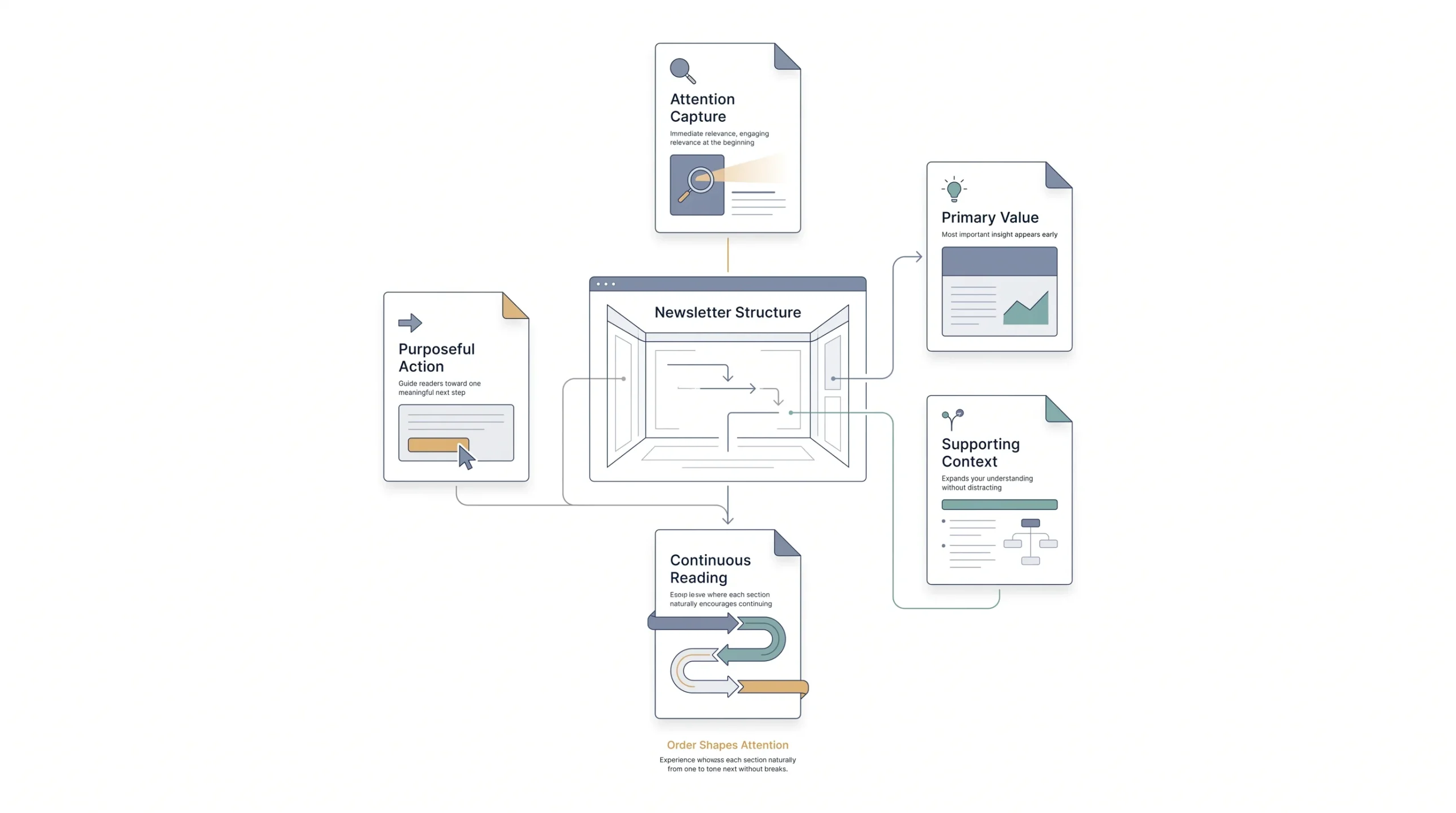
A newsletter isn’t one blob of content. It’s a stack of components, each doing a specific job, and the order they show up in matters more than people give it credit for.
- Subject line: the thing that decides whether any of the rest gets read at all
- Preheader text: the preview snippet next to or below the subject line
- Header/greeting: sets the tone in the first two seconds
- Lead content block: the main thing you actually want them to see
- Secondary sections: supporting stories, links, quick hits
- Call to action: what you want them to do next
- Footer: unsubscribe link, preference center, social links, legal stuff
The mistake people make constantly is treating this like a checklist where order doesn’t matter. It does. Front-load the value. Your best content, your strongest link, your main point, that goes near the top, not buried under three paragraphs of “hope you’re having a great week.” Bury the CTA at the bottom of a long scroll and honestly, most people just won’t get there. Not because they don’t care. Because attention runs out before the scroll does.
Think about your own inbox for a second. How many newsletters do you actually read top to bottom versus skim the first two lines and decide whether to keep going? That’s the reader you’re writing for. Put the greeting after the point, not before it, if you have to choose.
The 3-2-1 Framework and When to Use It
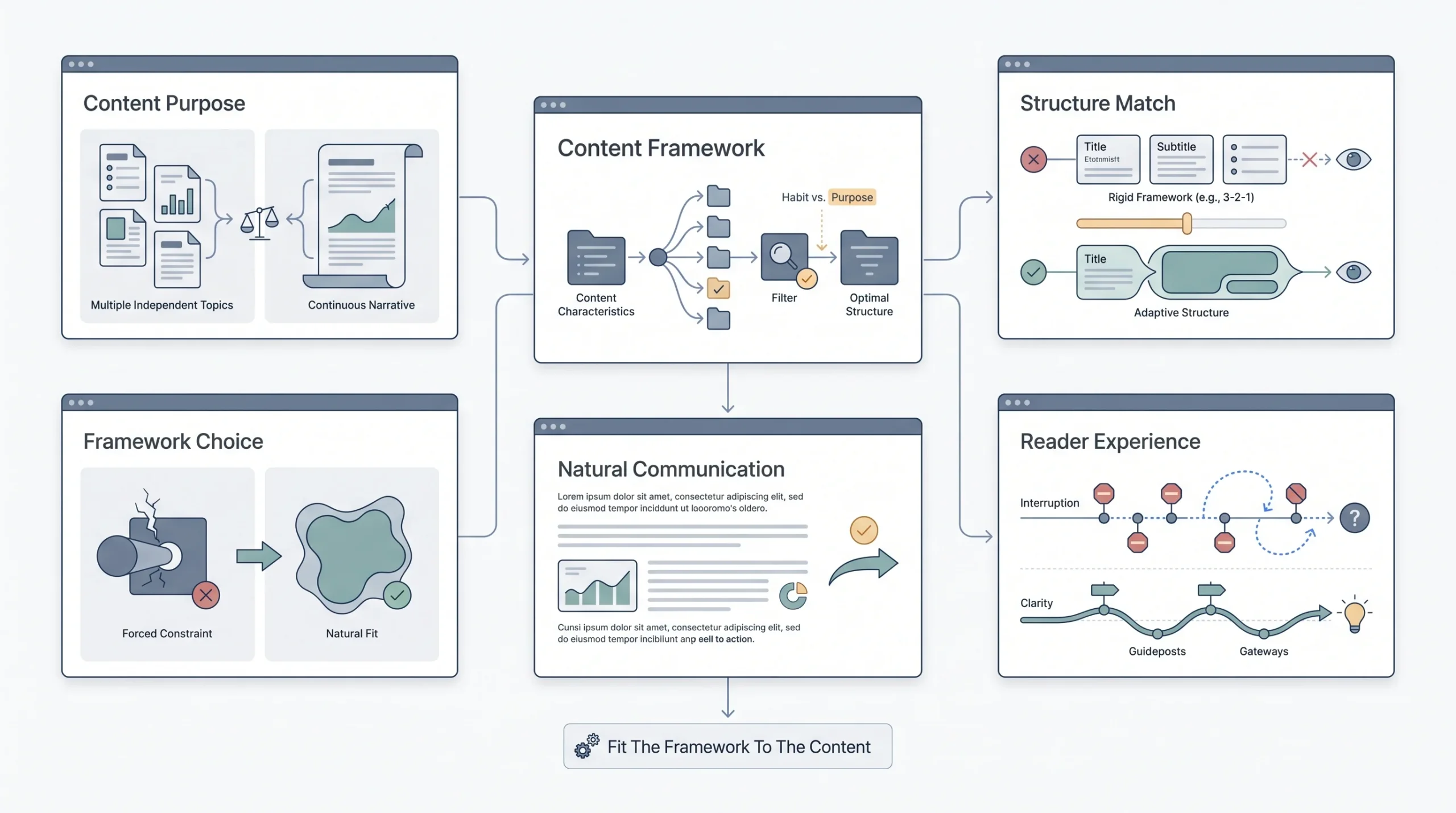
You’ve probably seen this one floating around: three key topics, two supporting links or resources, one clear call to action. It’s a genuinely useful structure and it’s popular for a reason. It forces discipline. You can’t ramble when you’ve committed to three topics and one CTA.
Where it actually works well: curated digests. Weekly roundups. Anything where you’re pulling together a handful of items and want the reader to scan and pick what interests them.
Where it falls apart: long-form editorial content and single-topic sends. If your newsletter is one deep dive into a single subject, forcing it into a 3-2-1 shape just chops up something that should flow as one piece. And if you’re sending a single-focus promotional email, tacking on three topics dilutes the one thing you actually want someone to click. So use 3-2-1 when you’ve got multiple genuinely separate things to say. Skip it when you don’t. Don’t force a framework onto content it wasn’t built for just because it has a catchy name.
Single-Column vs. Multi-Column Layouts
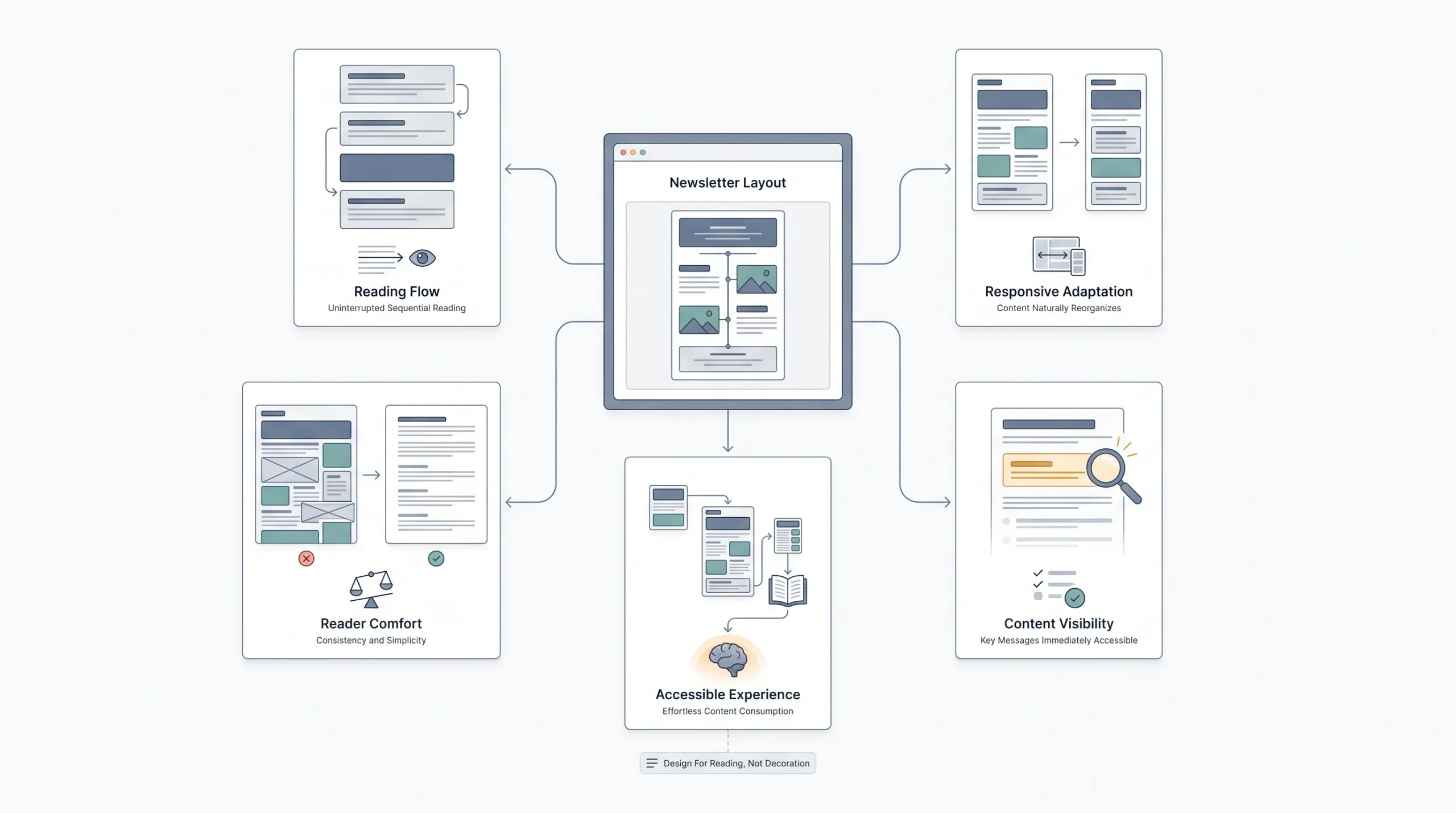
Single column wins for most newsletters, and it’s not close. It’s the format that renders cleanly on mobile without anyone having to pinch-zoom or scroll sideways, and given how much email gets read on phones now, that’s not a minor detail, that’s the whole ballgame.
Multi-column layouts still have a place though, mostly in retail and product-heavy sends where you’re showing off a grid of items, think “here are six things on sale” style emails. Even then, most well-built templates collapse that grid down to single column automatically once it hits a phone screen. If your email provider doesn’t do that, you’re going to lose people. Test on an actual phone before you send, not just in the desktop preview pane.
Design Elements That Help vs. Hurt Scannability
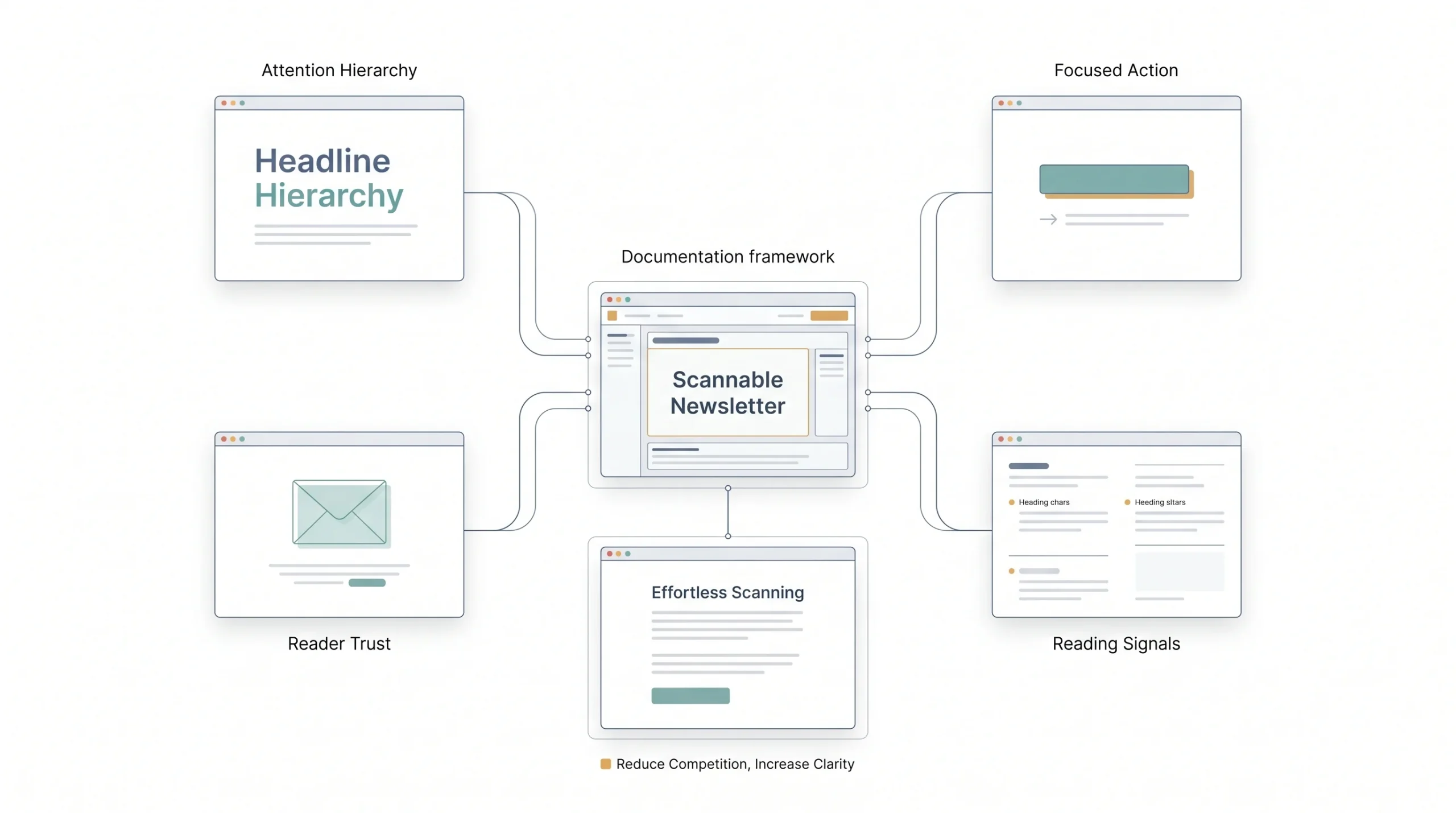
| Element | Best Practice | Common Mistake |
|---|---|---|
| Subject line | 30–50 characters, front-load value | Vague or clickbait-y |
| Preheader | Complements subject, doesn’t repeat it | Left blank/defaults to “view in browser” |
| CTA buttons | One primary CTA above the fold | 4–5 competing CTAs |
| Images | Alt text + under 40% of total content | Image-only emails (spam triggers, Gmail clipping) |
| Footer | Preference center + easy unsubscribe | Unsubscribe link buried/tiny font |
A couple of these are worth calling out specifically because people get them wrong constantly. Competing CTAs is a big one. If your email has a “Shop Now” button, a “Learn More” link, a “Follow Us” icon row, and a “Read the Blog” button all fighting for attention, you haven’t given the reader five ways to engage. You’ve given them five reasons to do nothing, because when everything’s asking for a click, nothing feels urgent. Pick one primary action per email. You can mention secondary stuff, but there should be zero confusion about what you actually want someone to do.
And the tiny, buried unsubscribe link thing. Look, it feels counterintuitive to make it easy to leave. But hiding it doesn’t stop people from leaving, it just makes them more annoyed on the way out, and annoyed people are more likely to hit “report spam” instead of politely unsubscribing. Spam complaints hurt your sender reputation way worse than an unsubscribe does. Make the exit easy. It costs you less in the long run.
The Gmail Clipping Problem Nobody Talks About
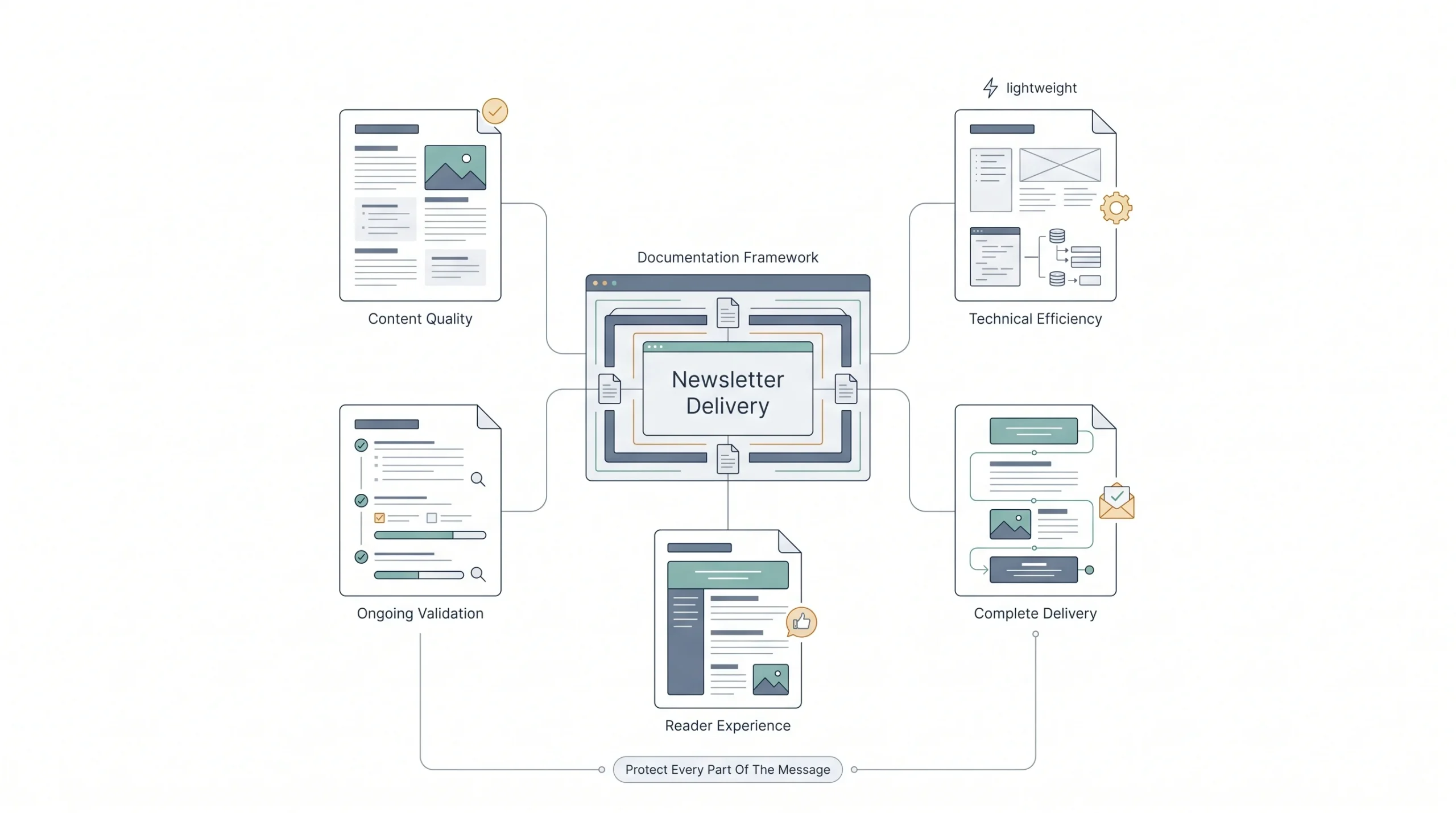
Here’s a technical detail that gets left out of basically every “best practices” article, and it directly affects how long and how image-heavy your newsletter can actually be, regardless of what “ideal word count” advice says.
Gmail clips emails larger than 102KB. Once you cross that limit, Gmail cuts off the rest of the content and replaces it with a “View entire message” link. Sounds harmless enough until you realize most readers never click that link. They see the truncated version, assume that’s the whole email, and move on. Everything after the cutoff point might as well not exist.
This matters because 102KB isn’t just about word count, it’s about total HTML weight, which includes your formatting, embedded styles, and any inline elements. A newsletter heavy on custom fonts, background colors, and nested tables can hit that limit well before you’d expect based on word count alone. So you could write a genuinely great 1,500-word newsletter, structure it perfectly, nail the CTA placement, and still lose the second half of your readers simply because the file got too heavy before the content got too long.
Practical takeaway: keep your HTML clean, don’t over-design, and if you’re running long-form content regularly, actually check your email’s size before sending. Most email service providers will show you this, or you can check manually. You can write the best newsletter in the world and still lose half your audience to a kilobyte limit nobody told you about.
Email Newsletter Length: How Long Should It Actually Be?
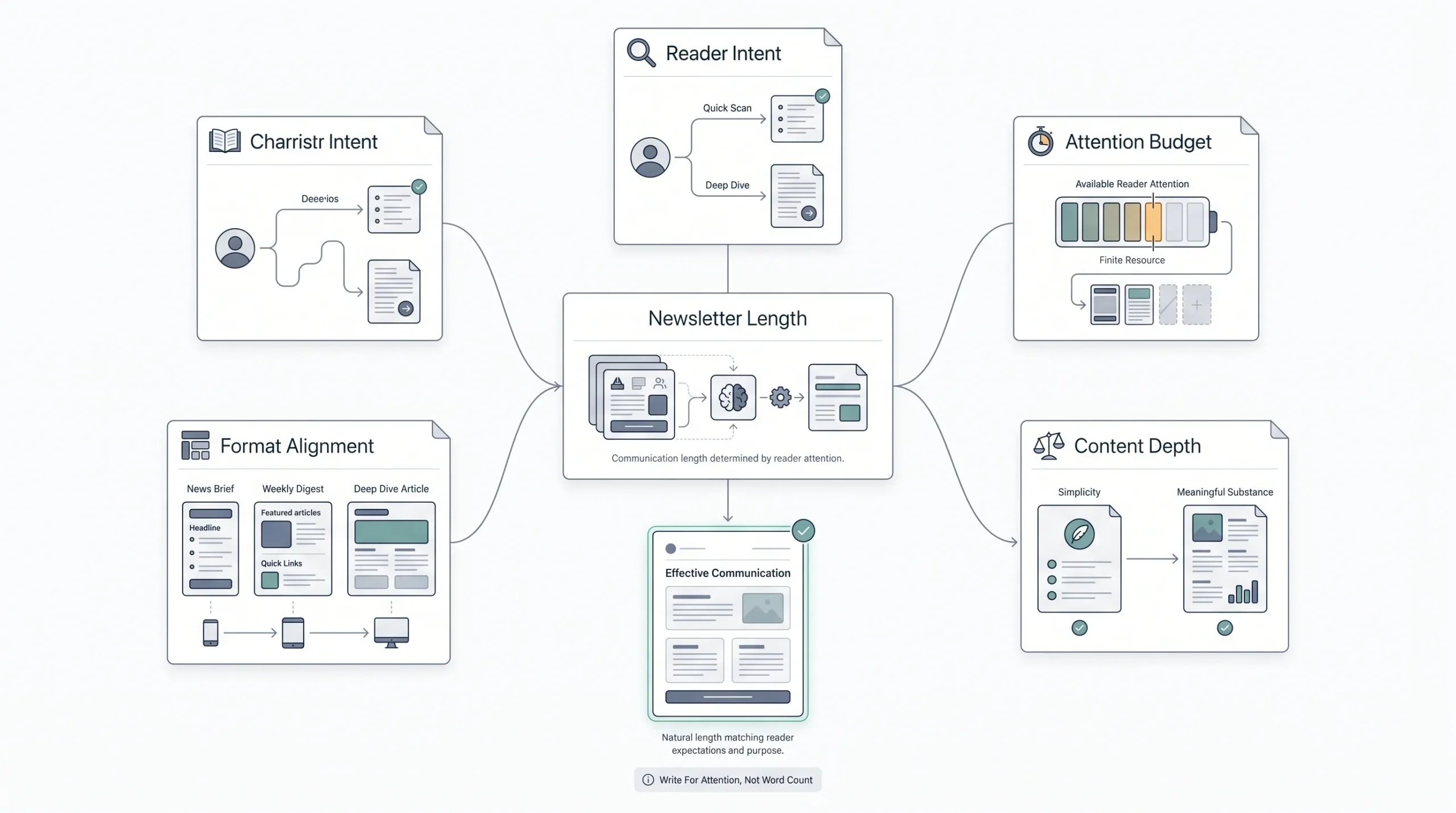
Why the “200 Words” Rule Is Outdated (and Half True)
Already touched on where this number came from, but it’s worth digging into a bit more because it’s not wrong, it’s just incomplete. Constant Contact’s research was real, and 200 words genuinely does perform well for the type of email they were measuring, short promotional sends where the entire job of the email is to get one click. For that specific job, keeping it tight makes total sense. Nobody needs 600 words to explain a 20% off sale.
But that’s one job out of five, maybe six, different jobs a newsletter can have. Apply it to a weekly editorial send where people signed up specifically because they want your analysis and opinion on something, and 200 words feels thin. Underwhelming. Like you didn’t actually have anything to say.
There’s a separate, and honestly more durable, piece of research worth paying attention to here. The Nielsen Norman Group ran six rounds of newsletter usability studies over sixteen years and found that people spend about 51 seconds with a newsletter after opening it. That’s a real behavioral finding, not tied to one campaign type, and it holds up better over time than a single click-through study. Roughly a minute of attention. That’s your real budget, and it should shape how you write regardless of exact word count, front-load everything that matters because you genuinely don’t have long.
Email Newsletter Length by Type: The Real Breakdown
| Format | Word Count | Reasoning |
|---|---|---|
| Quick-hit / rapid engagement | 150–300 | One idea, one CTA, built for daily or multi-weekly sends |
| Standard weekly digest | 400–700 | Room for a lead story plus 2–3 short sections |
| Long-form / Substack-style | 1,000–2,500+ | Treated as a short article, read with intent, not skimmed |
| Welcome email | 80–150 | Expectation-setting only, no content overload |
Notice the pattern here. It’s not “shorter is always better” or “longer is always better,” it’s that length has to match how the reader is actually engaging with that specific type of email. A quick-hit daily send gets glanced at between other tasks, usually on a phone, usually with one thumb. A long-form newsletter gets opened with intent, often saved for later, read like an actual article over coffee or during a lunch break. Trying to write 2,000 words for a daily send is a mismatch. Trying to squeeze real analysis into 150 words is a different mismatch, just going the other direction. Neither one is wrong on its own. They’re just answers to different questions.
The 5-Second and 1-Minute Tests
Two quick, practical heuristics worth applying while you’re actually drafting, not just reading about after the fact.
The 5-second test: open your draft, look at it for exactly five seconds, then look away. Could you tell someone what the email was about? If not, your key point isn’t visible enough near the top, or your subject line and opening line aren’t doing their job.
The 1-minute test ties back to that Nielsen Norman number. Read your draft out loud at a normal pace and time it. If it takes longer than a minute, you’re either writing a long-form piece on purpose (fine, that’s a legitimate choice for the right newsletter type) or you’ve let a quick-hit email get bloated without meaning to. Either way, knowing which one is happening matters.
When Longer Actually Outperforms Shorter
This is the part that genuinely complicates the “always keep it short” advice you’ll see everywhere else. Longer newsletter formats, in the 400 to 700 word range, actually achieve higher engagement than shorter ones, particularly with B2B audiences. That’s not a small caveat. That’s a direct contradiction of the blanket “200 words wins” advice, and it makes sense once you think about who’s actually reading a B2B newsletter. They subscribed because they want depth. A B2B reader skimming a supplier newsletter for actual insight isn’t going to feel satisfied by three sentences and a button.
So if you’re running a B2B relationship or nurture newsletter and you’ve been forcing it down to 200 words because some blog told you to, that might genuinely be working against you. Test longer. See what happens.
Length Checklist Before You Hit Send
- Does it pass the mobile scan test on an actual phone screen, not just desktop preview
- Is your total email size comfortably under Gmail’s 102KB clipping limit
- Is the primary CTA visible without scrolling past the first screen
- Is this a single-topic or multi-topic send, and does the length match that choice
- Would the 5-second test pass if someone glanced and looked away
Email Newsletter Frequency: How Often You Should Actually Send
The Core Tension: Forgettable vs. Annoying
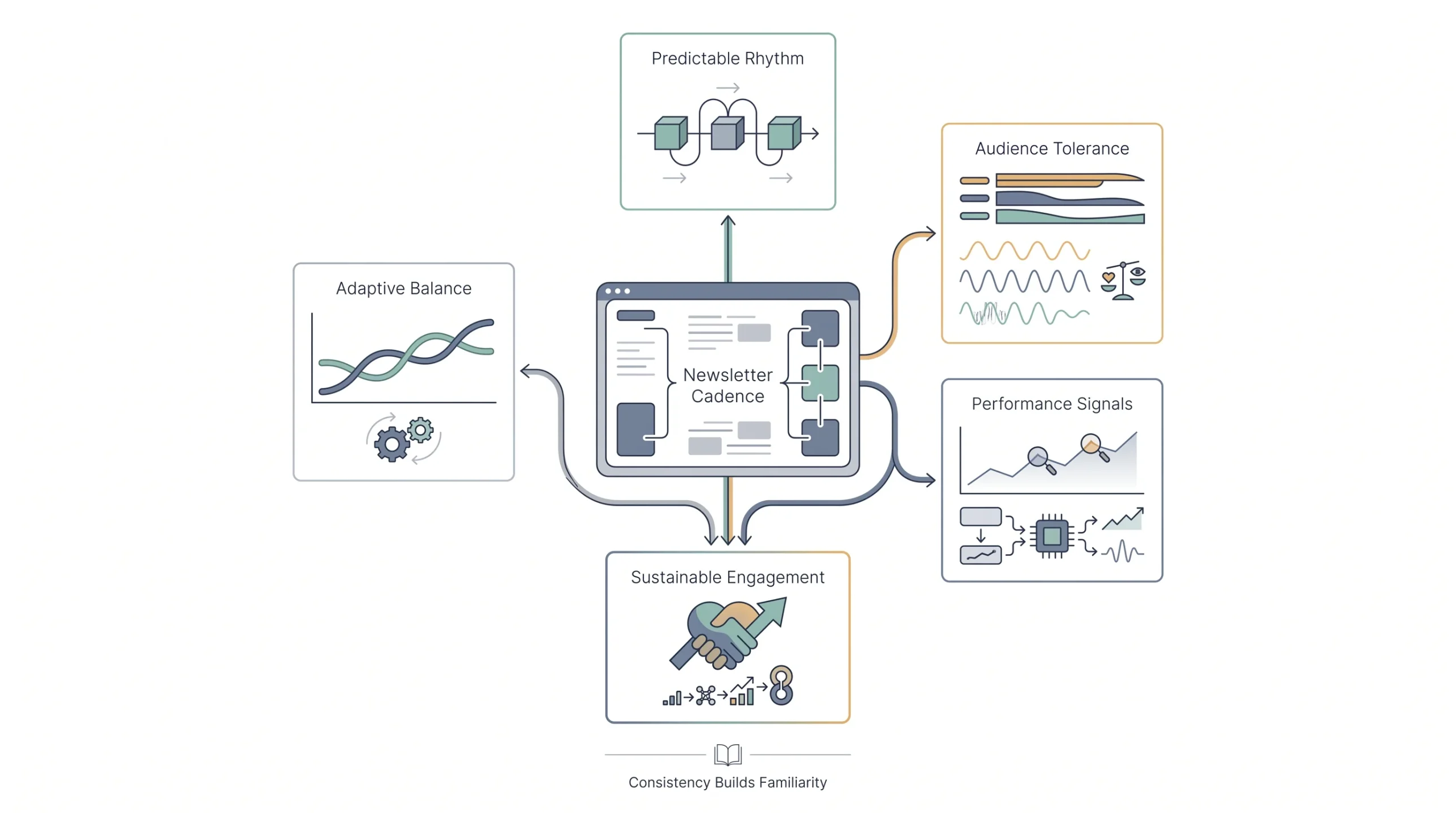
This is really the whole game with frequency. Send too rarely and people forget who you are, they forget they signed up, and when your email finally does land it gets deleted or marked spam because your name doesn’t ring a bell anymore. Send too often and you become the newsletter people start dreading, the one they mean to unsubscribe from but haven’t gotten around to yet, or worse, the one they report as spam because unsubscribing felt like more effort than just blocking you.
Nobody wants to live at either extreme. The honest answer is that the right frequency sits somewhere in the middle, and where exactly it sits depends heavily on what kind of newsletter you’re running and who’s actually on your list. There’s no single number that works for a car insurance company and a fashion brand at the same time. Anyone telling you otherwise is selling you a benchmark, not a strategy.
What the Data Actually Shows
Here’s where it gets genuinely interesting, and where a lot of standard advice gets it backwards. MailerLite ran an analysis across more than 1.4 million campaigns sent to over 340 million subscribers, and found that sending frequency has less impact on unsubscribe rates than sending irregularly does. Irregular, in their analysis, meant less than once a month. And sending more often, weekly, twice a week, even daily, actually produced lower unsubscribe rates than sporadic, unpredictable sending.
That’s worth sitting with for a second because it directly pushes back against the “less is more” advice that dominates most of this space. The real enemy isn’t frequency. It’s inconsistency. People can handle a predictable rhythm even if it’s a fairly frequent one. What they can’t handle is not knowing when or if you’re going to show up in their inbox.
But that doesn’t mean frequency has no ceiling at all. GetResponse ran an analysis across more than 4 billion emails and found that newsletters sent once a week earned an average open rate of 37.75%, higher than the average for brands sending multiple times a week. So both things are true at once: irregularity hurts you more than frequency does, and there’s still a point where sending more often starts dragging your open rate down. The takeaway isn’t “send as much as possible” or “send as little as possible.” It’s “pick a cadence and stick to it religiously, and don’t push past what your specific audience can tolerate.”
B2B vs. B2C Frequency: They Are Not the Same Game
This is one of the biggest blind spots in generic newsletter advice, and it’s a big one. B2B and B2C audiences behave completely differently when it comes to how much email they’ll tolerate, and treating them the same is a mistake that shows up constantly.
Most B2B companies send around twice a month, and pushing frequency past once a week sharply increases unsubscribe rates in that space. B2B readers are usually reading your email at work, often on behalf of a company decision, and their tolerance for frequent marketing touches is genuinely lower. They didn’t sign up to be sold to constantly. They signed up because they wanted useful information occasionally.
B2C, especially fast-moving retail and DTC brands, operates on a completely different scale. Two to four sends a week is common and often performs fine, sometimes even higher for fast fashion and similarly high-turnover categories, while something like luxury goods should pull back toward the lower end of that range because the buying psychology is different.
| Context | Recommended Frequency | Notes |
|---|---|---|
| B2B relationship/nurture | 2x/month | Higher frequency spikes unsubscribes |
| B2C ecommerce/DTC | 2–4x/week | Fast fashion can push higher; luxury should pull back |
| Editorial/newsletter publication | Weekly | 61% of consumers want at least one email a week from brands they follow |
| General safe range | 1–2x/week, min 1x/month | Cap around 7–8 sends per month as a general ceiling |
That third row is worth calling out on its own. A solid majority of consumers, 61% according to survey data on the topic, actually want to hear from brands they follow at least once a week. That’s a genuinely useful data point because it pushes back against the fear a lot of newsletter writers have that sending weekly is somehow too much. For most editorial and content-driven newsletters, weekly isn’t aggressive. It’s roughly what people expect.
How to Find Your List’s Actual Threshold (Not a Benchmark’s)
None of the numbers above are a substitute for actually watching your own list. Here’s a practical way to find your real ceiling instead of guessing based on an industry average that might not apply to you.
Start conservative, somewhere in the middle of whatever range matches your newsletter type from the table above. Watch open rate, click rate, and unsubscribe rate together, not just opens on their own, because a high open rate paired with a rising unsubscribe rate is actually a warning sign, not a win. Increase frequency gradually if engagement holds steady or improves. The moment you see a sustained dip, not one bad week, but a real trend, pull back to the last frequency that was working.
One thing worth factoring in: new subscribers can often tolerate more frequent touches right after they sign up, when they’re actively interested and paying attention, before settling into whatever your steady-state cadence ends up being. A slightly more frequent welcome sequence followed by a more measured ongoing cadence tends to work better than treating day one and month six the same way.
Day and Time: The Smaller Lever
Worth a quick mention since it’s the natural follow-up question once frequency is settled, though it matters less than the bigger decisions above. Tuesday sends tend to generate the highest open rates, while Friday sends tend to drive more conversions. Not a rule to follow blindly, more a starting point if you genuinely have no data of your own yet. Once you’ve got a few months of send history, your own numbers will tell you more than any general benchmark will.
Putting It Together: A Decision Framework for Your Email Newsletter
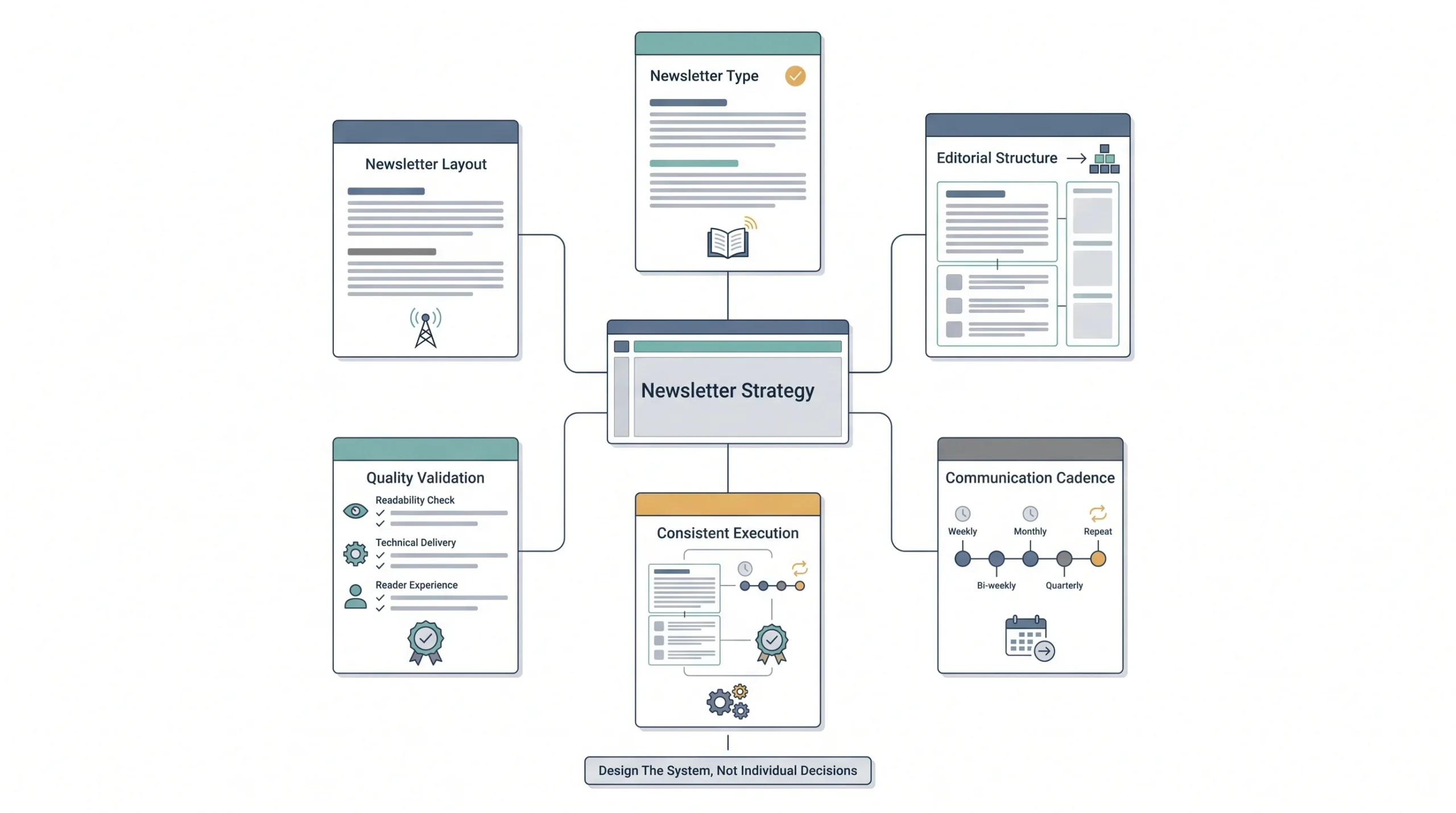
Everything above boils down to a fairly simple sequence once you strip away the noise. Figure out which newsletter type you’re actually running, from the table back in the first section. Pull your length range from the length breakdown. Pull your frequency range from the frequency table. Then run a final sanity check against Gmail’s 102KB ceiling and the 5-second scan test before you commit to a schedule.
Here’s what that looks like applied to a few real scenarios:
| Scenario | Format | Length | Frequency |
|---|---|---|---|
| B2B SaaS product updates | 3-2-1 structure | 400–700 words | 2x/month |
| DTC promotional brand | Single CTA, image-forward | 150–300 words | 2–4x/week |
| Industry thought-leadership newsletter | Long-form single article | 1,000–2,000 words | Weekly |
None of these three look alike, and they shouldn’t. A B2B SaaS company copying a DTC brand’s frequency would burn out their list fast. A thought-leadership newsletter squeezed into 200 words would feel thin and pointless. Match the three variables to what you’re actually building, not to whatever the last blog post you read happened to recommend.
Conclusion
Format, length, and frequency were never three separate decisions. They’re one decision, viewed from three different angles, and pulling on one always moves the other two whether you plan for it or not. The generic advice floating around treats them like independent variables with universal right answers, and that’s exactly why so much of it falls flat once someone actually tries applying it to their own email newsletter.
If there’s one place to start, make it frequency. It’s the easiest of the three to actually measure and adjust, and getting it wrong is usually the fastest way to lose subscribers. Pick a cadence that matches your newsletter type, watch the real numbers, not just opens, and give it a few sends before deciding it’s working or it isn’t. The length and format decisions tend to fall into place a lot more naturally once frequency is settled.
FAQs
What’s the ideal newsletter length in 2026?
There isn’t one universal ideal length, that’s kind of the whole point of this piece. A quick promotional send works well around 150 to 300 words, a standard weekly digest sits comfortably at 400 to 700 words, and long-form editorial content can run 1,000 words or more when the audience is reading with intent. Match the length to the type of newsletter, not to a generic benchmark.
How often should a small business send a newsletter?
Somewhere between once a week and twice a month is a safe starting range for most small businesses, especially B2B ones. The bigger priority than the exact number is consistency. Pick a cadence, stick to it, and adjust based on your own open, click, and unsubscribe data over time rather than switching frequency every month.
Does sending more emails increase unsubscribes?
Not as much as sending irregularly does. Research across over a million campaigns found that inconsistent sending, going quiet for long stretches then sending in bursts, actually hurts unsubscribe rates more than a steady, more frequent schedule does. That said, there’s still a ceiling, and pushing frequency too high, particularly for B2B audiences, will eventually spike unsubscribes too.
What happens if my email exceeds Gmail’s clipping limit?
Gmail cuts off any email over 102KB and replaces the rest with a “View entire message” link. Most readers never click that link, so anything after the cutoff effectively doesn’t exist for a large chunk of your Gmail subscribers. Keep your HTML clean and check total email size before sending, especially for longer or more image-heavy newsletters.
Should B2B and B2C newsletters follow the same rules?
No, and this is one of the more overlooked points in most newsletter advice. B2B audiences tend to have a lower tolerance for frequency, often best kept around twice a month, while B2C and DTC brands can often sustain multiple sends a week without the same unsubscribe risk. Treating both the same way usually means either under-mailing a B2C list or over-mailing a B2B one.
What’s the 3-2-1 newsletter format?
A structure built around three key topics, two supporting links or resources, and one clear call to action. It works well for curated digests and roundup-style newsletters where you’re pulling together multiple items, but it’s a poor fit for long-form single-topic content or a promotional email meant to drive one specific action.
How do I know if my newsletter is too long?
Run the 5-second test, look at your draft for five seconds and see if the main point is clear. Run the 1-minute test, read it out loud and time it against the roughly 51 seconds most people actually spend with a newsletter. If it fails both and you didn’t intentionally build a long-form send, it’s probably too long for what it’s trying to be.
What’s a good open rate for a newsletter?
It depends heavily on industry and list health, so treat any single number as a rough guide, not a target. GetResponse’s analysis of over 4 billion emails found weekly sends averaging around 37.75%, and general ecommerce benchmarks tend to sit closer to 20 to 30%. What matters more than hitting a specific percentage is whether your open rate is trending up or down against your own past sends, and whether it’s paired with a healthy click rate, not just a headline number.
How many links or CTAs should a newsletter include?
As few as you can get away with. One primary call to action is the safest default for most newsletters, especially promotional or single-topic sends, because competing buttons split attention instead of focusing it. Curated digests and roundup-style newsletters can include more links since the format itself sets the expectation that readers will pick and choose, but even then, keep one link clearly positioned as the main one.
Should I send plain text or HTML newsletters?
Both have a place, and the right choice depends on the relationship you’re building. Plain text tends to feel more personal and often lands better in the primary inbox tab rather than promotions, which suits relationship-driven or thought-leadership newsletters well. HTML with design elements works better for retail, product showcases, and anything where visuals genuinely carry part of the message. If unsure, test both with a segment of your list before committing fully to one.
What’s the best day and time to send a newsletter?
Tuesday tends to produce the highest open rates, while Friday sends tend to drive more conversions, based on broad email marketing data. That said, this is one of the smaller levers compared to getting your format, length, and frequency right. Treat it as a starting point if you have no send history of your own, then let a few months of your own data override any general benchmark.
Do I need a different newsletter length for a mobile-heavy audience?
Not a different length exactly, but definitely a different structure. Since a large majority of newsletters now get opened on phones, prioritize short paragraphs, clear line breaks, and a CTA that’s reachable without much scrolling regardless of your overall word count. A 700-word newsletter broken into tight, scannable chunks reads faster on mobile than a 300-word newsletter written as one dense block.