


Most people who run into trouble with social media aren’t bad at making content. They’re bad at planning it. You open Instagram at 9pm, realise you haven’t posted in four days, and throw up whatever’s sitting in your camera roll. That’s not a strategy. That’s damage control.
A content calendar fixes this, but not in the way most people think. It’s not just a fancy spreadsheet with dates on it. It’s the thing that forces you to answer three questions before you ever open Canva: what are you posting, why does this specific post exist, and who is it actually for. Skip those questions and you’ll keep making content that looks fine but goes nowhere.
This post walks through the whole process, from the groundwork you need before you touch a calendar template, all the way to a full 30-day framework you can copy and adjust for your own brand. By the end, you should be able to sit down and build your own month of content without staring at a blank page wondering what to post on day 12.
What Is a Social Media Content Calendar
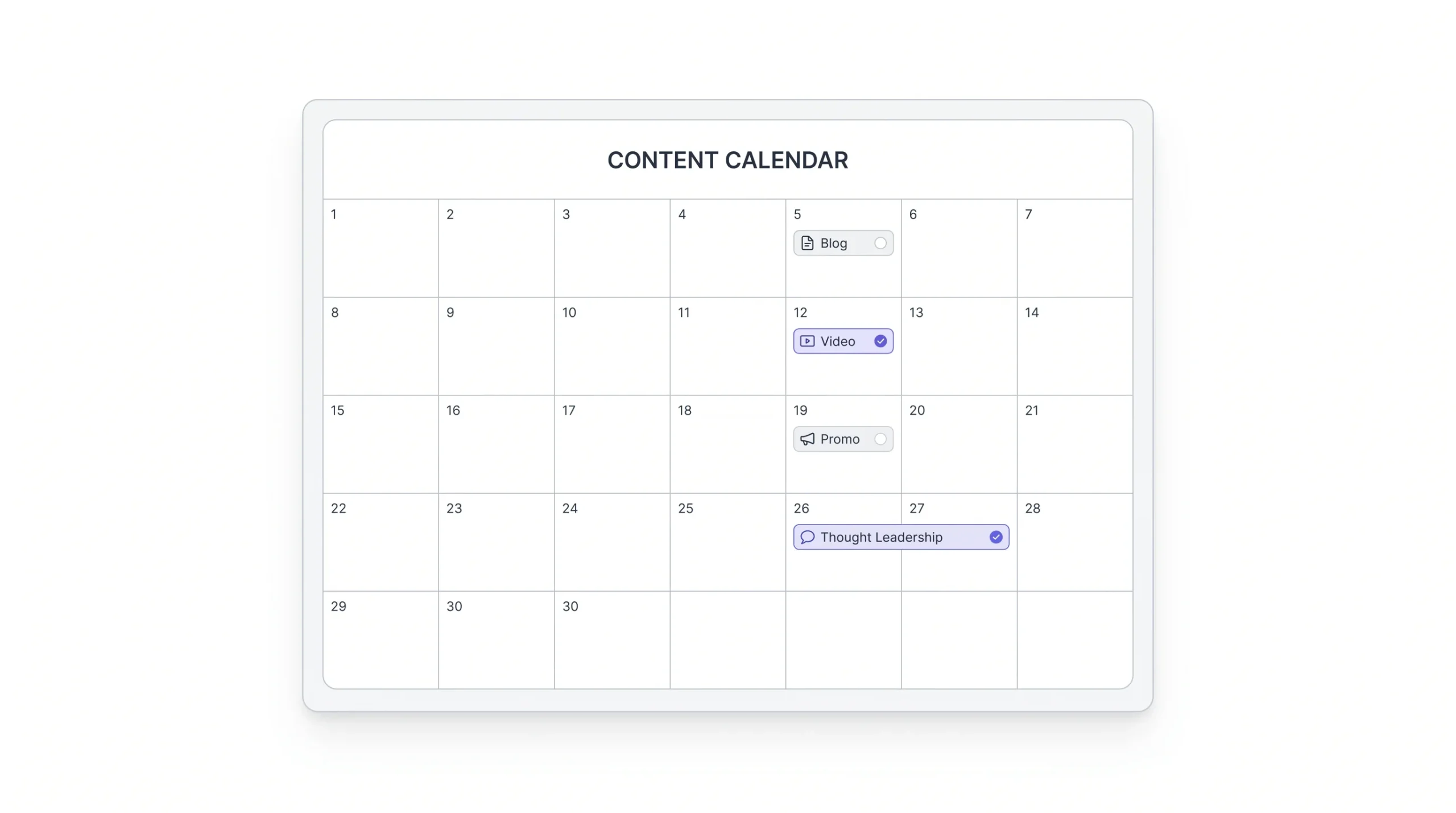
A content calendar is a planning document that maps out what you’re posting, when, on which platform, in what format, and why. That last part, the “why,” is what separates a real calendar from a glorified to-do list.
Here’s where people get confused: a calendar and a scheduler are not the same thing. Buffer, Later, Meta Business Suite, these are schedulers. They’re the tool that pushes your post live at 7pm on a Tuesday. A calendar is the layer above that. It’s where the thinking happens, before anything gets scheduled at all. Plenty of accounts have a scheduler set up and still post badly, because scheduling something in advance doesn’t mean it was planned well. It just means it was typed up early.
A proper calendar entry usually has these pieces:
- The date and platform
- The content pillar or theme it belongs to
- The format (reel, carousel, static post, story)
- A rough direction for the hook or caption
- The call to action
- Status (draft, approved, scheduled, posted)
- Who’s responsible for it, if you’re working with a team
Miss even one of these columns and the calendar starts losing its purpose. Drop the “pillar” column, for instance, and there’s nothing stopping the whole month from drifting toward whatever’s easiest to shoot that week, usually promotional content, because it’s the laziest thing to default to.
Why 30 days specifically? It’s long enough to spot patterns in your content mix (you’ll notice if you’ve posted six promotional posts in a row without meaning to) but short enough that it still stays relevant to whatever’s happening that month, whether that’s a festival, a launch, or a trend that’s about to die by next week. Try planning 90 days out and half of it feels dead on arrival by the time it goes live. Try planning a week at a time and you’re back to daily scrambling. Thirty days is the middle ground that actually works for most teams.
A calendar without a reason behind each post is just a to-do list with dates on it.
Why Planning 30 Days in Advance Actually Works
“Consistency matters” is the kind of thing everyone says and nobody explains. So let’s actually get into why planning a full month ahead changes things, not just repeat the line.
It kills decision fatigue. Waking up every single day and deciding what to post is exhausting, and exhaustion is exactly why people stop posting. Decision fatigue isn’t a soft, feel-good concept, it’s a real drain on the mental energy you’d rather spend on making the post good instead of deciding what the post even is. Anyone who’s run a personal account and a brand account side by side knows the difference. The personal account survives on whim. The brand account dies without a plan, because nobody’s checking it out of habit the way they check their own feed.
It exposes gaps you can’t see day to day. If you’re posting one at a time, you have no idea that 80% of last month was product promos and zero percent was anything educational. Zoom out to a full month laid flat in front of you, and that imbalance jumps out immediately. You can’t fix a pattern you can’t see. This is the single biggest reason calendars beat gut-feel posting. Gut feel tells you what to post today. It has no memory of what you posted the last ten days.
It makes batching possible. Shooting five Instagram reels in one afternoon takes less time and energy than shooting one reel a day for five separate days. Setting up lights, finding a quiet moment, getting in the right headspace, that overhead cost happens once instead of five times. Anyone who’s actually filmed content knows the setup time eats more than the shoot itself. A 30-day view is what tells you there are five reels to shoot in the first place, instead of finding that out one day at a time.
It lines up with what platforms reward. Accounts that post on a predictable rhythm tend to hold their reach better than accounts that post seven times one week and vanish for two. Nobody’s saying there’s a secret algorithm switch that flips on for “consistent” accounts, but the pattern is real enough that it’s not worth ignoring.
It lets you plan around dates that actually matter. For a brand in India, this one’s huge. Diwali, Holi, EOSS, exam season if you’re in education, festival sales if you’re in retail, these dates need lead time. You can’t wake up on Diwali morning and decide you should’ve built a campaign around it. By the time you’ve briefed a designer, shot the content, and got approvals through, the date’s already gone.
None of this means the whole month should be locked in stone. Over-planning has its own failure mode, content that feels stale because it was written three weeks before it went live, missing a trend that blew up two days ago. That’s exactly why flex slots exist, and we’ll get into those later.
Before You Build the Calendar: Foundational Groundwork
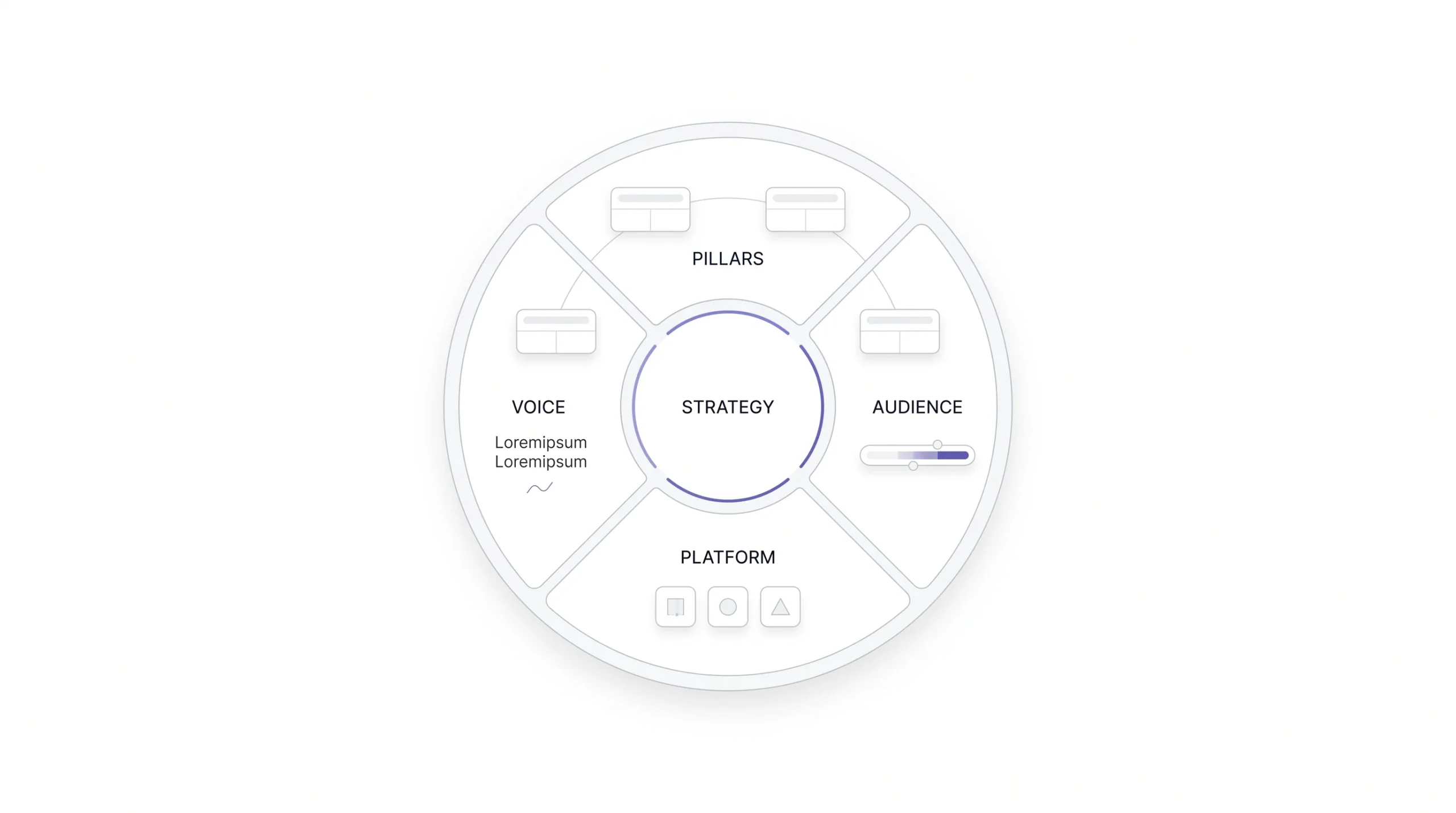
This is the part people skip, and it’s the reason their calendar falls apart by week two. Building the actual 30-day grid is the easy part. Getting the groundwork right is what makes the grid worth filling in.
Define Your Content Pillars (3 to 5, Not More)
A pillar is not a topic and it’s not a format. It’s a recurring theme your content lives inside. “Educational” is a pillar. “5 mistakes people make with X” is a topic that lives inside that pillar. “Reel” is a format that topic gets delivered in.
Picking pillars means finding the overlap between what your audience actually cares about, what your business needs to achieve, and what you can realistically keep producing month after month without burning out. That last part matters more than people admit. A pillar that requires a professional video crew every single time isn’t sustainable for most small teams, and a calendar built on a pillar you can’t keep feeding will just have empty slots by week three.
A service business, an e-commerce brand, and an education company will land on very different pillar sets. An education brand, for instance, might lean heavily into “myth-busting” and “student results” as pillars, because those directly address what a parent or student is actually worried about before they enrol. A skincare e-commerce brand might lean into “ingredient education” and “before-after proof” instead, because that’s what actually moves someone from browsing to buying.
Know Your Audience’s Content Diet
Not every audience wants the same format. Some scroll past every carousel and stop for every reel. Some read long captions word for word. You won’t know this by guessing, you find out by checking what’s already working: your own analytics if you have history, competitor engagement patterns if you don’t, or just asking your audience directly through polls and DMs.
Worth being honest here too. If every carousel you’ve posted in the last three months has underperformed, that’s not bad luck three times in a row, that’s your audience telling you carousels aren’t their format. Keep making them anyway and you’re just ignoring the data because you like designing carousels.
Set a Clear Goal Per Platform
Instagram, LinkedIn, and Facebook are not the same audience wearing different outfits. Instagram tends to reward engagement and community energy. LinkedIn rewards authority and expertise. Facebook, especially for local or older audiences, rewards trust signals. Copy-pasting the same post across all three usually means it does okay everywhere and great nowhere.
Establish a Brand Voice (or Borrow One That Works)
This one’s quick but it matters more than it sounds. If your voice shifts from playful to corporate to overly formal post to post, your calendar won’t feel like a plan, it’ll feel like five different people took turns posting. Voice consistency is what makes 30 days of content actually feel like one brand talking, not a random assortment.
Content Pillar Framework Example
| Pillar | Purpose | Example Formats | % of Monthly Mix |
|---|---|---|---|
| Educational | Build authority | Carousels, reels | 30% |
| Behind-the-scenes | Build trust | Stories, reels | 20% |
| Social proof | Drive conversion | Testimonials, UGC | 20% |
| Promotional | Drive sales | Static posts, offers | 15% |
| Entertainment/Trend | Boost reach | Reels, memes | 15% |
These percentages aren’t a rulebook carved in stone. They’re a starting split. Adjust based on what your own pillars actually are and how your audience responds once you’ve run a month or two.
The Content Mix Formula: Balancing Value, Trust, and Sales
Everyone’s heard some version of the 80/20 rule, mostly value, a little bit of selling. Fine as a starting point, but the real question is why this actually works, not just that people say it does.
Think about what happens when every single post is asking for something. Buy this. Book a call. DM for pricing. After the third one, people tune out, not because they’re annoyed exactly, just because there’s nothing in it for them to keep paying attention. That’s the mechanism behind audience fatigue. It’s not emotional, it’s just basic incentive. Give people a reason to stick around before you ask them for something.
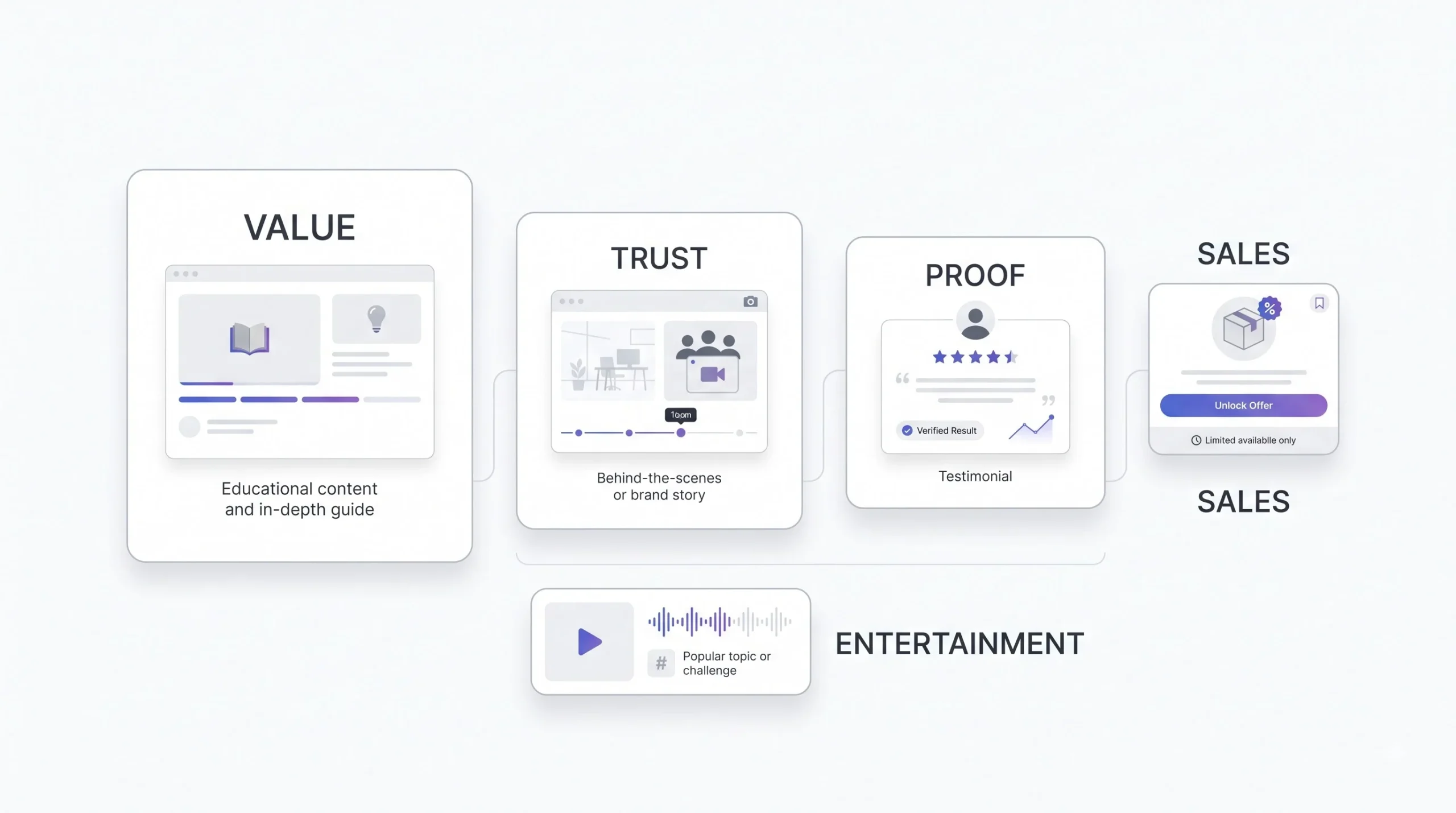
Break the content down by intent, and it gets easier to plan around:
- Value and educational content: tips, how-tos, myth-busting posts that teach something real
- Connection and trust content: behind-the-scenes, founder stories, team moments
- Proof: testimonials, results, case studies that show it actually works
- Entertainment: trend-based content, humour, relatable posts that widen your reach
- Conversion: offers, launches, direct calls to action
The sequencing matters as much as the mix itself. A promotional post that lands after three or four value-first posts tends to land better than a cold ask out of nowhere, because the audience has already gotten something from you before you asked for anything back. That’s not a trick, it’s just how trust works between two people, and it works the same way between a brand and its audience. Think about how this plays out with a person you actually know. Someone who only ever texts you when they need something eventually gets ignored, no matter how nicely they ask. A brand’s feed works on the same logic, just at scale.
Good captions also borrow from storytelling, even short ones. A post with a beginning, a small tension, and a resolution holds attention longer than a flat list of facts. Doesn’t need to be a novel, three sentences with a shape to them beats three unconnected sentences every time.
If every post asks for something, your audience stops listening before you ask for anything important.
Choosing Posting Frequency and Best Times
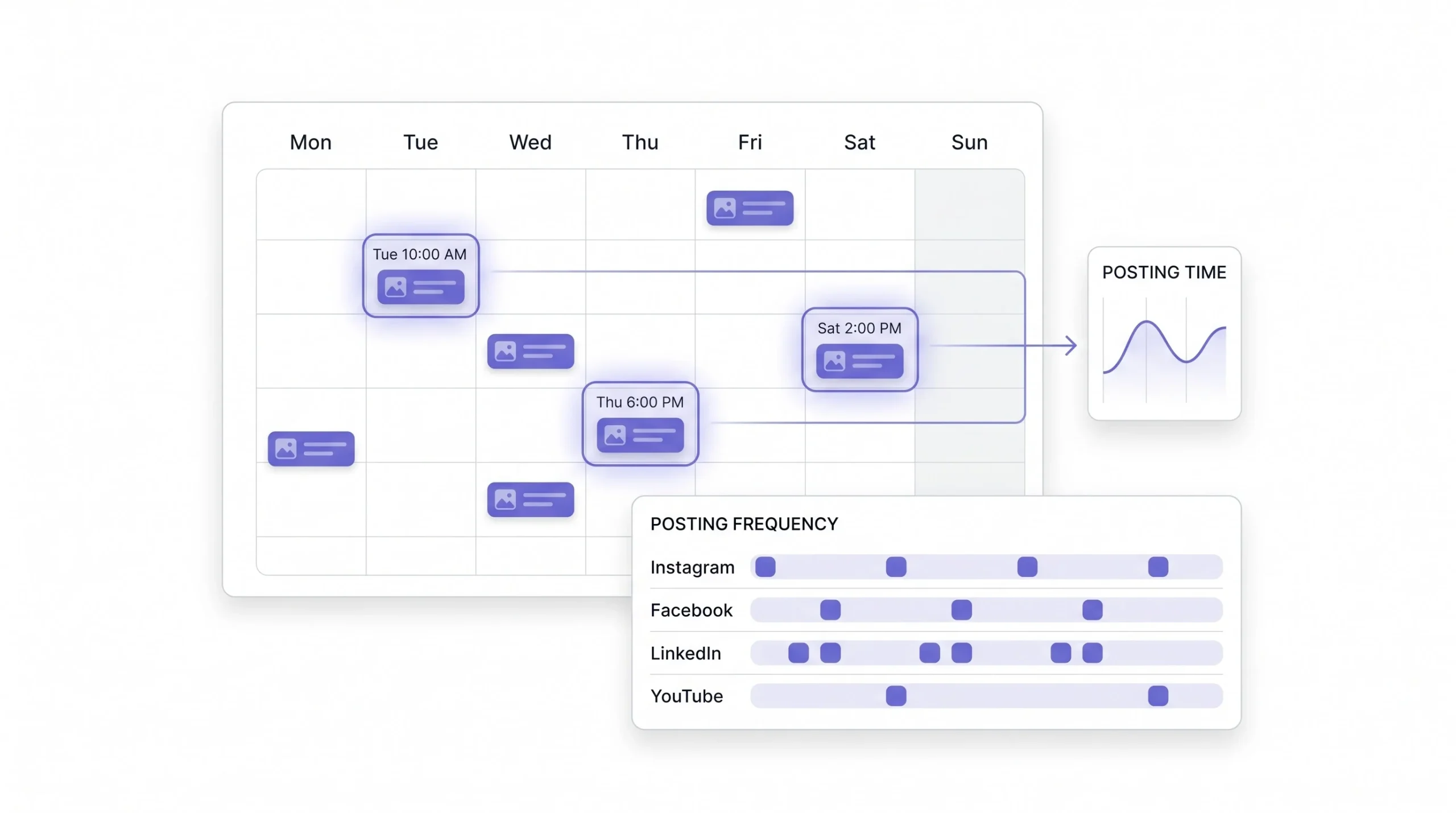
There’s no universal “best time to post.” Anyone who tells you 6pm on Wednesdays is magic for every account on earth hasn’t actually looked at their own data. Best time depends entirely on when your specific audience is actually online, and that’s something you find, not something you’re handed.
The way to actually find it: check native platform insights (Instagram and Facebook both show you when your followers are active), test a few posting windows over a couple of weeks, and factor in where your audience physically is. This matters more in India than people give it credit for. A brand with a large NRI following or customers across multiple time zones within India needs to think about this differently than a brand serving one city.
Frequency has its own trade-off. Post too little and you lose whatever momentum you built. Post too much without the quality to back it and each individual post starts pulling less reach than the last, because you’re diluting attention across more content instead of concentrating it.
Suggested Starting Frequency by Platform (India Context)
| Platform | Suggested Frequency | Best For |
|---|---|---|
| 4 to 6 posts/week + daily stories | Visual brand building | |
| 3 to 4 posts/week | Local trust, older demographics | |
| 2 to 3 posts/week | B2B authority | |
| YouTube/Reels | 2 to 4 short videos/week | Discovery, reach |
Treat this table as a starting baseline, not a rule. Run it for a month, check what actually happens, adjust from there.
Step-by-Step: Building Your 30-Day Calendar
This is the part everyone’s actually here for, and it’s also the part where most guides get lazy and just say “plan your content.” That’s not a process, that’s a wish. Here’s the actual sequence, broken into eight steps, each one building on the last, so nothing skips ahead before the groundwork under it is solid.
Step 1: Audit the Last 30 to 60 Days
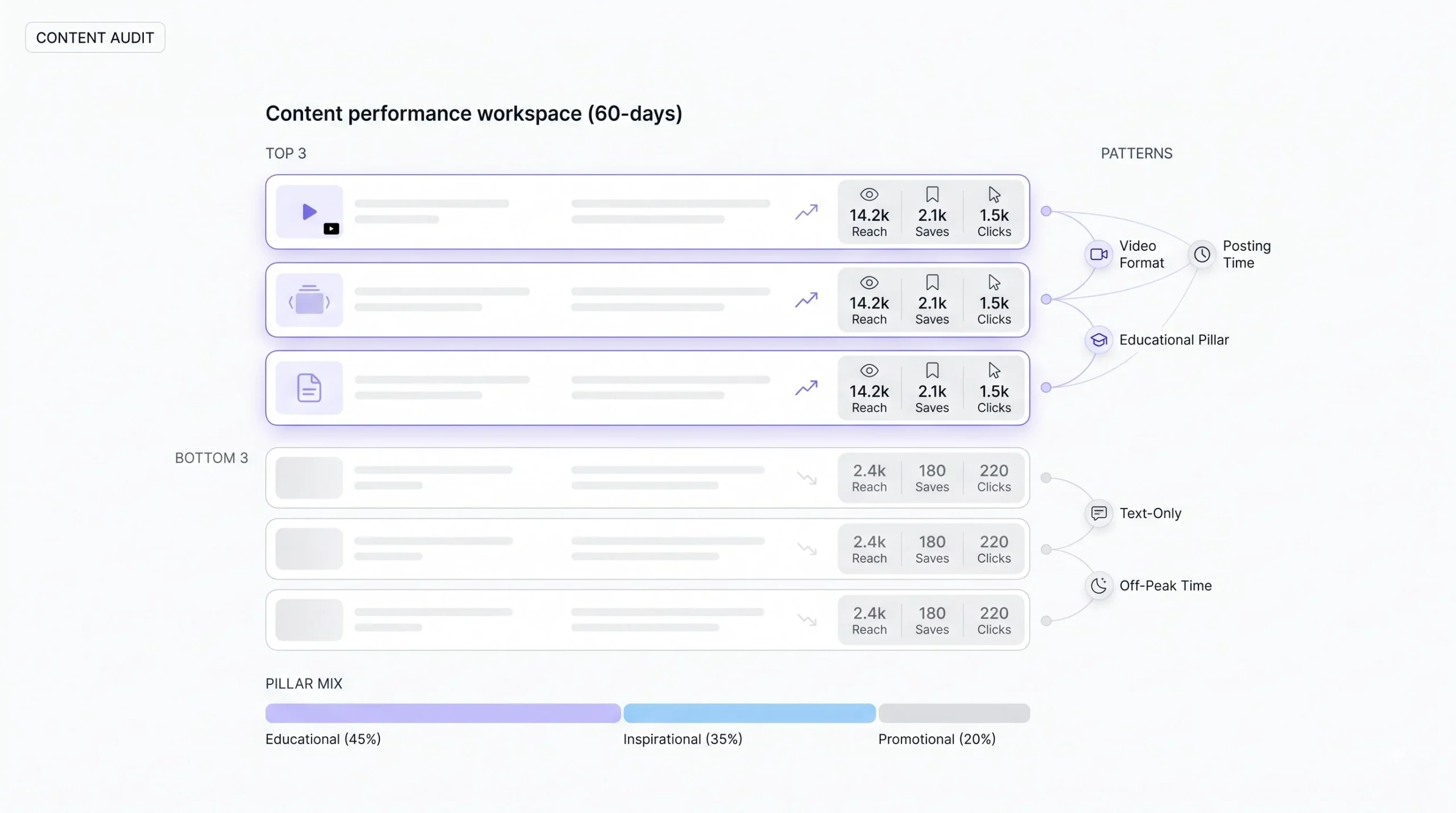
Before planning what’s next, look at what already happened. This step gets skipped constantly, mostly because it feels like admin work instead of “real” content planning, but it’s the fastest way to stop repeating the same mistakes on loop.
Pull your top three and bottom three performing posts, based on whatever metric actually matters for that post’s goal (reach for awareness content, saves for value content, clicks for conversion content, don’t judge everything by likes alone). Look for a pattern in each group. Did the top three all share a format? A pillar? A time of day? Did the bottom three all lean promotional, or all get posted on the same weekday?
Check the pillar balance too. Lay out everything posted in the last month and count it by pillar. It’s common to find one pillar quietly ate up half the calendar without anyone deciding that on purpose, usually because it’s the easiest one to produce, not because it’s the one working best.
If this is a brand new account with no posting history, skip the audit and look at competitors instead, or similar accounts in your industry. Same exercise, just borrowed data instead of your own. Look at what their better-performing posts have in common, not just their most recent posts, recency and quality aren’t the same thing.
Step 2: Map Key Dates First
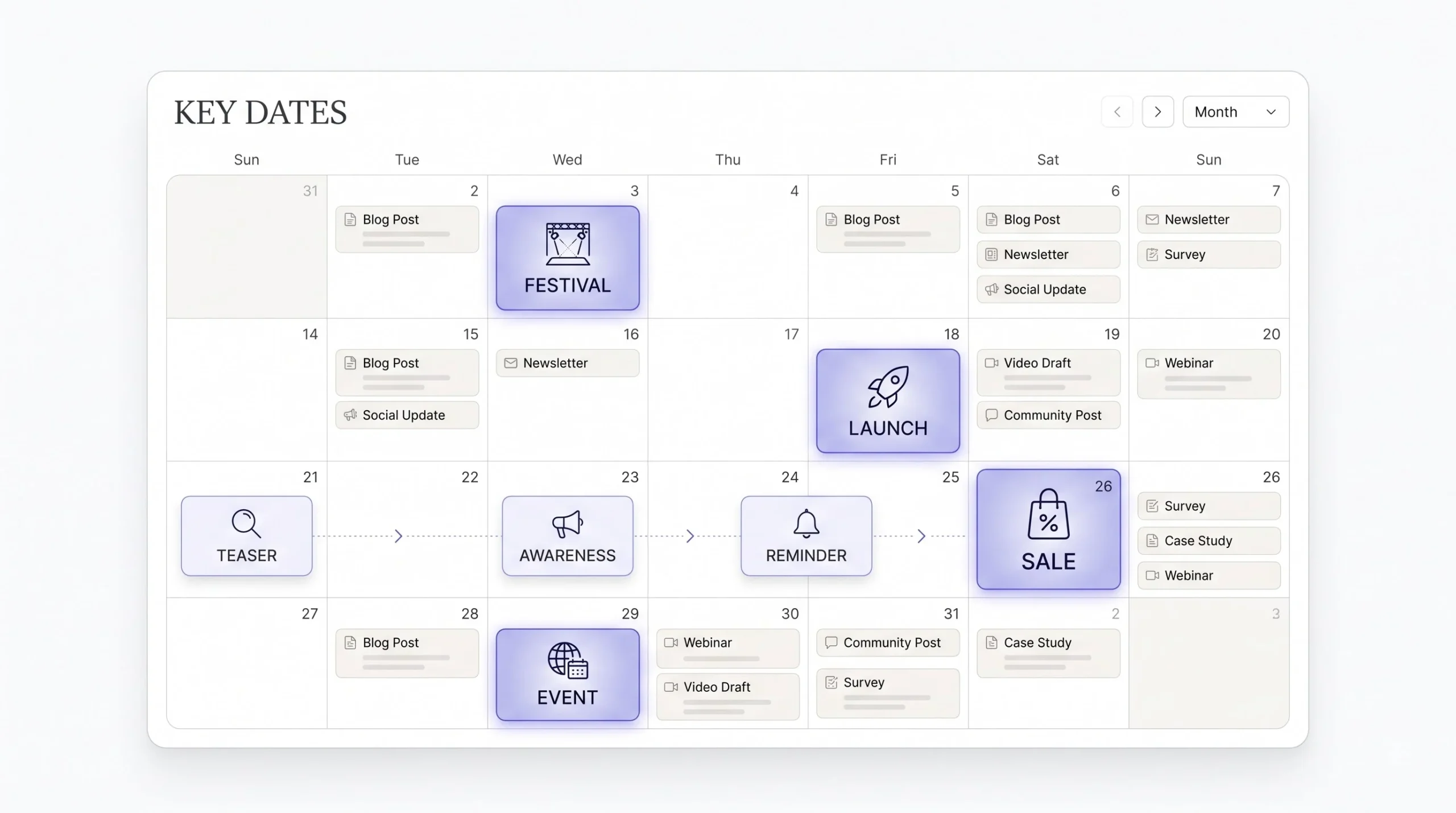
Before filling in a single piece of filler content, mark down every fixed date that matters: festivals, awareness days, industry events, sales periods, product launches. These go on the calendar first because they’re non-negotiable. Everything else gets built around them, not the other way around.
This step also means thinking backward from the date, not forward from today. If a sale starts on the 20th, the promotional push shouldn’t start on the 19th, it needs a warm-up sequence a week or so out, building anticipation before the actual push. Working backward from the fixed date is what stops fixed-date content from feeling rushed and last-minute, which happens constantly when teams plan forward instead.
Once the fixed dates are placed, everything else on the calendar fills in around them like furniture around load-bearing walls. You’re not rearranging the fixed dates to fit the flexible content. It’s the other way around, always.
Step 3: Assign Pillars to Each Week, Not Each Day
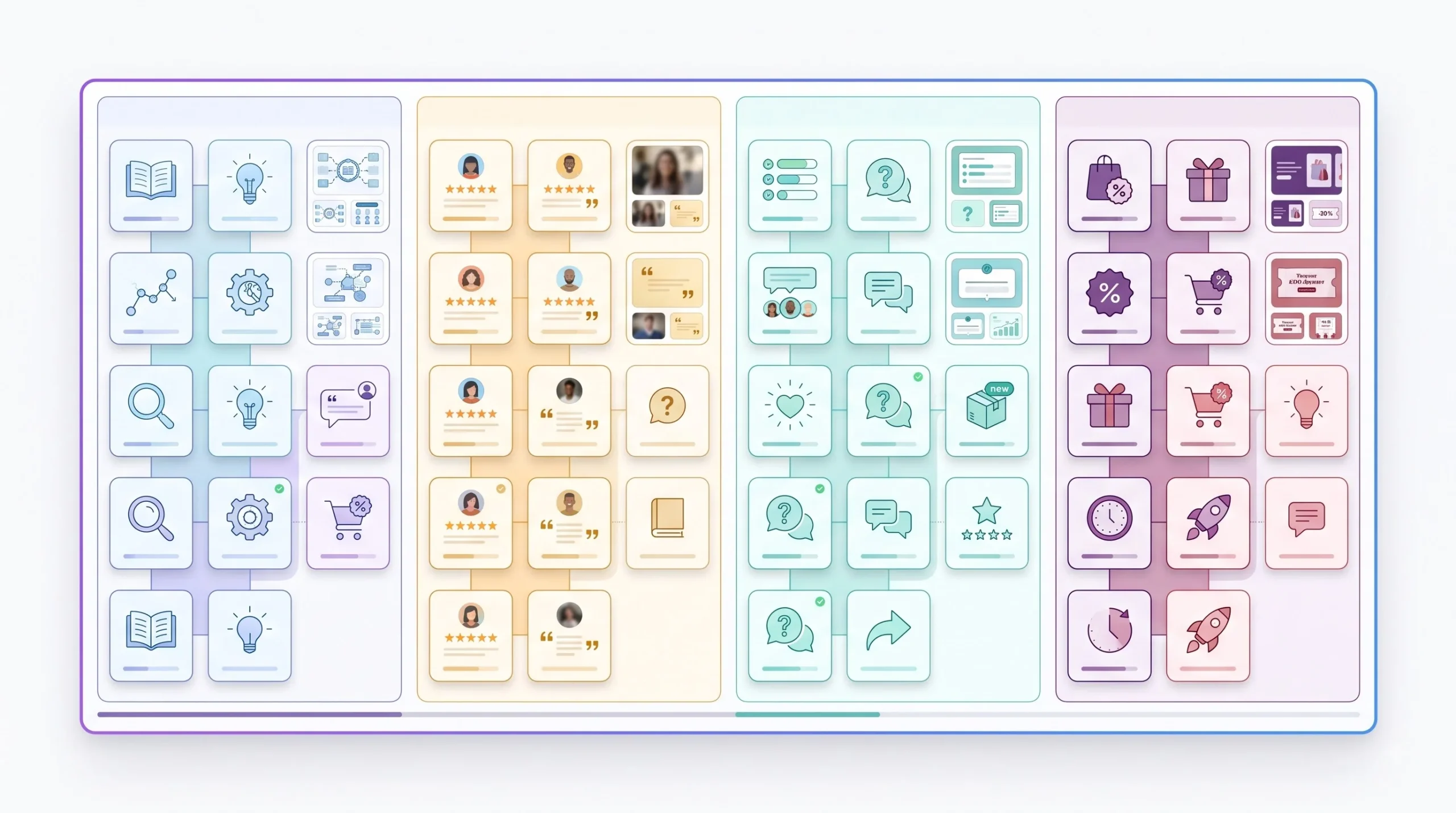
Trying to assign a pillar to every single day gets rigid fast and honestly falls apart by week two. Assign pillars at the weekly level instead. Week one leans educational, week two leans social proof, and so on. It’s a far easier rhythm to actually sustain than a strict daily rulebook nobody sticks to past the first ten days.
This also solves a problem that trips up a lot of beginners: trying to force every pillar into every single week, which spreads everything so thin that no theme actually gets room to build. Giving a pillar the whole week means you can go deeper into it, three educational posts in a row that build on each other land differently than one lonely educational post buried between two unrelated topics.
The weekly assignment doesn’t need to be locked to one pillar exclusively either. Think of it as an emphasis, not an exclusivity rule. A week leaning educational might still have one proof post and one entertainment post mixed in, it’s just not carrying the week.
Step 4: Draft Content Ideas and Hooks for Each Slot
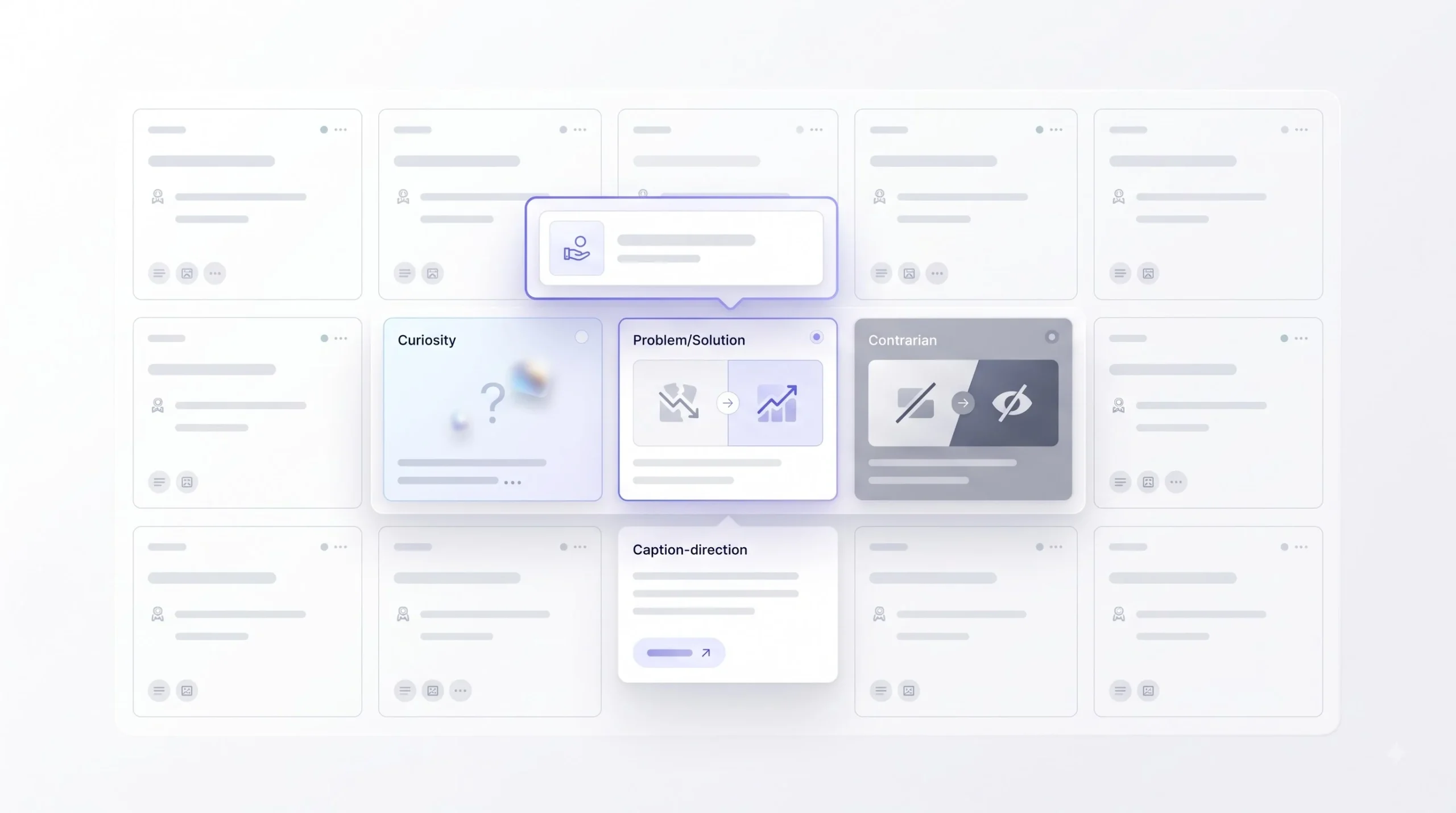
Here’s where most beginners stop short. They write down a topic and call it done. “Post about pricing” is a topic. It’s not a hook. A hook is the actual angle that makes someone stop scrolling, and without it, even a good topic goes nowhere because nobody stopped to read it in the first place.
Quick method: take one topic and write three different hook angles for it. One curiosity-driven (“Nobody tells you this about pricing until it’s too late”), one problem-solution (“Overpaying for X? Here’s what’s actually worth the money”), one contrarian (“Cheapest option isn’t always the smart one, here’s why”). Same topic, three completely different posts, and now there’s a choice to make instead of settling for the first flat version that came to mind.
This is also the step where the caption direction gets roughed out, not the final copy, just enough of a note that whoever writes the actual caption later (even if that’s the same person) isn’t starting from a blank page again. A one-line note like “open with the mistake, then the fix, end with a question” saves real time down the line.
Step 5: Assign Formats Deliberately
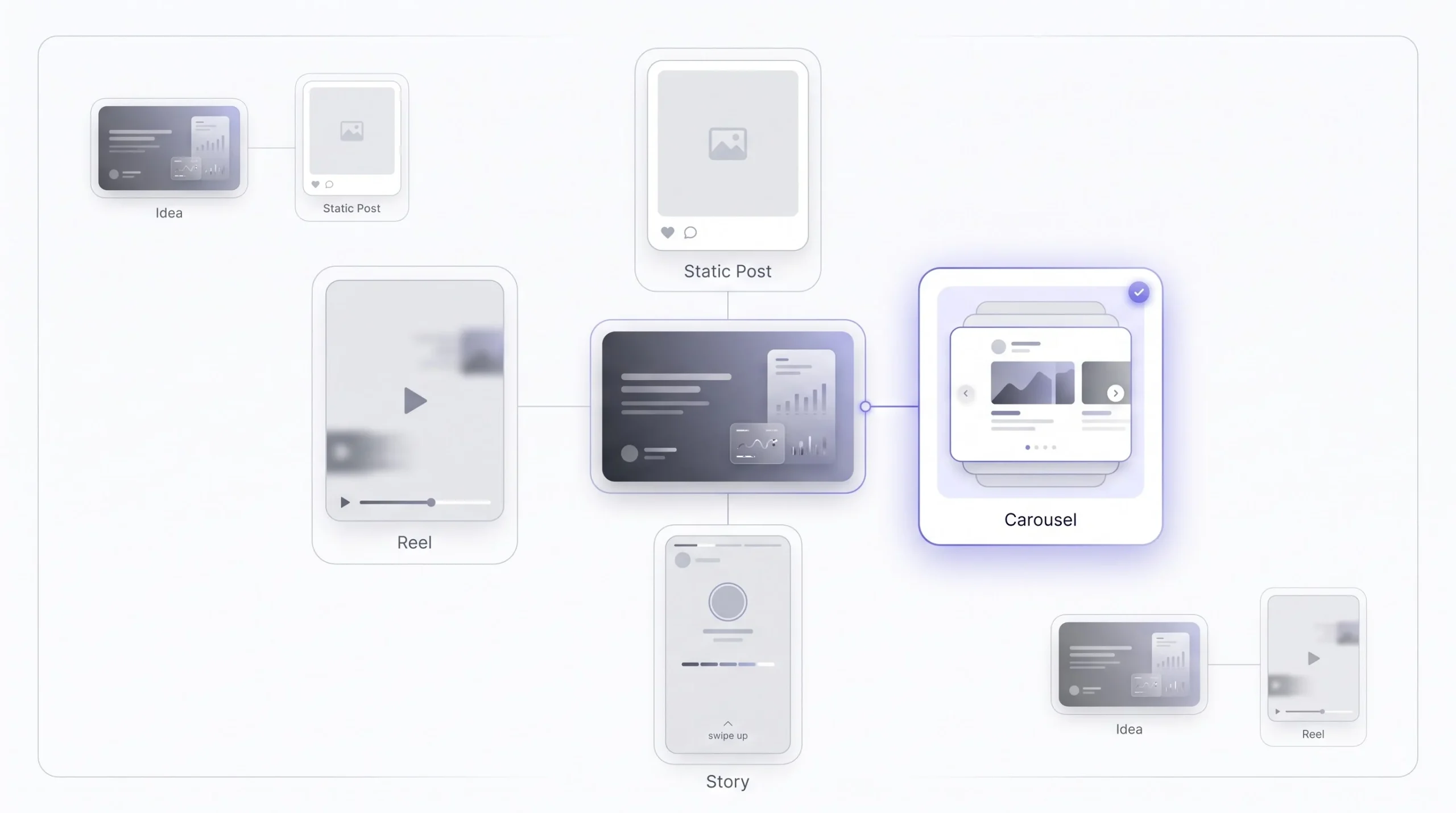
Not every idea fits every format. A detailed how-to works better as a carousel where people can save and swipe back. A quick relatable moment works better as a reel. Forcing a long, text-heavy idea into a 15-second reel usually means the message gets lost in the scroll, and forcing a punchy, quick idea into a five-slide carousel usually means it feels stretched and boring by slide three.
A simple test that helps here: if the idea needs someone to pause and read, it’s probably a carousel or a static post with a real caption. If the idea works better watched than read, it’s a reel. If it’s a small update or a quick behind-the-scenes moment that doesn’t need to live permanently on the feed, it’s a story. Running every idea through that quick filter before deciding the format saves a lot of wasted production time.
Step 6: Build in Flex and Reactive Slots
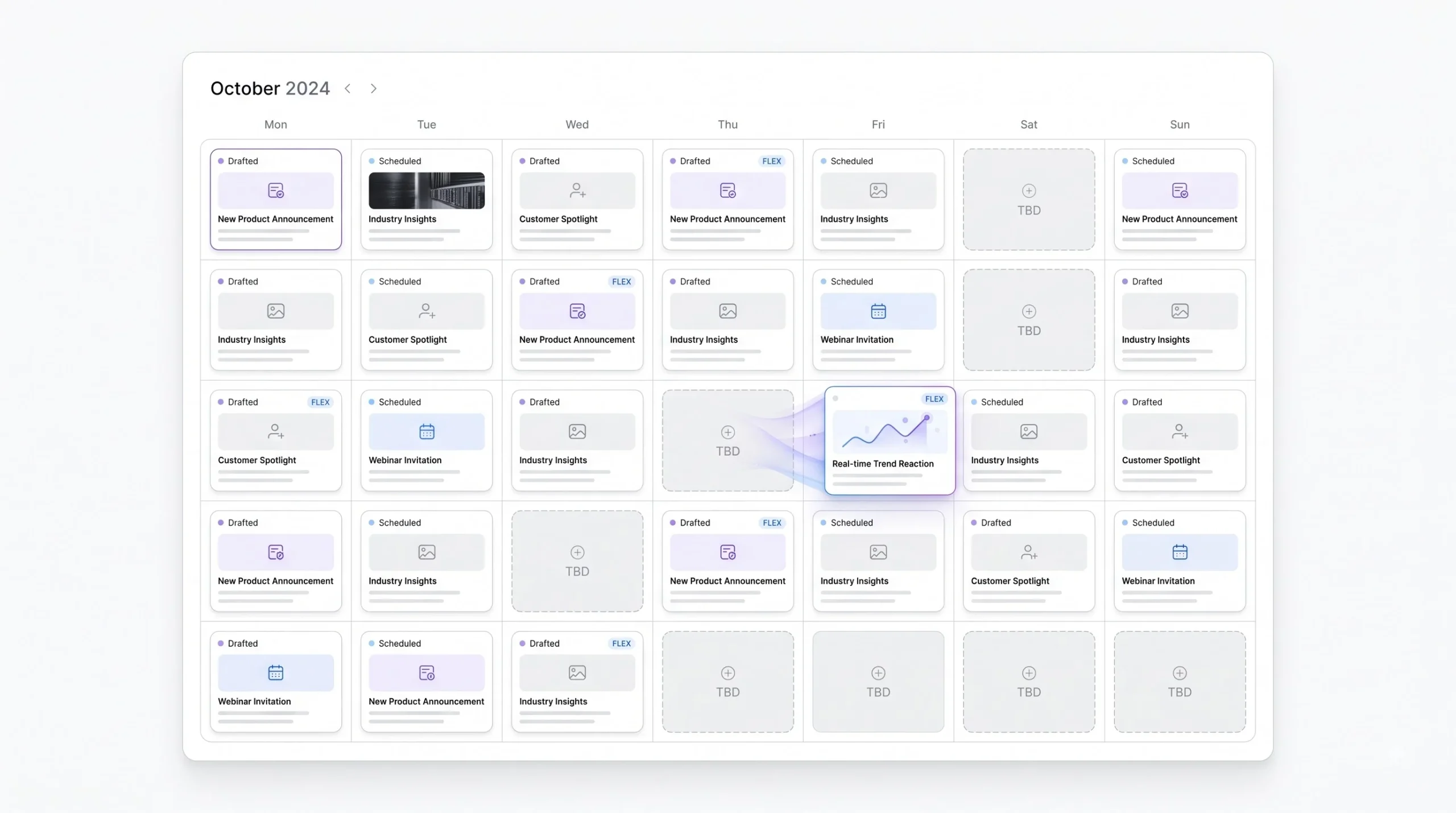
Reserve somewhere around 15 to 20% of your slots and leave them open. Don’t pre-write these. This is where trend-jacking content and real-time reactions live. A calendar that’s 100% locked in advance will always underperform against one that leaves room to react to what’s actually happening that week, because the internet moves faster than any monthly plan can predict.
In practice, this means literally leaving a line in the calendar that says “flex slot, TBD” instead of trying to guess three weeks out what the trend will be. Trying to plan a trend in advance defeats the purpose, by the time it’s scheduled, it’s usually already stale. These slots exist specifically so there’s room to move fast when something actually relevant shows up.
Step 7: Review and Approval Pass
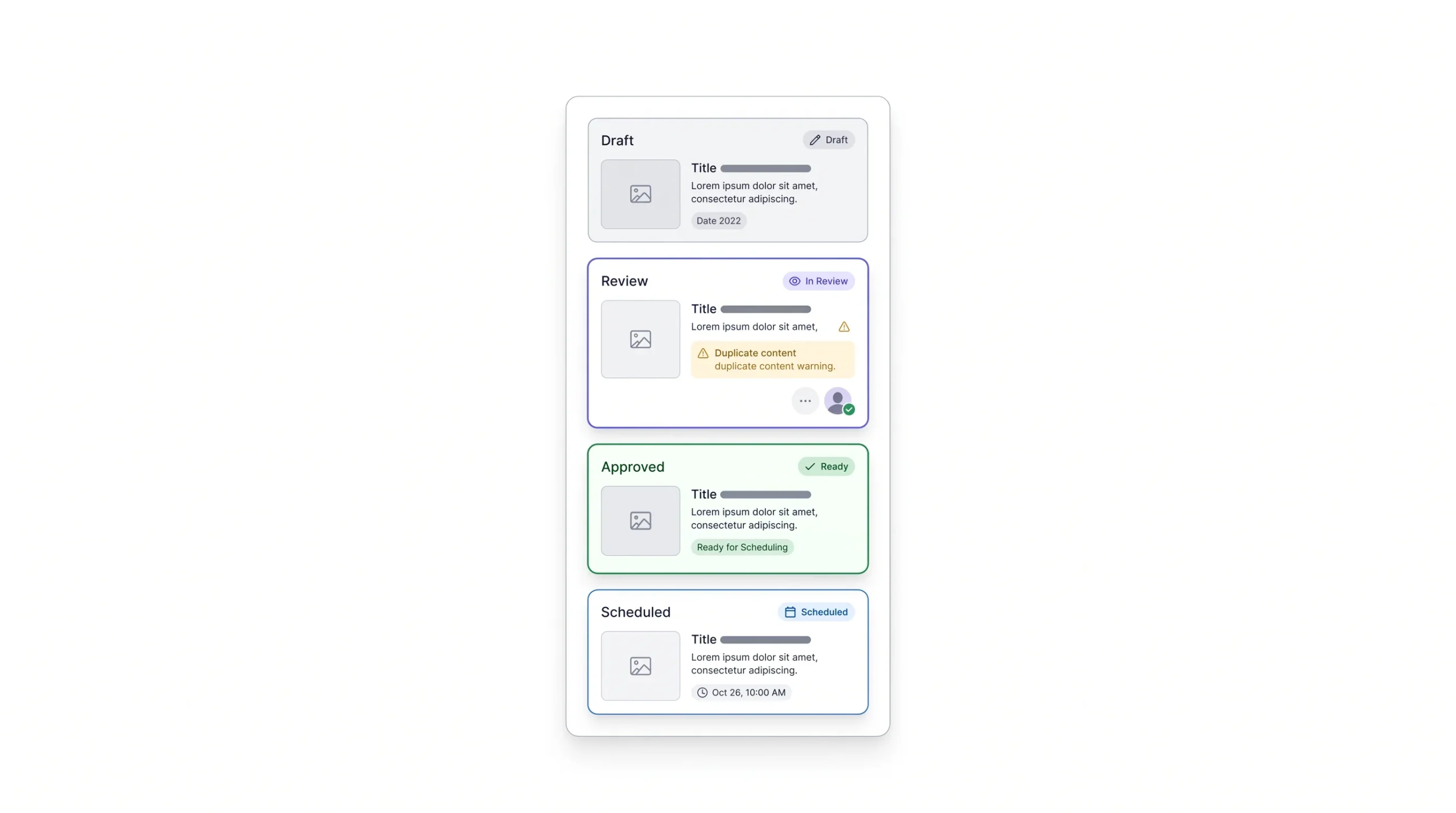
For teams and agencies, this step can’t be skipped. Set up a clear status column, draft, in review, approved, scheduled, and a sign-off process if there’s a client involved. Nothing kills a good calendar faster than a post going live that nobody actually approved, and it happens more often than people admit once more than one person has access to the scheduling tool.
This step also catches mistakes the earlier steps miss. A second set of eyes will notice if week two accidentally repeats a hook used in week one, or if three promotional posts landed back to back because the pillar rotation slipped somewhere along the way. Build in at least one review pass before anything gets locked into the scheduler, even for a solo operator, a day’s gap between writing and reviewing your own work catches more than reviewing it the same minute you wrote it.
Step 8: Production Batching
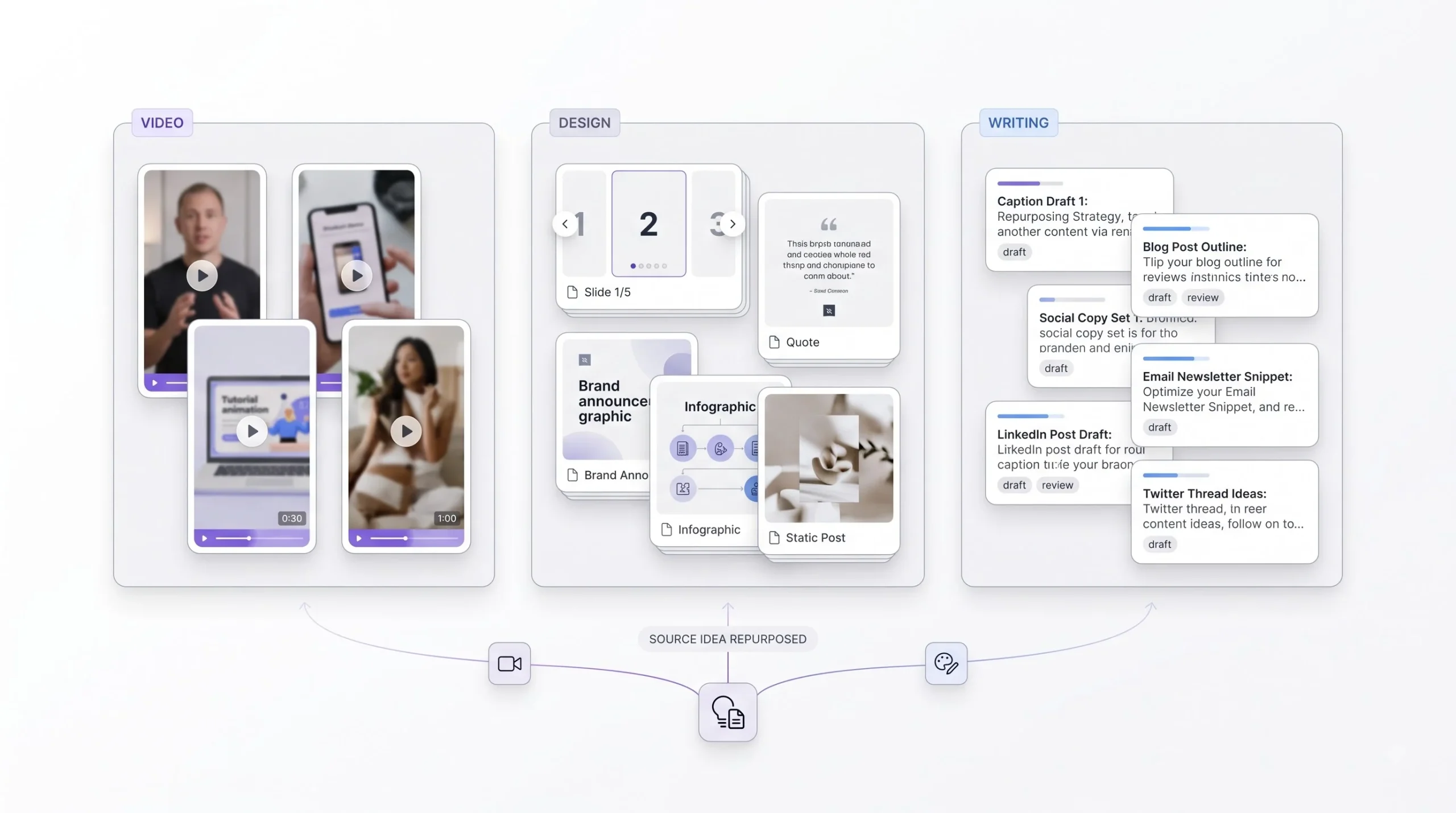
Batch by format, not by date. Film every reel for the month in one or two sessions instead of scattering them across 30 separate days. One piece of pillar content can also stretch across multiple calendar slots in different formats, which saves a huge amount of production time over the month.
This is the step that actually makes the whole 30-day system worth the upfront planning effort. All the work of the first seven steps pays off here, because now there’s a clear list of exactly what needs shooting, writing, and designing, grouped by type, instead of a vague sense that “content needs to happen” every single day. A batching session with a clear shot list from the calendar tends to run faster too, because nobody’s standing around trying to remember what was supposed to get filmed.
Sample 30-Day Calendar Snapshot (Week 1 Example)
| Date | Pillar | Format | Hook/Topic | Platform | CTA |
|---|---|---|---|---|---|
| Day 1 | Educational | Carousel | “3 mistakes beginners make in X” | Save post | |
| Day 2 | Trust | Story | Behind-the-scenes setup | Poll sticker | |
| Day 3 | Entertainment | Reel | Trending audio + relatable moment | Instagram/Facebook | Comment |
| Day 4 | Proof | Static | Client testimonial | DM for info | |
| Day 5 | Promotional | Carousel | Offer breakdown | Link in bio |
A calendar with only dates and no hooks is just a posting schedule. Hooks are what make people stop scrolling.
Content Batching and Repurposing to Fill 30 Days Faster
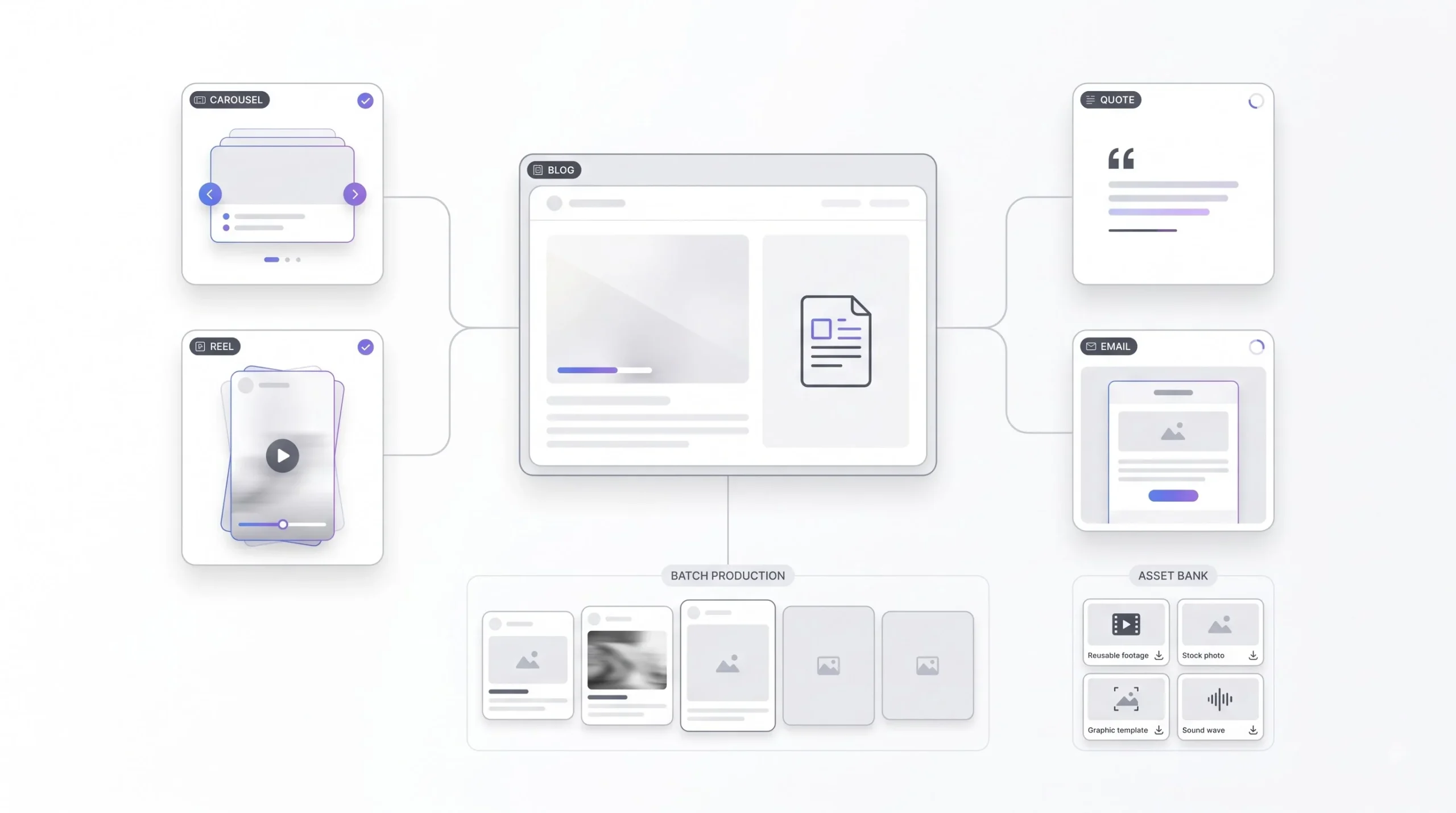
The math here is simple once you actually sit down and do it. One solid pillar topic doesn’t need to become one post. It can become four or five, spread across different formats. A blog post can turn into a carousel, that carousel’s script can turn into a reel, a strong line from it becomes a quote graphic, and the whole thing gets condensed into an email snippet if you’re running a newsletter alongside social.
This isn’t cutting corners. Repeating a core message across formats is actually what builds recall. People rarely remember something they saw once. They remember something they saw three or four times in slightly different shapes. Repurposing isn’t lazy content recycling, it’s frequency working in your favour.
The way to make this sustainable long term is to build a batch production workflow: dedicated content sprints instead of scattered daily work, an asset bank of raw footage and photos you can pull from later, and a consistent template system (Canva or Figma, whichever fits your team) so the visual identity stays recognisable without redesigning from scratch every time.
Tools for Building and Managing Your Calendar
Two separate categories exist here and people mix them up constantly. Planning tools are where the thinking and structure live: Notion, Google Sheets, Airtable. Scheduling tools are where the posting actually happens: Buffer, Later, Meta Business Suite, Hootsuite.
Honestly, most beginners should start with a plain spreadsheet. Not because it’s fancy, because it forces you to actually understand your own process before you pay for software to automate a process you haven’t figured out yet. Jumping straight to a paid scheduling tool before you’ve even run one manual month usually means over-engineering a system you don’t fully need yet.
Worth flagging inside the calendar itself which posts are getting ad spend behind them and which are staying purely organic. That distinction changes how a post gets written, a post meant to run as an ad often needs a sharper hook and a cleaner CTA than one that’s just going out to your existing followers.
Free vs Paid Calendar Tool Comparison
| Tool | Best For | Free Tier? | Limitation |
|---|---|---|---|
| Google Sheets | Simple teams, full control | Yes | No auto-scheduling |
| Notion | Content + collaboration | Yes | Learning curve |
| Meta Business Suite | Native Facebook/Instagram scheduling | Yes | Meta platforms only |
| Buffer/Later | Multi-platform scheduling | Limited | Paid tiers needed to scale |
Measuring and Adjusting Your Calendar Mid-Cycle
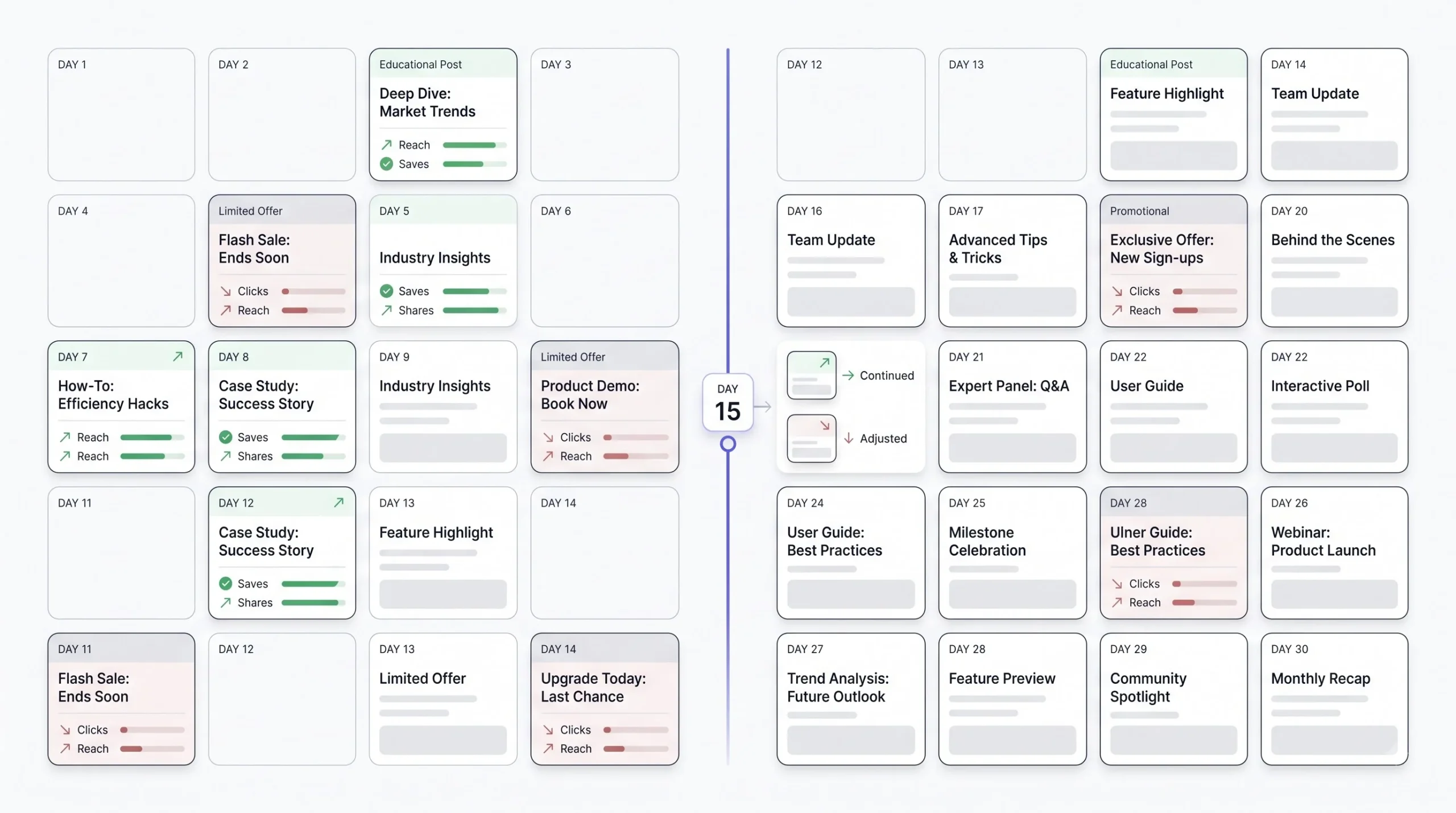
A content calendar isn’t something you write once and leave alone for 30 days. It’s a living document, and the smart move is checking in around the halfway mark, day 15, not waiting until the month’s over to see what happened.
At that midpoint, look at which pillars are actually performing and which formats are pulling their weight. The metrics that matter change depending on what each post was actually trying to do. Reach matters for awareness content. Saves and shares matter for value-driven content, that’s usually the clearest signal something actually helped someone. Clicks matter for anything meant to convert.
If week one’s educational carousels did well and week two’s promotional posts flopped, that’s information, not failure. Adjust the remaining two weeks instead of sticking rigidly to a plan that clearly isn’t matching what the audience wants this month.
Your first 30-day calendar won’t be perfect. Its real job is to give you 30 days of data for the next one.
Adapting Your Calendar for Indian Audiences and Regional Nuance
A generic global template doesn’t automatically work for an Indian audience, and treating it like it does is a common miss.
Festival planning needs real lead time and real regional awareness. Diwali and Holi are the obvious big ones, but regional festivals vary a lot by state, and a calendar built only around the national-level dates misses a big chunk of what actually matters to a regional audience.
Tier-2 and tier-3 city audiences also behave differently from metro audiences. Language mix matters, a lot of content performs better with some Hindi-English blend rather than pure English. Trust signals matter more than polish, a slightly rougher testimonial video from a real customer often outperforms an overly produced ad in these markets, because it reads as more believable.
Timing also shifts depending on region. Work hours, weekend habits, even internet usage patterns can differ meaningfully between a metro city and a smaller town, and a calendar built around one city’s rhythm won’t automatically translate to another.
Sample 30-Day Content Calendar Template (Full View)
Rather than laying out all 30 days one by one, which stops being useful the moment your business doesn’t match the exact example, here’s a repeatable weekly rhythm that adapts to most business types.
4-Week Rhythm Template
| Week | Focus | Pillar Emphasis | Key Deliverable |
|---|---|---|---|
| Week 1 | Foundation/Awareness | Educational + Trust | Establish topic authority |
| Week 2 | Engagement | Entertainment + Proof | Build interaction |
| Week 3 | Conversion push | Promotional + Proof | Drive action |
| Week 4 | Review + Trend | Flex slots + reactive | Adjust based on data |
Customise this based on what kind of business is running it. A service business might lean harder into proof and trust content across the whole month. An e-commerce brand might push conversion content earlier if there’s a specific sale date to hit. An education brand might spend more of week one and two on myth-busting and student results before pushing admissions content in week three. The rhythm stays the same, the emphasis shifts based on what the business actually needs that month.
Conclusion
A content calendar isn’t really about the grid, the dates, or which app you use to schedule things. It’s about having a reason behind every single post before it goes live, instead of scrambling to fill a gap at 9pm because three days went by without anything posted. Plan it, batch the production, post it, check what actually worked, adjust the next round. That loop is the whole game, and it gets easier every time it repeats.
Nobody needs a perfect system on day one. A simple spreadsheet with dates, pillars, and hooks beats an empty plan every single time. Start there, run one month, see what the data actually says, and build the next 30 days smarter than the last.
Frequently Asked Questions
How far in advance should a content calendar actually be planned?
Thirty days works for most accounts. It’s enough time to spot patterns and batch production, but not so far out that half the content feels irrelevant by the time it posts. Some teams plan a rough 90-day theme in the background but still build the detailed calendar one month at a time.
Do I need a different calendar for every platform, or one shared calendar?
One shared calendar works better for most small teams, as long as it has a platform column so you can filter by channel when needed. Separate calendars per platform usually just mean duplicate work and things falling out of sync between them.
What if I don’t have enough content ideas to fill 30 days?
That’s almost always a pillar problem, not an idea problem. Three to five solid pillars, each broken into multiple sub-topics, generate more ideas than most people expect. Repurposing one piece of content into three or four formats also stretches the count without needing 30 completely original ideas.
Should every single post have a call to action?
No. Forcing a CTA onto every post is part of what causes audience fatigue. Value and entertainment posts can exist just to be useful or engaging, without asking for anything back. Save the direct CTAs for the posts actually built around conversion.
How much of the calendar should be pre-planned versus left flexible?
Somewhere around 80% planned and 15 to 20% left open for flex and reactive content is a reasonable starting split. A fully locked calendar misses trends. A fully reactive one loses the benefits of planning at all.
Is a spreadsheet good enough, or do I need paid scheduling software?
A spreadsheet is genuinely enough for most beginners and small teams. Paid tools become worth it once posting volume or team size grows to a point where manual scheduling starts eating real time. Start simple, upgrade when the spreadsheet actually starts slowing things down, not before.
How often should the calendar be reviewed once it’s running?
A midpoint check around day 15 catches problems early enough to fix the second half of the month. A full review at the end of the 30 days feeds directly into planning the next cycle, so nothing important gets missed between one month and the next.
What’s the biggest reason a content calendar falls apart after a few weeks?
Usually it’s skipping the foundational groundwork, no clear pillars, no defined goal per platform, no consistent voice, and just filling dates with whatever comes to mind. The calendar structure isn’t the problem in most cases. The thinking behind it is.
Can the same post be used across Instagram, Facebook, and LinkedIn?
The core idea can be reused, but the format and tone usually need adjusting per platform. A post that performs well on Instagram because of a punchy hook might need a more detailed, professional framing to land on LinkedIn.
How do I know if my content pillars are the right ones?
Track performance by pillar over a full month, not by individual post. If one pillar consistently underperforms across multiple posts, it’s either the wrong pillar for the audience or it needs a different format. Give it a fair test before dropping it entirely.
Should festivals and sale periods take priority over the regular content pillars?
Yes, fixed dates go on the calendar first and everything else builds around them. But festival content should still fit inside the existing pillar structure where possible, a festival post can still be educational or proof-based, it doesn’t need to break the whole rhythm just because it’s tied to a date.
How many posts should realistically go into a 30-day calendar for a small business?
There’s no fixed number that fits every business, it depends on the platform frequency table used as a baseline, the team’s production capacity, and the goals for that month. Starting with a manageable, consistent number that can actually be sustained beats planning an ambitious count that falls apart by week two.