

Most freelancers find out the hard way that a client list built entirely on Instagram DMs and LinkedIn connection requests can vanish overnight. An algorithm change, a suspended account, a platform that decides your niche isn’t “brand safe” anymore, and the audience you spent three years building is just gone. Nobody owes you visibility on someone else’s platform. That’s the blunt truth freelancers learn about six months too late, usually right after a slow month with zero inbound leads and a feed that mysteriously stopped showing your posts to anyone.
Email doesn’t have that problem. When someone hands you their email address, that relationship belongs to you, not to Meta, not to Upwork, not to whatever platform decides to change its algorithm next quarter. This is exactly why email marketing platforms for freelancers have quietly become one of the smartest investments a solo business owner can make, right up there with a decent invoicing tool and a website that actually loads fast. The freelancers who treat email as a core business asset, not an afterthought, are the ones who aren’t scrambling for work every time a client project wraps up.
The numbers back this up too. Litmus and the Data & Marketing Association have both published figures putting email marketing ROI somewhere between $36 and $42 for every dollar spent, and while your mileage as a solo freelancer will vary, the underlying logic holds: a warm list of past clients and interested leads converts dramatically better than cold outreach or hoping the algorithm favors you this week. Repeat clients also cost you almost nothing to reach. You already did the hard part of earning their trust once.
This guide walks through what an email marketing platform actually does, why freelancers specifically need one (as opposed to marketing agencies or ecommerce brands, who have different needs entirely), and a detailed breakdown of the platforms actually worth your money in 2026. Whether you’re a copywriter trying to fill your calendar, a web developer who wants referrals on autopilot, or a photographer building a print-sales list, there’s a tool on this list built for how you actually work.
What You Will Learn in This Guide
- What an email marketing platform is and how it’s fundamentally different from just using Gmail or Outlook for client communication
- Why freelancers across writing, design, development, consulting, and creative fields need a dedicated email tool, not just a mailing list app
- The exact features worth paying for versus the ones that just look good in a sales demo
- A detailed, honest comparison of the twelve platforms freelancers actually use, including pricing, free plan limits, and who each one is genuinely built for
- How to pick the right platform based on your subscriber count, budget, and business goals
- A practical workflow for turning cold traffic into paying clients using email
- The automations, best practices, and common mistakes that separate freelancers who make real money from email from the ones who send three newsletters and give up
What Is an Email Marketing Platform?
An email marketing platform is software built specifically to collect, manage, and communicate with an email list at scale, using automation, segmentation, and analytics that a regular inbox simply can’t do. Think of it as the difference between texting one friend and running a group chat with automated replies, scheduled messages, and a report showing exactly who read what.
At its core, the platform handles five jobs: it collects subscribers through forms and landing pages, stores and organizes that list with tags and segments, builds and sends campaigns through a visual editor, automates sequences based on subscriber behavior, and reports back on what worked. None of that happens in Gmail. You can BCC fifty people on an email if you really want to, but you’ll have zero idea who opened it, no way to automatically follow up with the people who clicked a link, and a decent chance your account gets flagged for spam-like sending behavior.
How an Email Marketing Platform Actually Works
The mechanics are simpler than most freelancers assume once you break it down step by step. A visitor lands on your site, sees a signup form (usually offering something free in exchange, like a template or checklist), and enters their email. That subscriber gets added to a list inside the platform, often tagged based on where they signed up or what they were interested in.
From there, the platform can trigger an automated welcome sequence, drop the subscriber into a segment based on their behavior, and eventually receive your regular newsletter or promotional campaigns. Every open, click, and unsubscribe gets logged, and platforms like ActiveCampaign or Kit let you build entire decision trees: if someone clicks link A, send them down path A; if they don’t open three emails in a row, tag them as inactive and stop emailing them so often.
Deliverability sits underneath all of this, quietly determining whether any of it matters. Every platform runs authentication protocols (SPF, DKIM, sometimes DMARC) that tell inbox providers like Gmail and Outlook that your emails are legitimate and not spoofed. A platform with a poor sending reputation, shared by too many bad senders, will land your carefully written newsletter straight in spam no matter how good the subject line is.
Email Marketing Platform vs a Regular Email Client
| Gmail / Outlook | Email Marketing Platform |
|---|---|
| Manual, one-by-one sending | Automated sending to entire segments |
| Limited daily recipient caps (roughly 500 for Gmail) | Send to thousands with no practical limit |
| Zero built-in automation | Full workflow automation based on subscriber behavior |
| No segmentation beyond manual folders | Smart segmentation by tags, activity, and custom fields |
| No open or click tracking | Detailed analytics on opens, clicks, and conversions |
| High risk of being flagged as spam at volume | Dedicated infrastructure built for legitimate bulk sending |
Freelancers who try to run their business off Gmail alone usually hit a wall around 100 to 200 subscribers, right when manual sending starts eating real time and Gmail’s sending limits start getting uncomfortably close.
Why Freelancers Need Email Marketing Platforms
Freelancers need email marketing platforms because client acquisition through social media and freelance marketplaces is unpredictable and largely out of your control, while an owned email list converts warm leads into repeat business at a fraction of the effort. This isn’t a nice-to-have. It’s the difference between a freelance business that compounds over time and one that resets to zero every time a big client contract ends.
Build a Business Independent of Social Media
Platforms change their algorithms constantly, and a strategy built entirely on organic reach is a strategy built on borrowed land. LinkedIn deprioritizes certain content types without warning. Instagram shifts toward Reels and buries static posts. Upwork and Fiverr take a cut of every project and control whether clients can even see your profile. An email list sidesteps all of that. Nobody can algorithm-change your inbox access away from you.
Stay Connected With Past Clients
Most freelancers lose touch with former clients within a few months of finishing a project, purely because there’s no system keeping that relationship warm. A simple monthly or quarterly newsletter fixes this without much effort. You’re not selling in every email, you’re just staying visible, so when that client’s business needs help again (and it usually does, six to twelve months later), you’re the first name that comes to mind instead of a forgotten contact buried in an old email thread.
Generate Repeat Business and Referrals
A well-run email list turns into a referral engine almost by accident. When you regularly share useful content, case studies, or updates about your work, past clients start forwarding those emails to other business owners who need the same help. Freelancers who track this consistently find that referrals sourced from email newsletters convert faster than cold leads, because there’s already a layer of trust transferred from the person who forwarded it.
Sell Digital Products and Book More Discovery Calls
A lot of freelancers eventually build something scalable alongside their service work: a template pack, a mini course, a paid community, or a done-for-you resource. None of that sells itself without a list to launch it to. Email consistently outperforms social posts for product launches because subscribers already opted in to hear from you, unlike a cold audience scrolling past a launch post in their feed. The same logic applies to booking discovery calls. A well-timed automated email with a Calendly link, sent to someone who just downloaded your lead magnet, books calls while you’re asleep.
Promote New Services and Build a Personal Brand
Every time you add a new service or raise your rates, your list is the fastest way to announce it to people who already trust you. And over time, a consistent newsletter becomes part of your personal brand. People start associating your name with a specific point of view on your industry, not just a service they hired once. That’s worth more long-term than almost any single project.
How Email Marketing Helps Different Types of Freelancers
Every freelance niche uses email a little differently, and the platforms below serve some niches better than others depending on the automation and integration needs specific to that work.
SEO Freelancers
SEO freelancers use email to send monthly ranking reports, share case studies from client wins, and nurture leads who downloaded an SEO audit checklist. A tool like ActiveCampaign works well here because of its CRM integration, letting you track a lead from “downloaded lead magnet” all the way through “signed a retainer contract” in one pipeline.
Graphic Designers and Photographers
Designers and photographers lean heavily on visual email templates to showcase portfolio work directly inside the inbox. Platforms with strong drag-and-drop builders and easy image galleries, like MailerLite or Constant Contact, tend to fit this crowd better than text-heavy tools built for writers.
Web Developers
Developers often want deeper integration options, connecting their email tool to Stripe for payment confirmations, Zapier for lead routing, or a custom-built client portal. GetResponse and ActiveCampaign both offer the API depth developers expect, while simpler tools like Sender can feel limiting once you start automating multi-step workflows.
Copywriters and Content Writers
Writers usually want a platform that gets out of the way and lets the writing carry the email, without a bloated visual editor forcing unnecessary design elements into a simple text email. Kit was practically built for this use case, with a plain-text-first editor that mirrors how a personal email actually looks in the inbox.
Digital Marketing Consultants and Social Media Managers
Consultants managing multiple client relationships benefit from segmentation and tagging that lets them run separate nurture tracks for different service lines (SEO leads versus paid ads leads, for example). Brevo and ActiveCampaign both handle this kind of layered segmentation cleanly.
Video Editors and Business Consultants
Video editors often use email to distribute portfolio reels and client testimonials, benefiting from platforms with solid video-thumbnail embedding support. Business consultants, meanwhile, tend to run longer nurture sequences packed with frameworks and case studies, which makes automation depth (multi-step, condition-based sequences) the priority over visual design.
Virtual Assistants
VAs often manage email marketing on behalf of clients as part of their service offering, so ease of use and a clean client-friendly interface matter more here than raw power. MailerLite and Constant Contact both score well for this because clients can log in and understand what’s happening without a training session.
Features Every Freelancer Should Look For
Not every feature on a pricing page matters for a solo business. Some are genuinely worth paying for, and some are just there to pad out a comparison chart against competitors. Here’s what actually moves the needle.
Easy Drag-and-Drop Email Builder
A drag-and-drop builder lets you assemble an email visually, dragging text blocks, images, and buttons into place without touching a line of code, which matters enormously when you’re writing your own newsletters instead of hiring a designer. Look specifically for mobile preview inside the builder, since over 60% of email opens now happen on a phone according to Litmus benchmark data, and an email that looks great on desktop but breaks on mobile is worse than sending nothing at all.
Contact Management With Tags, Lists, and Segments
Tags, lists, and segments sound similar but do different jobs, and mixing them up is one of the most common mistakes new users make. A list is a broad container (say, “Newsletter Subscribers”). A tag is a specific label you attach to someone based on an action, like “Downloaded SEO Checklist.” A segment is a dynamic group built from rules, like “everyone tagged SEO Checklist who hasn’t opened an email in 30 days.” Good contact management means you can build hyper-specific segments without manually sorting anyone.
Email Automation Sequences
Automation is what separates a platform that saves you time from one that just adds another task to your plate. A welcome sequence should trigger the moment someone joins your list, delivering value before you ever ask for anything in return. Follow-up emails after a discovery call, lead nurturing sequences for cold subscribers, birthday emails for personal touch, and client re-engagement flows for people who’ve gone quiet all run without you touching the platform once they’re built.
Welcome Sequences and Lead Nurturing
A welcome sequence typically runs three to five emails over the first one to two weeks, introducing yourself, sharing your best content, and gently leading toward a call to action like booking a call or checking out your services page. Lead nurturing extends that logic over a longer period, usually weekly, and works especially well for freelancers with longer sales cycles like consultants or web developers where a client might take months to decide.
Client Re-Engagement and Birthday Emails
Re-engagement flows target subscribers who’ve gone quiet, usually people who haven’t opened an email in 60 to 90 days, with a “we miss you” style message or a special offer to pull them back before you eventually remove them from your active list. Birthday emails are a smaller touch but freelancers who use them (particularly coaches and consultants with more personal client relationships) report noticeably higher reply rates on that single email compared to a standard newsletter.
Landing Pages, Signup Forms, and Popups
A platform that includes built-in landing pages saves you from needing a separate website tool just to launch a lead magnet. Kit, MailerLite, and GetResponse all include landing page builders inside their free or entry-level plans, which is a real cost saving for freelancers who don’t want to pay for Leadpages or a similar standalone tool on top of everything else.
CRM Integration and AI Email Writing
CRM integration matters most for freelancers juggling more than a handful of active leads at once, letting you see exactly where each contact sits in your pipeline without switching tools. AI email writing tools have become standard across almost every platform now, generating subject line variations or first drafts based on a prompt, but they work best as a starting point you edit heavily, not a finished product you send as-is.
Analytics Dashboard, A/B Testing, and Deliverability
An analytics dashboard should show open rate, click rate, and unsubscribe rate at minimum, with better platforms breaking this down by segment so you can see which parts of your list actually engage. A/B testing lets you send two subject line variants to a small portion of your list first, then automatically send the winner to everyone else. Deliverability tools, like a built-in spam checker before you send, catch issues (spammy words, broken links, image-to-text ratio problems) before they tank your sender reputation.
Mobile App and Third-Party Integrations
A mobile app matters if you want to check open rates or approve a campaign from your phone between client calls. Integrations with WordPress, Shopify, WooCommerce, Stripe, Zapier, Make, n8n, Calendly, and Google Sheets determine how well your email tool fits into the rest of your existing freelance stack, and this is often the deciding factor between two otherwise similar platforms.
Best Email Marketing Platforms for Freelancers
This section breaks down the twelve platforms freelancers actually use in 2026, based on pricing at low subscriber counts, ease of use, and how well each one fits a one-person business rather than a marketing team.
1. Mailchimp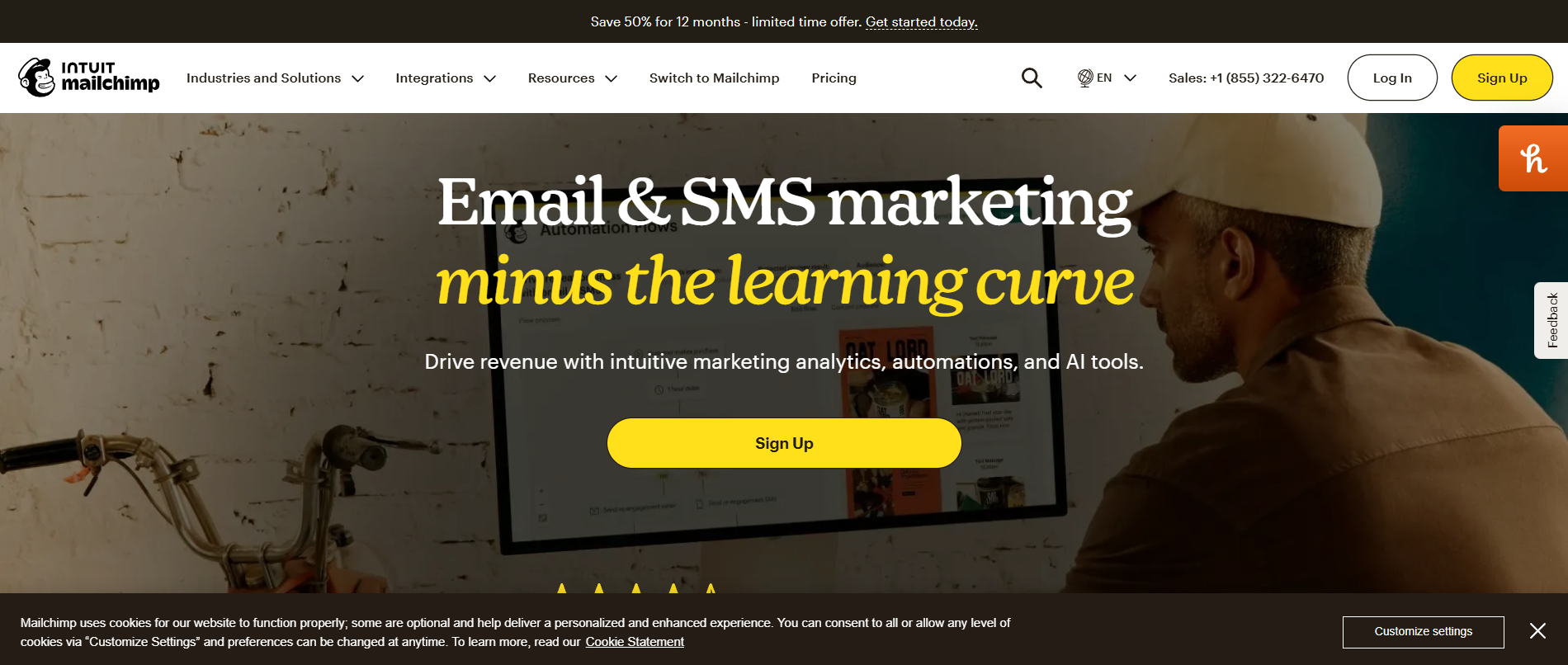
Mailchimp is the platform most freelancers have already heard of, and it remains a reasonable starting point though it’s lost ground to cheaper, more freelancer-friendly competitors over the past few years.
Best Features: A polished drag-and-drop builder, a large template library, built-in AI content generation through its Intuit-backed features, and solid integration support for Shopify and WooCommerce.
Pros: Widely recognized brand that clients trust when they see it, decent free plan for very small lists, strong template variety.
Cons: Pricing climbs fast once you cross 500 contacts, and the free plan comes with Mailchimp branding you can’t remove without upgrading. Support has also gotten noticeably slower on lower-tier plans according to recurring complaints on G2 and Capterra reviews.
Pricing: Free up to 500 contacts with limited sends, paid plans starting around $13/month and climbing quickly as your list grows.
Best For: Freelancers who want a familiar, well-documented tool and don’t mind paying a bit more for brand recognition.
2. Kit (Formerly ConvertKit)
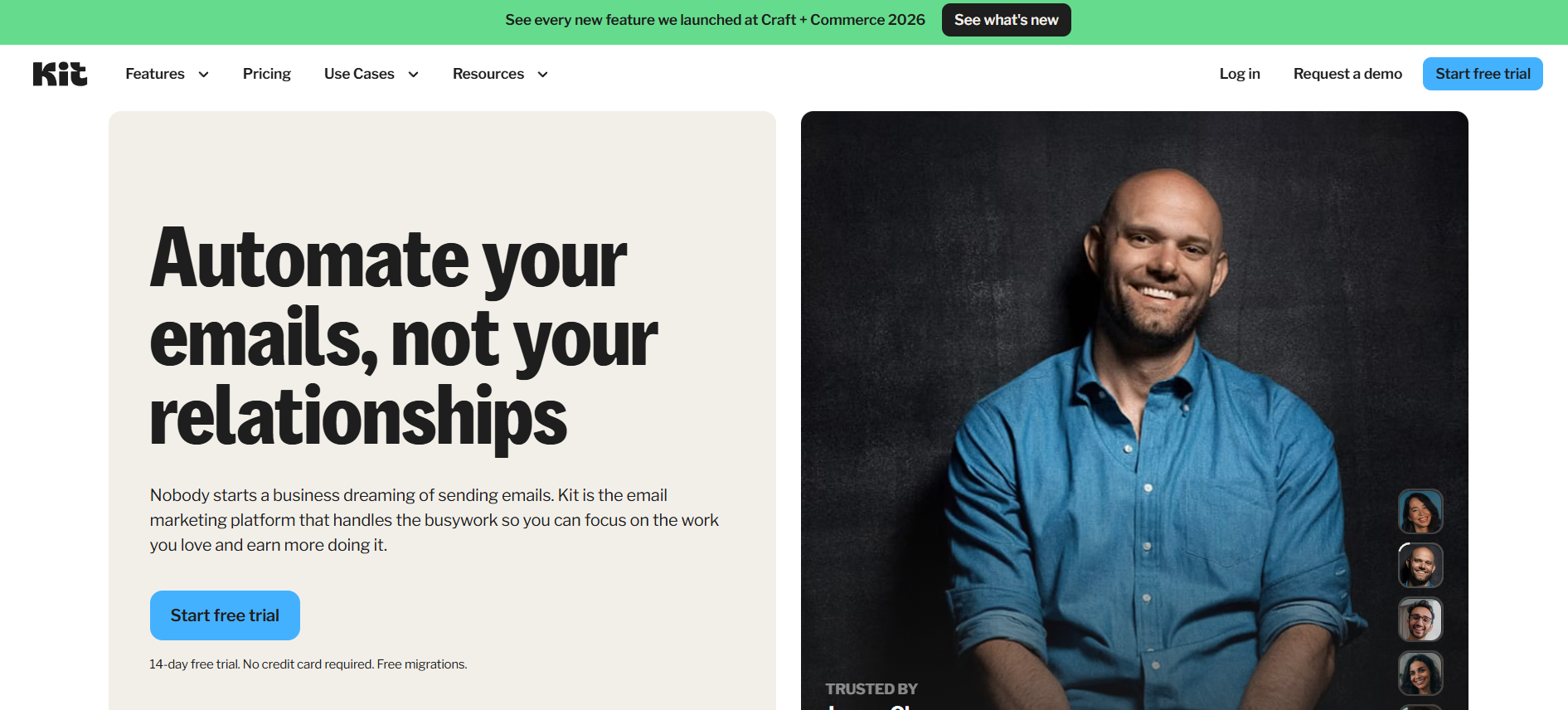
Kit rebranded from ConvertKit in 2023 and has become the default recommendation for creators, writers, and freelancers who sell knowledge or services directly to an audience.
Best Features: A plain-text-first email editor that looks and feels like a personal email rather than a marketing blast, visual automation builder, built-in landing pages and forms, and a “Creator Network” that helps you cross-promote to other creators’ audiences.
Pros: Genuinely built for solo creators and freelancers rather than retrofitted from an ecommerce tool. The tagging system is intuitive once you learn it, and the free plan is one of the most generous on this list.
Cons: The visual email builder is more limited than MailerLite or Mailchimp if you want heavily designed campaigns. Reporting is functional but not as deep as ActiveCampaign’s.
Pricing: Free up to 10,000 subscribers on a limited feature set, paid Creator plan starting around $25/month for full automation access at low subscriber counts.
Best For: Writers, coaches, and freelancers building a personal brand around their name rather than a company logo.
3. Brevo
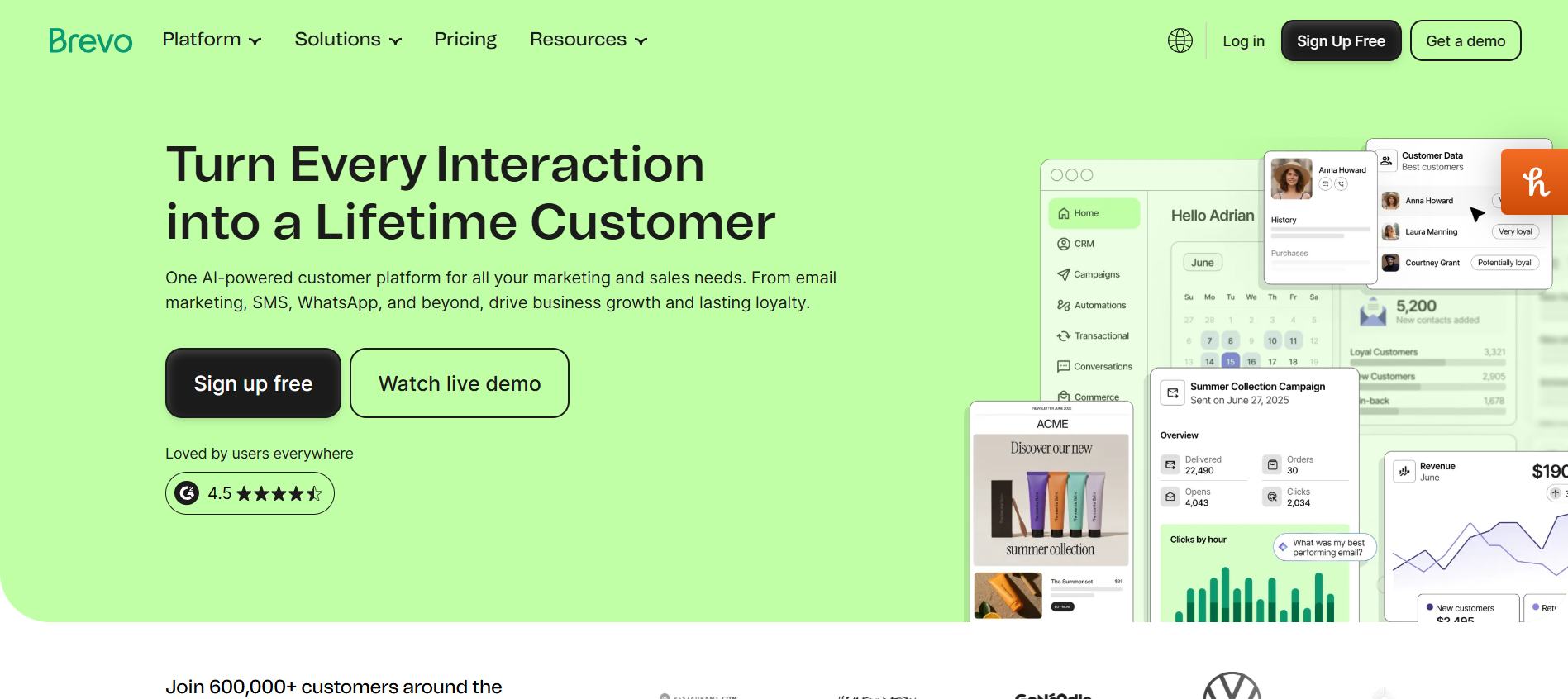
Brevo, formerly Sendinblue, is consistently the platform freelancers point to when asked “what’s the cheapest option that doesn’t feel cheap.”
Best Features: Pricing based on email volume sent rather than subscriber count, which is unusual and genuinely favorable for freelancers with a large list they don’t email constantly. Includes SMS marketing, a built-in CRM, and transactional email support.
Pros: The free plan allows unlimited contacts, capped only by 300 emails per day, which works surprisingly well for a freelancer with a small but growing list. Deliverability has a solid reputation in independent testing from EmailTooltester.
Cons: The interface feels less polished than Kit or MailerLite, and some advanced automation features are locked behind higher tiers.
Pricing: Free plan with unlimited contacts and 300 emails/day, paid plans starting around $9/month.
Best For: Budget-conscious freelancers with a growing list who don’t need to send daily emails.
4. MailerLite
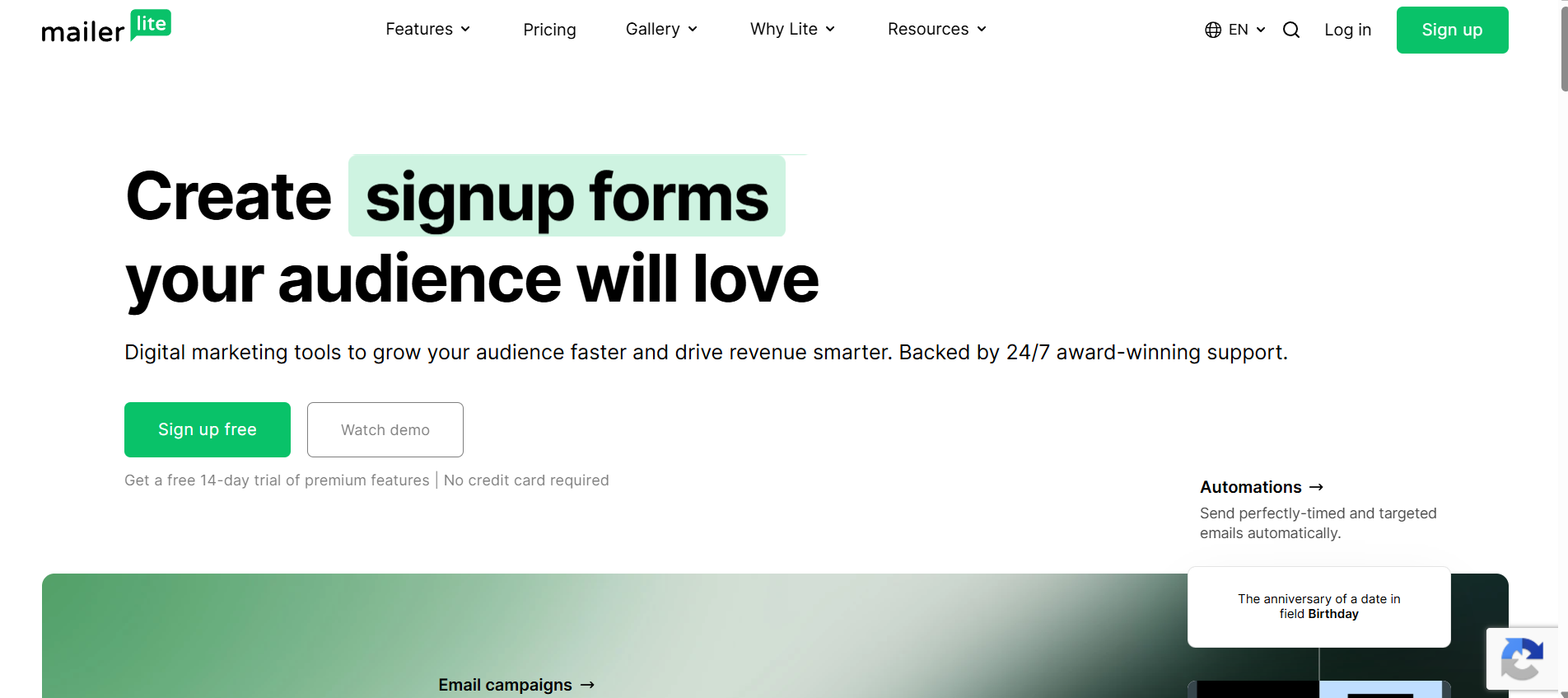
MailerLite has built a reputation as the platform that’s genuinely easy to learn in an afternoon, without sacrificing the automation depth freelancers need as they grow.
Best Features: A clean, uncluttered interface, solid free-plan automation (many competitors lock automation behind a paid tier), built-in landing pages, and a surprisingly capable AI writing assistant for subject lines and content blocks.
Pros: The learning curve is genuinely shorter than most competitors. Support response times get consistently praised in G2 reviews, even on the free plan.
Cons: Design customization is more limited than Mailchimp, and advanced segmentation logic isn’t as flexible as ActiveCampaign’s.
Pricing: Free up to 1,000 subscribers with automation included, paid plans starting around $10/month.
Best For: Beginners and freelancers who want automation without a steep learning curve.
5. ActiveCampaign
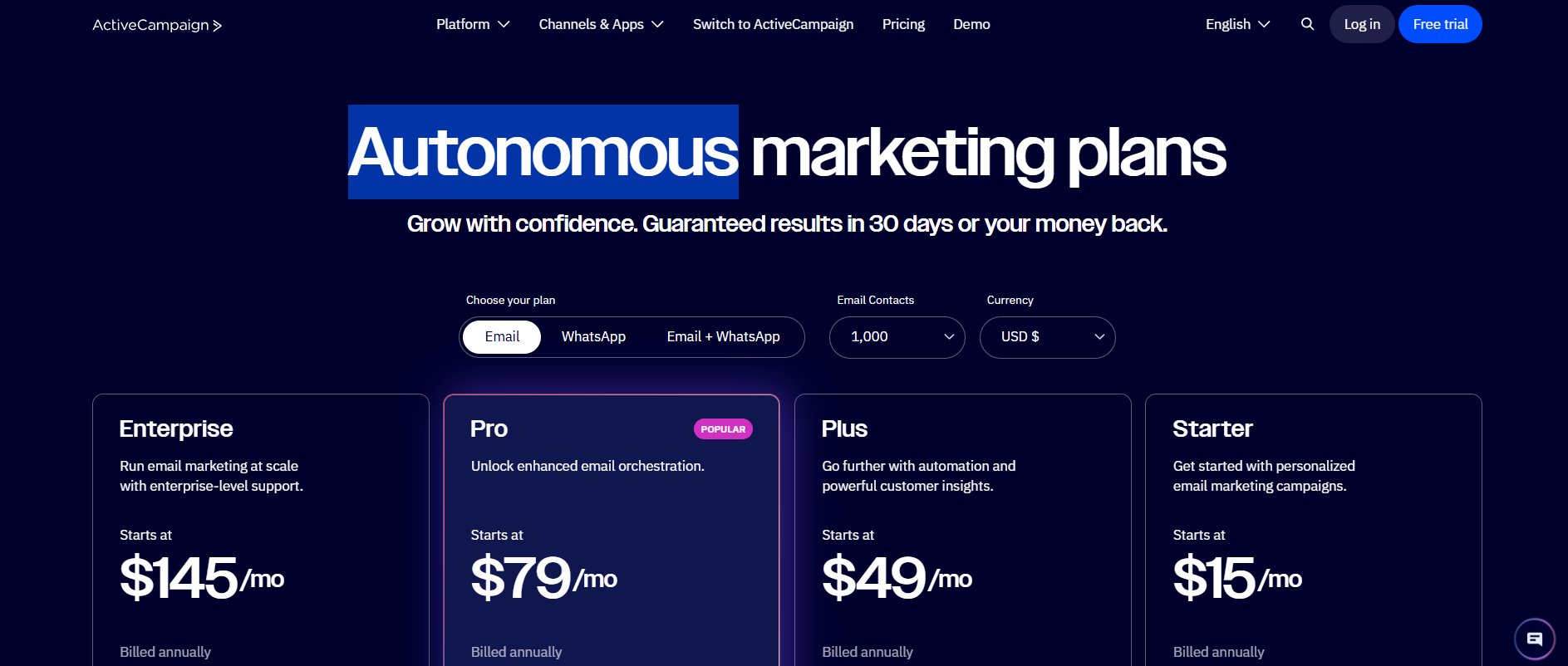
ActiveCampaign is the automation powerhouse on this list, and it’s the tool freelancers graduate to once their business gets complex enough to need real workflow logic.
Best Features: A visual automation builder with conditional branching, built-in CRM with deal pipelines, predictive sending, and deep segmentation based on site tracking and behavioral triggers.
Pros: No other platform on this list matches its automation depth. The CRM integration alone replaces a separate tool for consultants managing multiple leads.
Cons: The learning curve is steep, and it’s genuinely overkill for a freelancer with under 500 subscribers and a simple newsletter habit. No free plan.
Pricing: Starts around $15/month for the most basic tier, with CRM and advanced automation features requiring higher tiers closer to $49/month.
Best For: Consultants and agency-adjacent freelancers managing complex, multi-service lead pipelines.
6. GetResponse
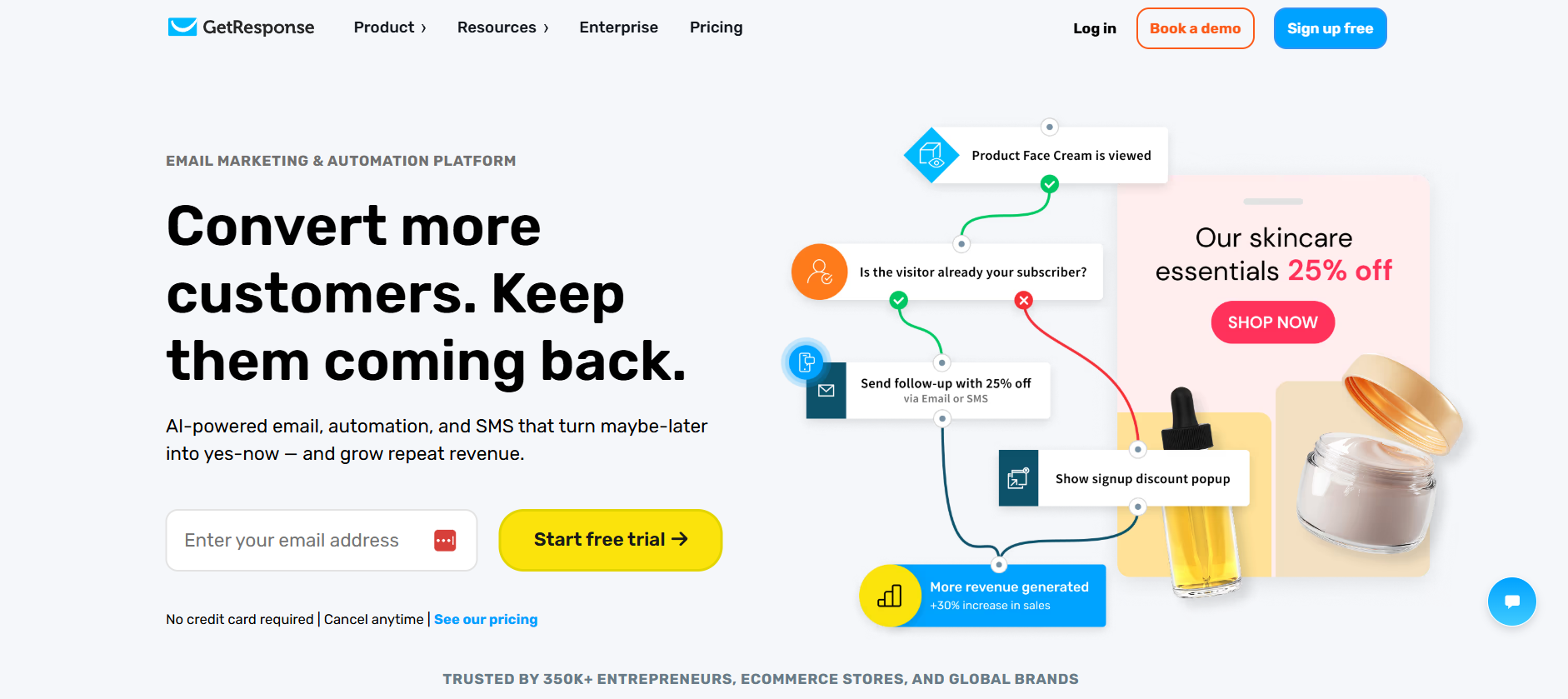
GetResponse markets itself as an all-in-one marketing platform, and for freelancers who want webinars, landing pages, and email under one roof, that positioning holds up.
Best Features: Built-in webinar hosting (a genuine differentiator on this list), automation builder, landing pages, and a paid ads management tool for freelancers running their own campaigns.
Pros: The webinar feature alone can replace a separate $50 to $100/month tool for consultants and coaches who run live trainings as a lead generation tactic.
Cons: The interface can feel cluttered given how many features are packed in, and beginners sometimes report a longer onboarding period than MailerLite or Kit.
Pricing: Free plan available with limited features, paid plans starting around $19/month for the tier that unlocks automation and webinars.
Best For: Coaches and consultants who run webinars as part of their client acquisition strategy.
7. Moosend
Moosend positions itself as a budget-friendly automation tool, and it delivers on that promise without feeling stripped down.
Best Features: Unlimited emails on paid plans regardless of subscriber count, a solid automation builder for the price, and AI-powered product recommendations aimed at freelancers who sell digital products.
Pros: Genuinely competitive pricing for the automation depth included, and the interface is straightforward without much of a learning curve.
Cons: Smaller ecosystem of integrations compared to Mailchimp or ActiveCampaign, and customer support is less responsive outside business hours according to recurring Capterra feedback.
Pricing: Paid plans starting around $9/month with no meaningful free tier beyond a short trial.
Best For: Freelancers who sell digital products and want automation without ActiveCampaign-level pricing.
8. Constant Contact
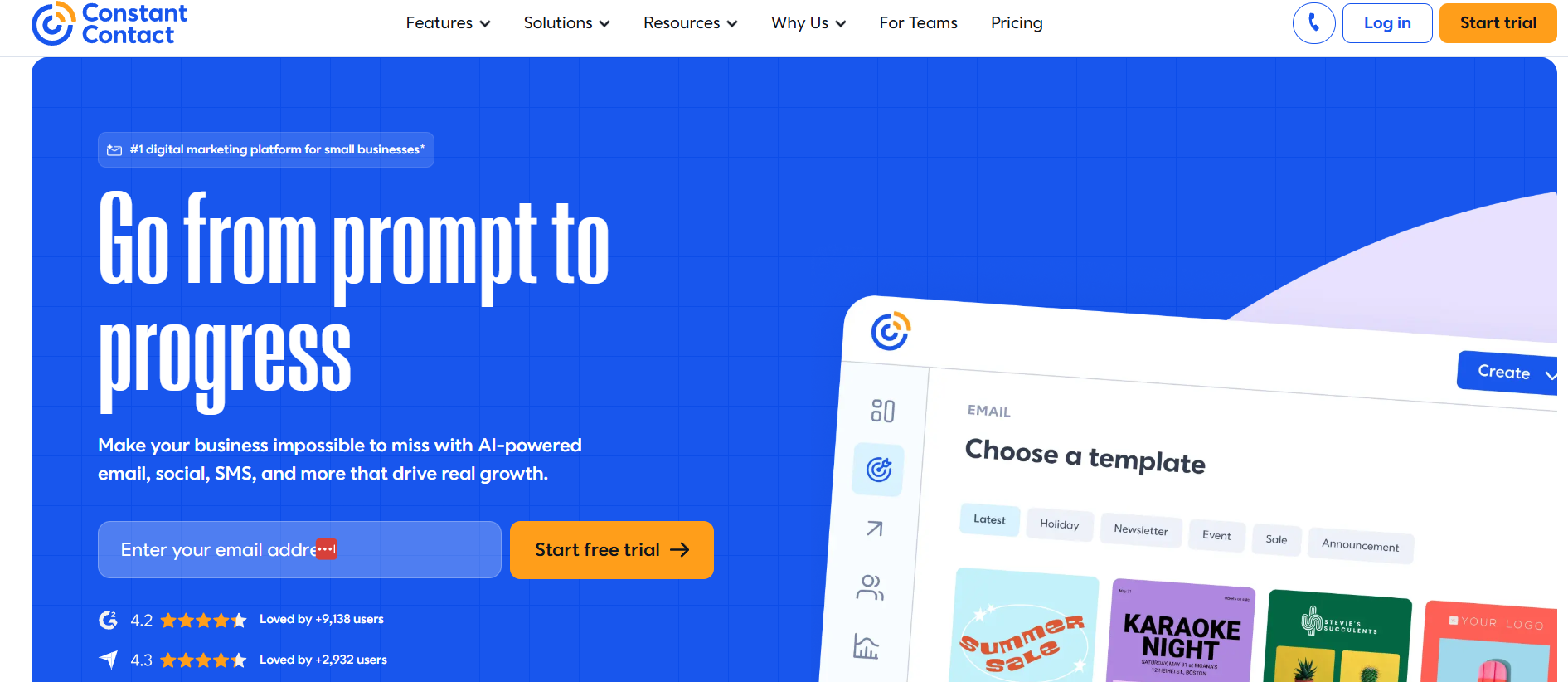
Constant Contact leans into a small-business-friendly identity, and freelancers who want hand-holding through the setup process tend to appreciate that approach.
Best Features: Strong customer support with live phone support (rare in this category), event management tools, and a straightforward drag-and-drop builder.
Pros: Onboarding support is genuinely better than most competitors, which matters for freelancers who aren’t especially technical and don’t want to troubleshoot alone.
Cons: Pricing is on the higher end relative to subscriber count compared to Brevo or MailerLite, and automation features feel more basic than ActiveCampaign or GetResponse.
Pricing: Starts around $12/month with no permanent free plan, just a limited-time trial.
Best For: Freelancers who want strong live support and don’t mind paying slightly more for it.
9. Benchmark Email
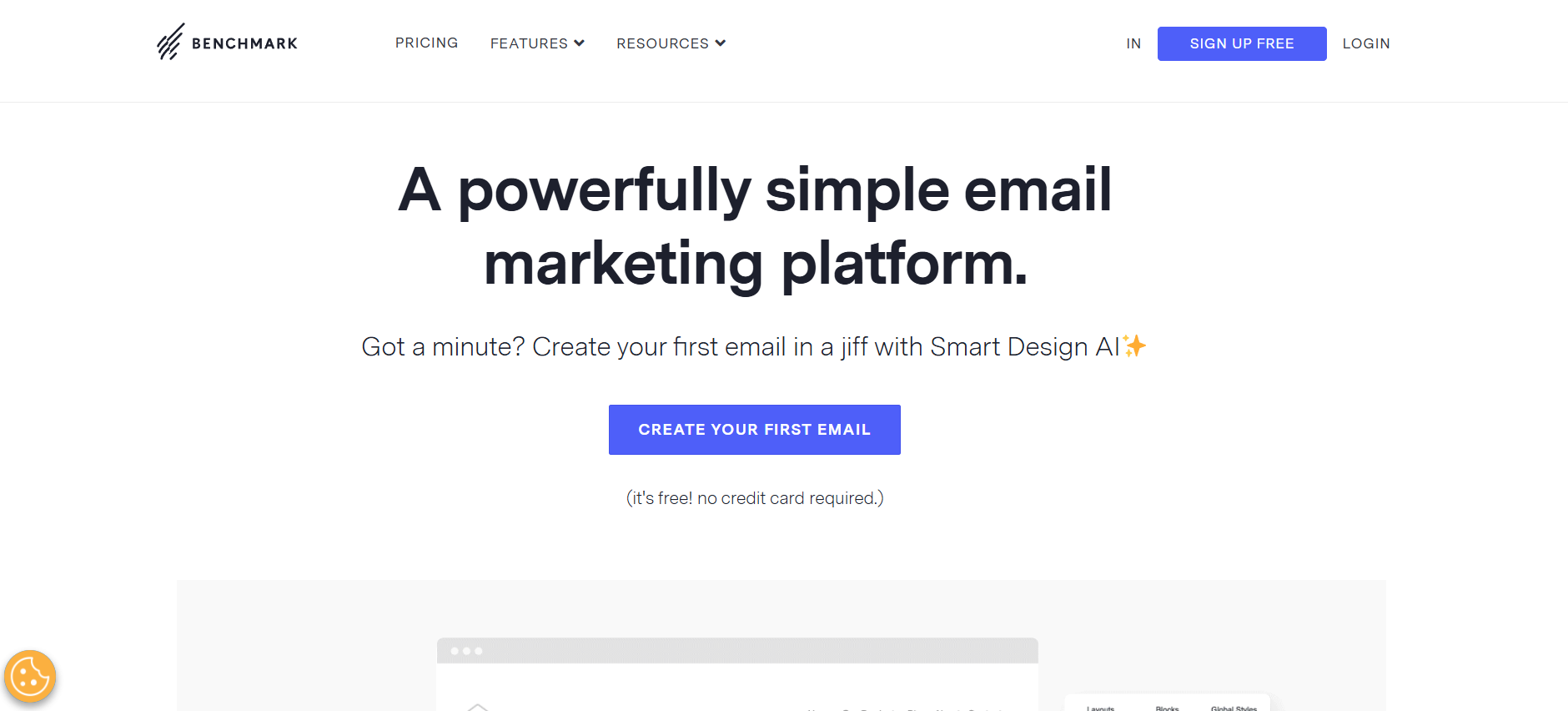
Benchmark Email keeps things simple, aiming squarely at freelancers and small businesses who send straightforward campaigns without complex automation needs.
Best Features: A clean template gallery, basic automation for welcome series and follow-ups, and a straightforward pricing structure without a lot of hidden feature gates.
Pros: Easy to pick up quickly, and pricing stays predictable as your list grows, without the steep jumps some competitors have between tiers.
Cons: Automation logic is fairly basic compared to ActiveCampaign or GetResponse, and it lacks some of the deeper AI features competitors have rolled out recently.
Pricing: Free plan available for up to 500 contacts, paid plans starting around $13/month.
Best For: Freelancers who send simple monthly or biweekly campaigns without complex behavioral automation.
10. AWeber
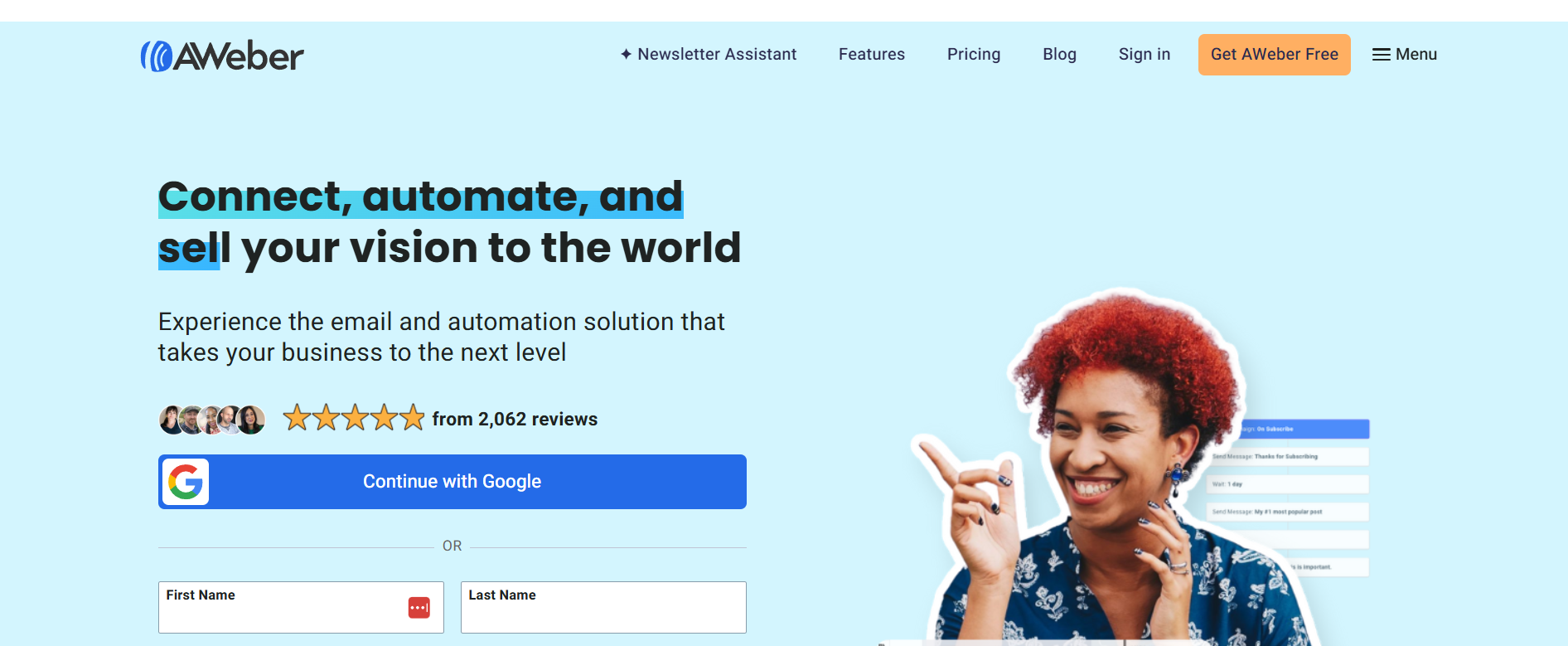
AWeber has been around since well before “email marketing platform” was even a common phrase, and it still holds up as a reliable, if unexciting, option for beginners.
Best Features: A long track record of deliverability reliability, simple automation tools, and a landing page builder included even on lower tiers.
Pros: Straightforward pricing and an interface that hasn’t changed dramatically in years, which some freelancers actually prefer over constantly redesigned competitors.
Cons: The design and automation tools feel dated compared to Kit or MailerLite, and AI features have lagged behind the rest of the market.
Pricing: Free plan up to 500 subscribers, paid plans starting around $12.50/month.
Best For: Beginners who want a no-surprises platform that’s been stable for years.
11. Sender
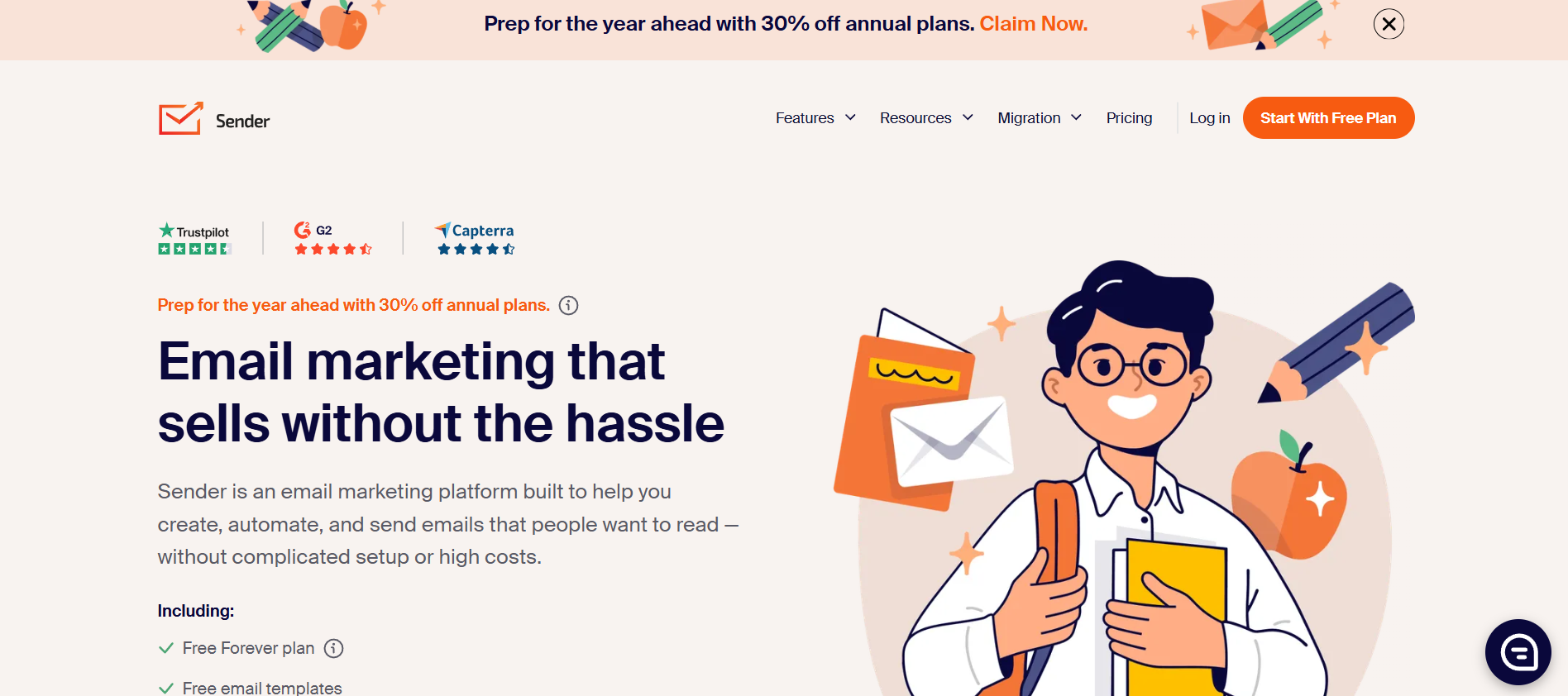
Sender has carved out a niche as arguably the best free email marketing software on this list for freelancers who are truly just getting started with almost no budget.
Best Features: A genuinely generous free tier (up to 2,500 subscribers and 15,000 emails per month, more than most competitors offer for free), basic automation, and a simple drag-and-drop builder.
Pros: Hard to beat for a freelancer with zero marketing budget who just needs to start emailing a list without paying a cent.
Cons: Advanced segmentation and reporting fall short of paid-tier competitors once your list and needs grow past the basics.
Pricing: Free up to 2,500 subscribers, paid plans starting around $8/month after that.
Best For: Freelancers just starting their list with little to no marketing budget.
12. Omnisend
Omnisend is built primarily for ecommerce, but it earns a spot here because so many freelancers, particularly those serving Shopify and WooCommerce clients, end up needing to understand or manage it on a client’s behalf.
Best Features: Deep native integration with Shopify and WooCommerce, SMS and email combined in one automation flow, and pre-built ecommerce automation templates like cart abandonment sequences.
Pros: If you’re a freelancer who builds or manages ecommerce sites, knowing Omnisend well becomes a sellable skill in itself, not just a tool for your own list.
Cons: Overkill and honestly a poor fit if you don’t run or manage an online store, since most of its best features are ecommerce-specific.
Pricing: Free plan for up to 250 contacts, paid plans starting around $16/month.
Best For: Freelancers who build, design, or manage ecommerce stores for clients.
Comparison Table of the Best Email Marketing Platforms
| Platform | Starting Price | Free Plan | Automation | AI Features | Landing Pages | CRM | Best For |
|---|---|---|---|---|---|---|---|
| Mailchimp | $13/mo | Yes (500 contacts) | Moderate | Yes | Yes | Basic | Brand recognition |
| Kit | $25/mo | Yes (10,000 subs) | Strong | Moderate | Yes | No | Writers, creators |
| Brevo | $9/mo | Yes (unlimited contacts) | Moderate | Yes | Yes | Yes | Budget-conscious lists |
| MailerLite | $10/mo | Yes (1,000 subs) | Strong | Yes | Yes | Basic | Beginners |
| ActiveCampaign | $15/mo | No | Very Strong | Yes | Yes | Yes | Complex pipelines |
| GetResponse | $19/mo | Yes (limited) | Strong | Yes | Yes | Basic | Webinars |
| Moosend | $9/mo | No (trial only) | Strong | Yes | Yes | No | Digital products |
| Constant Contact | $12/mo | No (trial only) | Basic | Moderate | Yes | No | Live support |
| Benchmark Email | $13/mo | Yes (500 contacts) | Basic | Minimal | Yes | No | Simple campaigns |
| AWeber | $12.50/mo | Yes (500 subs) | Basic | Minimal | Yes | No | Stability |
| Sender | $8/mo | Yes (2,500 subs) | Basic | Minimal | Yes | No | Zero budget |
| Omnisend | $16/mo | Yes (250 contacts) | Strong | Yes | Yes | No | Ecommerce clients |
Best Email Marketing Platform by Freelancer Type
Picking a platform gets a lot easier once you match it to your actual business model rather than just comparing feature lists in the abstract.
Best for Beginners and Best Free Platform
MailerLite wins for beginners because its automation is included even on the free tier, which most competitors lock behind a paid plan. If your priority is pure cost, Sender’s free tier of 2,500 subscribers is the most generous on this entire list.
Best for Designers, Writers, and Coaches
Designers and photographers do best with MailerLite or Constant Contact for their visual template strength. Writers and copywriters lean toward Kit for its plain-text editor. Coaches benefit from GetResponse’s webinar integration, since live sessions are a common part of the coaching sales process.
Best for Consultants, Agencies, and Digital Marketers
Consultants and small agencies managing multiple client relationships at once should look at ActiveCampaign for its CRM depth, or Brevo if budget is a bigger concern than advanced pipeline tracking. Digital marketers who need to prove ROI to their own clients tend to appreciate ActiveCampaign’s detailed attribution reporting the most.
Best Budget Choice, Best Automation Platform, and Best for Selling Digital Products
Brevo remains the best budget choice given its unusual volume-based pricing model. ActiveCampaign is the clear winner for automation depth once your workflows get genuinely complex. For selling digital products specifically, Kit’s built-in product and Creator Network features give it an edge most competitors haven’t matched.
Free vs Paid Email Marketing Platforms for Freelancers
Free plans genuinely make sense for freelancers under roughly 500 to 1,000 subscribers, but the limitations start costing you real opportunities once your list grows past that point.
Advantages of Free Plans
Free plans let you validate that email is actually worth your time before committing any money, which matters a lot for a freelancer testing a new lead magnet or niche. They also remove the mental barrier of paying for a tool you’re not sure you’ll stick with, and most free plans (Kit, Brevo, MailerLite, Sender) now include enough automation to run a real welcome sequence without upgrading.
Limitations of Free Plans
The biggest limitation isn’t subscriber caps, it’s feature gating. Mailchimp’s free plan strips out A/B testing and advanced segmentation entirely. Constant Contact and ActiveCampaign don’t even offer a real free plan, just a time-limited trial that eventually forces a decision. Branding requirements are another catch: several free plans stamp the platform’s logo at the bottom of every email you send, which looks less professional to a client evaluating whether to hire you.
When to Upgrade and ROI Calculation Example
The upgrade decision usually makes sense once a single converted lead would cover the monthly cost several times over. Say you’re paying $19/month for GetResponse once you cross the free tier. If your average client project is worth $1,500 and email converts even one lead every two or three months that you wouldn’t have otherwise captured, you’ve paid for a full year of the platform from that one project alone. Run that math against your own average project value before assuming a paid plan isn’t worth it yet.
How to Choose the Right Email Marketing Platform for Freelancers
Choosing the right email marketing platform for freelancers comes down to matching the tool’s strengths to your specific goal, subscriber count, and budget rather than picking whatever platform has the most features listed on its homepage.
Define Your Goals
Start by naming the actual outcome you want: a newsletter to stay visible, lead generation to fill a pipeline, direct sales of a digital product, or client retention through consistent touchpoints. Each goal points toward a different platform. A newsletter-first freelancer barely needs ActiveCampaign’s CRM, while a consultant chasing retainer clients absolutely benefits from it.
Estimate Subscriber Count and Determine Budget
Most freelancers dramatically overestimate how fast their list will grow in the first six months, which leads to overpaying for a plan sized for a list that doesn’t exist yet. Start with your realistic number (usually under 500 for a brand-new list) and pick a free or entry-level plan sized for that, upgrading only once you actually hit the ceiling.
Check Automation Needs and Evaluate Ease of Use
If your business model depends on nurturing leads over weeks or months before they convert, prioritize automation depth over design polish. If you just need to send a monthly update, ease of use matters more than raw power, since a complicated tool you avoid using is worse than a simple one you actually open every month.
Compare Deliverability and Review Integrations
Deliverability is hard to judge from a pricing page, so check independent sources like EmailTooltester’s deliverability benchmarks rather than trusting a vendor’s own marketing claims. On integrations, list the tools you already use (Stripe, Calendly, your website platform) and confirm native support before signing up, since a missing integration often means paying for Zapier just to bridge the gap.
Consider Scalability, Test Support, and Start With a Free Trial
Pick a platform that has a clear upgrade path so you’re not forced to migrate your entire list later just because you outgrew the tool. Actually test customer support before committing, by sending a real question during the trial period and timing the response. And always start with a free trial or free plan first: no amount of reading comparison articles replaces twenty minutes of actually clicking around the interface yourself.
Email Marketing Workflow for Freelancers
A working email marketing workflow for freelancers moves a stranger from first contact to paying client through ten repeatable steps, and once it’s built, most of it runs without you touching it daily.
Step 1 is collecting leads through a signup form on your site or a link in your social bio. Step 2 is sending that traffic to a dedicated landing page rather than your generic homepage, since landing pages built for one specific offer convert noticeably better than a busy homepage trying to do everything at once. Step 3 is offering a genuinely useful lead magnet, something specific enough that it attracts the right kind of client, not a vague generic freebie nobody remembers downloading a week later.
Step 4 sends an automated welcome email the moment someone joins, delivering the lead magnet and setting expectations for what’s coming next. Step 5 runs a nurture sequence over the following one to two weeks, sharing your best content and case studies to build trust before you ask for anything. Step 6 shifts into your regular weekly or biweekly newsletter rhythm, keeping the relationship warm long-term. Step 7 is where you actually offer your service, either as a dedicated campaign or a natural mention inside a relevant newsletter issue.
Step 8 follows up with anyone who clicked but didn’t convert, since a single well-timed follow-up email often recovers leads who were simply busy the first time around. Step 9 pushes toward booking an actual discovery call, usually with a direct Calendly link and minimal friction. Step 10 repeats the entire cycle, feeding new leads back into step 1 while continuing to nurture everyone still in the pipeline.
Best Email Automations Every Freelancer Should Set Up
A handful of automations do almost all the heavy lifting for a freelance business, and building them once means they keep working long after you’ve forgotten they exist.
Welcome Series and Lead Magnet Delivery
The welcome series is the single highest-leverage automation on this list because it’s the first impression every new subscriber gets, delivered consistently instead of depending on you remembering to follow up manually. Lead magnet delivery should trigger instantly, since even a ten-minute delay in delivering a promised freebie noticeably hurts trust and open rates on the emails that follow.
Proposal Follow-Up and Client Onboarding
A proposal follow-up sequence catches leads who went quiet after receiving a quote, sending a gentle check-in three to five days later and another a week after that, which recovers a meaningful chunk of deals that would otherwise just die from silence. Client onboarding automation, meanwhile, sends the paperwork, welcome info, and expectations automatically the moment a new client signs, saving you from manually repeating the same setup emails for every project.
Testimonial Request and Upsell Campaign
A testimonial request automation triggers a week or two after project completion, when the client’s satisfaction is freshest, and consistently gets better response rates than asking on the spot right when a project wraps. An upsell campaign targets past clients with a related service they haven’t used yet, and because they already trust your work, this converts far more easily than pitching a cold lead on the same offer.
Re-Engagement Sequence, Newsletter, and Consultation Reminder
A re-engagement sequence targets subscribers who’ve stopped opening your emails, giving them one last chance to stay engaged before you clean them off your active list, which protects your deliverability long-term. Your monthly newsletter runs as an ongoing automation rhythm rather than a one-off effort. A consultation reminder, sent 24 hours and again one hour before a scheduled call, meaningfully cuts down on no-shows, which every freelancer running discovery calls eventually learns the hard way costs real money.
Email Marketing Best Practices for Freelancers
The freelancers who see real results from email marketing tend to follow the same handful of habits consistently, while the ones who quit after a few months usually broke one of these rules early on.
Build Your Own List and Never Buy Email Lists
Every subscriber on your list should have opted in directly, whether through a lead magnet, a website form, or a manual add after a real conversation. Buying an email list might sound like a shortcut, but it tanks your deliverability almost immediately since purchased lists are full of spam traps and inactive addresses, and most platforms (Kit, MailerLite, ActiveCampaign included) explicitly ban the practice in their terms of service.
Personalize Every Email and Write Better Subject Lines
Personalization goes beyond inserting a first name. It means segmenting your list so a designer gets design-relevant content and a developer gets dev-relevant content, rather than blasting the same generic message to everyone. Subject lines should be specific and slightly curious rather than clickbait-y; something like “3 client emails that book more calls” consistently outperforms vague lines like “Monthly Newsletter #12.”
Maintain Consistency and Segment Subscribers
Consistency matters more than frequency. A freelancer who sends reliably once a month builds more trust than one who sends four emails in a week and then disappears for three months. Segmenting subscribers by interest, engagement level, or where they are in your funnel means every email feels relevant to the person reading it instead of generic.
Keep Emails Mobile-Friendly and Use Clear CTAs
With most opens happening on mobile, a single-column layout, short paragraphs, and a big enough tap target on your call-to-action button all matter more than a fancy multi-column design that renders beautifully on desktop and breaks on a phone screen. Every email should have exactly one clear call to action, since asking someone to book a call, read a blog post, and follow you on Instagram all in the same email usually means they do none of them.
Test Before Sending and Clean Your List Regularly
Send a test email to yourself before every campaign, checking how it renders on both desktop and mobile, and double-checking every link actually works. Clean your list every few months by removing subscribers who haven’t opened anything in 90 or more days, since a bloated inactive list drags down your open rate and can hurt deliverability for the engaged subscribers who actually matter.
Common Mistakes Freelancers Make With Email Marketing
Most freelancers who give up on email marketing didn’t fail because the channel doesn’t work, they failed because of a handful of avoidable mistakes that compound over time.
Sending only promotional emails is the fastest way to burn out a list, since subscribers who only ever hear “buy this” eventually stop opening anything from you at all. Ignoring automation means you’re manually doing work a five-minute setup could handle permanently, which is just wasted time freelancers genuinely don’t have to spare. No segmentation means every subscriber gets the same generic message regardless of what they actually care about, which tanks relevance and engagement across the board.
Over-emailing, sending daily or even every-other-day without enough genuinely new content, burns out subscribers fast and spikes unsubscribe rates. Poor subject lines that are vague or overly salesy get ignored in a crowded inbox before the actual email content ever gets a chance. No analytics tracking means you’re flying blind, repeating the same mistakes issue after issue because you never checked what actually worked.
Buying email lists, as covered earlier, damages deliverability almost immediately and can get your account suspended entirely by platforms enforcing anti-spam policies. Forgetting GDPR or CAN-SPAM compliance (no unsubscribe link, no physical address in the footer, no clear consent trail) opens you up to real legal risk, not just a slap on the wrist. Not warming new domains, meaning sending a large volume immediately from a brand-new sending domain, gets flagged by inbox providers as suspicious behavior almost every time. And using too many images with too little actual text trips spam filters that read image-heavy, text-light emails as a promotional red flag.
Email Marketing Metrics Freelancers Should Track
Tracking the right metrics tells you exactly where your email strategy is working and where it’s quietly losing you leads, long before a slow month forces you to notice.
Open rate measures the percentage of recipients who opened your email, with a healthy benchmark for freelancer-sized lists sitting between 20% and 35% according to Campaign Monitor’s published benchmarks, though niche and list quality both shift this number. Click-through rate measures how many people clicked a link inside the email, typically running between 2% and 5% for a well-targeted list. Conversion rate tracks how many of those clicks turned into the actual outcome you wanted, whether that’s a booked call or a completed purchase.
Bounce rate shows how many emails failed to deliver at all, and anything consistently above 2% signals a list-quality problem worth investigating immediately. Unsubscribe rate, generally healthy under 0.5% per campaign, tells you whether your content is matching what people signed up for in the first place. Spam complaints, ideally kept under 0.1%, directly affect your sender reputation and deliverability going forward, making this one of the metrics worth checking after every single send.
Revenue per email and customer lifetime value connect your email activity directly to money earned, letting you calculate whether a given campaign or automation actually paid for the platform’s monthly cost. ROI ties the whole picture together: total revenue attributed to email divided by what you spent on the platform and your time, giving you a real number to decide whether to keep investing in the channel or shift effort elsewhere.
Email Marketing Integrations Freelancers Should Use
The right integrations turn your email platform from an isolated tool into the connective layer running your entire freelance business behind the scenes.
WordPress integration lets signup forms embed directly into blog posts, capturing leads exactly where they’re already engaged with your content. Calendly integration automatically tags a subscriber the moment they book a call, triggering a confirmation sequence without any manual work on your end. Stripe and PayPal integrations connect purchases directly to your email platform, letting you trigger onboarding sequences the instant a client pays an invoice or buys a digital product.
Google Analytics integration shows you which email campaigns actually drive traffic and conversions on your website, closing the loop between what you send and what people do afterward. Google Sheets integration gives you a simple way to export subscriber data for manual analysis or to feed into other tools you already use. Zapier, Make, and n8n all serve as the glue connecting your email platform to virtually anything else in your stack, from a form builder to a project management tool, when native integration doesn’t exist.
Slack integration can notify you the moment a high-value lead takes a specific action, like clicking a pricing link, so you can follow up personally instead of relying entirely on automation. Notion integration helps freelancers who run their entire business out of a Notion workspace keep subscriber and lead data connected to their existing system. Canva integration speeds up email design work by letting you build graphics directly and drop them into your campaigns without switching between five different tabs.
AI Features Transforming Email Marketing Platforms for Freelancers
AI has moved from a marketing buzzword to a genuinely functional part of most email marketing platforms for freelancers, though the actual usefulness still varies a lot depending on the tool and how much editing you’re willing to do afterward.
AI Email Copywriting and Subject Line Suggestions
AI copywriting tools, now built into Mailchimp, MailerLite, Brevo, and several others, generate a first draft based on a short prompt, which works best as a starting point rather than a finished email since the tone often needs real editing to sound like an actual person instead of generic marketing copy. Subject line suggestion tools generate multiple variants instantly, which is genuinely useful for freelancers who freeze up staring at a blank subject line field, even if you end up rewriting the winner yourself.
Predictive Send Time Optimization and Smart Segmentation
Predictive send time tools analyze when each individual subscriber historically opens emails and schedule delivery to that specific window rather than a single blanket send time for your whole list. Smart segmentation uses behavioral data (what someone clicked, how often they open, what they’ve purchased) to automatically group subscribers without you manually building every segment rule by hand.
Automated Personalization and AI-Powered A/B Testing
Automated personalization goes beyond first names, dynamically swapping content blocks based on a subscriber’s tags or behavior so two people can receive genuinely different content inside the same campaign send. AI-powered A/B testing takes this further by automatically testing more variables than a human would bother setting up manually, then routing traffic toward the best-performing version in real time instead of waiting for you to check results and manually send the winner.
AI Analytics, Product Recommendations, and Future Trends
AI analytics tools summarize campaign performance in plain language, flagging what changed and why instead of leaving you to interpret raw charts yourself. AI product recommendation features, most useful on platforms like Omnisend and Moosend, suggest what to promote to each subscriber based on past behavior. Looking ahead, expect AI to keep pushing toward fully automated send-time and content optimization, though the freelancers getting the best results are still the ones who use AI to speed up the work, not replace their own judgment about what their specific audience actually wants to read.
Frequently Asked Questions
What is the best email marketing platform for freelancers?
There isn’t a single universal answer, since the best choice depends on your niche and budget, but Kit consistently ranks highest for writers and creators, Brevo for budget-conscious freelancers with growing lists, and MailerLite for beginners who want automation without a steep learning curve.
Which email marketing platform has the best free plan?
Sender offers the most generous free tier among the platforms covered here, allowing up to 2,500 subscribers and 15,000 monthly emails at no cost, while Kit’s free plan supports up to 10,000 subscribers with more limited features.
Is Mailchimp good for freelancers?
Mailchimp works fine for freelancers with a small list and simple needs, but pricing climbs quickly past 500 contacts and several competitors, particularly Brevo and MailerLite, offer better value at that stage without sacrificing core features.
What is the cheapest email marketing software for freelancers?
Brevo and Sender both stand out as the cheapest realistic options, with Brevo’s free plan supporting unlimited contacts (capped at 300 emails per day) and Sender’s free plan covering up to 2,500 subscribers before any payment is required.
Which platform is easiest for beginners?
MailerLite is widely regarded as the easiest platform to learn quickly, thanks to a clean interface and automation features included even on the free plan, unlike several competitors that lock automation behind a paid upgrade.
Can freelancers automate client follow-ups?
Yes, nearly every platform on this list supports automated follow-up sequences, letting you set up a proposal follow-up flow, an onboarding sequence, and a re-engagement campaign once, after which they run automatically without any manual sending on your part.
How many subscribers can I have for free on most platforms?
Free plan limits vary widely: Brevo allows unlimited contacts with a daily send cap, Sender allows up to 2,500 subscribers, Kit allows up to 10,000, and more traditional platforms like Mailchimp, MailerLite, and AWeber cap free plans between 500 and 1,000 subscribers.
Which platform has the best deliverability?
Independent testing from sources like EmailTooltester consistently ranks Brevo, ActiveCampaign, and MailerLite among the stronger performers for inbox placement, though deliverability also depends heavily on your own sending practices and list hygiene, not the platform alone.
Can I connect email marketing software with WordPress?
Yes, virtually every platform covered here, including Mailchimp, Kit, Brevo, and MailerLite, offers either a native WordPress plugin or a straightforward integration for embedding signup forms directly into a WordPress site.
Is email marketing worth it for freelancers?
Email marketing is worth it for freelancers because it builds an owned audience that isn’t subject to social media algorithm changes, converts warm past clients into repeat business at low cost, and consistently shows strong ROI figures, with industry data from the DMA putting average returns between $36 and $42 per dollar spent.
Which platform is best for selling digital products?
Kit has built strong native support for selling digital products directly through its Creator features, while Moosend and Omnisend both offer AI-driven product recommendation tools that work well for freelancers selling templates, courses, or physical products alongside services.
How often should freelancers send newsletters?
Most freelancers see the best long-term results sending once every one to two weeks, since this frequency is consistent enough to stay top of mind without overwhelming subscribers, though the right cadence ultimately depends on how much genuinely useful content you can consistently produce.
Do freelancers need CRM integration in their email tool?
CRM integration matters most for freelancers managing multiple active leads or complex, multi-step sales processes, like consultants or agencies, while a freelancer running a simple monthly newsletter can usually skip it without losing much functionality.
Can I migrate my email list to another platform later?
Yes, every major platform on this list supports importing a CSV of existing subscribers, and most also let you export your list at any time, though it’s worth checking each platform’s specific re-engagement or verification requirements for imported contacts before migrating.
Are AI email writing tools reliable for freelancers?
AI email writing tools are useful as a starting point for drafts and subject line ideas, but they still require real editing to sound authentic and specific to your own voice, since generic AI-generated copy tends to underperform genuinely personal writing with freelancer audiences who expect a human tone.
What legal rules should freelancers follow for email marketing?
Freelancers sending email marketing need to include a visible unsubscribe link in every email, a physical mailing address in the footer, and honest subject lines that don’t misrepresent the email’s content, all requirements under the CAN-SPAM Act in the US and similar obligations under GDPR for subscribers based in the EU.
How do I grow an email list without paid ads?
Growing a list organically usually comes down to a strong lead magnet promoted consistently across your existing channels (social bio links, blog post content upgrades, guest posts, and podcast appearances), combined with a simple, low-friction signup form that doesn’t ask for more information than necessary.
Conclusion
Choosing among the different email marketing platforms for freelancers really comes down to matching the tool to your actual business model instead of chasing whichever platform has the longest feature list. A writer building a personal brand needs something different from a consultant managing a multi-step sales pipeline, and a freelancer with 200 subscribers doesn’t need the same tool as one with 20,000.
Start with a free plan, whether that’s Kit, Brevo, MailerLite, or Sender, and actually build your first welcome sequence before worrying about anything more advanced. Focus on collecting genuine subscribers, sending consistently, and tracking your open and click rates from day one. The freelancers who build real, compounding businesses aren’t the ones with the fanciest automation setup, they’re the ones who started emailing their list six months ago and haven’t stopped since.