

Ask ten agencies how much Google Ads costs and you’ll get ten different numbers, and weirdly, all ten can be right at the same time. One quotes ₹10 a click. Another quotes ₹300 for something that sounds like the exact same business. Neither one’s lying to you. They’re just describing different industries, different cities, different keywords, maybe even a different Tuesday.
Nobody says this part out loud when they’re trying to close you on a retainer: Google Ads doesn’t have a price list. There’s no catalog sitting somewhere that says a click costs a fixed amount. What you actually pay is the output of a live auction that fires the instant someone hits search, and that auction resets itself every single time based on who else showed up to bid at that exact moment. So when someone gives you a flat number without asking what you sell, where, and to whom, they’re guessing. Maybe an educated guess. Still a guess.
This isn’t going to be one of those posts that dumps a benchmark table on you and walks away. A number without the mechanism behind it is close to useless, you read “average CPC is ₹20 to ₹100” and still have no idea what to actually do with that. So here’s the order this is going in: how the auction sets your price, what’s genuinely pushing your specific cost up or down, what realistic numbers look like once that mechanism actually makes sense, how to calculate a budget instead of guessing one, what your bidding strategy choice does to your cost behavior, the costs nobody warns you about, and the actual levers that bring your CPC down without you having to cut reach to do it. Read the whole thing and you’ll be able to open your own account and know, actually know, whether something’s broken or whether it’s just doing what it’s supposed to do.
Why Google Ads Doesn’t Have a Fixed Price
Kill this idea first, because almost every confused conversation about Google Ads pricing traces back to it. There is no rate card. Nobody at Google decided a click on “digital marketing course” is worth ₹40. What happens instead is messier, and once it clicks, genuinely more useful to understand than any fixed number could ever be.
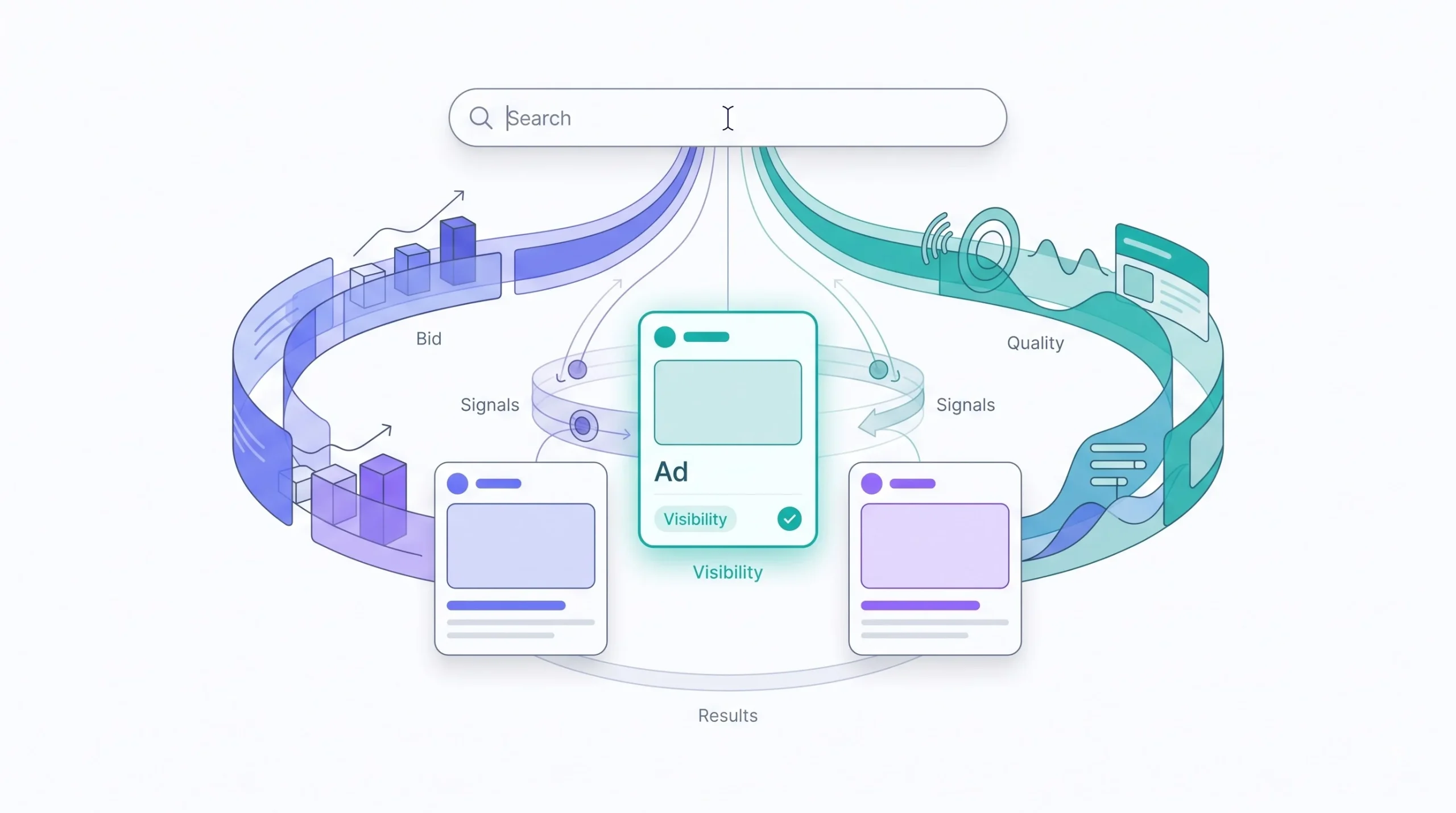
Every search triggers an auction. Every advertiser targeting that keyword, or something close enough to it, gets thrown into a real-time bidding war for that one specific search happening at that one specific second. The auction runs, a winner gets picked, an ad shows, and the whole thing resets for the next person who types the same words thirty seconds later. Different searcher, maybe a different city, a different set of competitors bidding at that exact moment, different result. That’s the whole reason two people googling the identical phrase five minutes apart can see completely different ads, at completely different prices, and neither of them ever knows it.
So if there’s no price list, what decides who wins and what they pay? That’s Ad Rank, and if this post only leaves you with one idea, make it this one.
Ad Rank runs the whole show
Ad Rank isn’t just “whoever bids the most wins.” That’s the part almost everyone gets wrong when they’re starting out, and honestly it’s good news if your budget isn’t huge. Ad Rank is your bid multiplied by your Quality Score, with additional weight for the expected impact of your ad extensions and formats.
What that actually means: a smaller advertiser running a genuinely relevant ad, with tight keyword-to-copy matching and a landing page that actually answers the search, can beat a competitor with double the budget and a lazy, generic ad pointing at a homepage that has nothing to do with what was searched. Money doesn’t win by itself. Relevance multiplies whatever money you’ve got.
Quick version to make it stick. Advertiser A bids ₹50 and has a strong Quality Score, call it an 8 out of 10. Advertiser B bids ₹70 with a weak Quality Score, a 3. Multiply it out and Advertiser A’s Ad Rank comes out ahead of Advertiser B’s, despite bidding thirty percent less. A gets the better slot. Sometimes for less money per click than B is paying to sit below them. That’s not some edge case someone found once. That’s the system working exactly the way it was built to.
You almost never pay your actual bid
This one trips up beginners constantly and it’s worth sitting with, because it reshapes how you should think about bidding entirely. Your Max CPC is a ceiling. It is not the price.
Google Ads runs on second-price auction logic, roughly. You pay just enough to beat the Ad Rank sitting directly below yours, not your full maximum bid. Say you set a max bid of ₹60, but the advertiser right below you only needed ₹38 worth of Ad Rank to lose to you. You’re paying somewhere close to ₹38, not ₹60. The system isn’t out to extract your ceiling from you every time. It’s designed to charge the minimum required to hold your position and nothing more.
You’re not paying for a click. You’re paying to win an auction you can’t see, against competitors you don’t know, for an outcome that resets every time someone searches.
Once that lands, everything downstream in this post starts making a lot more sense. Stop thinking of Google Ads cost as a bill you get charged. Start thinking of it as a competitive outcome you’re actively managing, one auction at a time, thousands of times a day, without ever watching it happen.
The Real Cost Drivers
Now that the mechanics make sense, here’s what actually pushes your specific CPC around. This is the section most “how much does Google Ads cost” posts skip, or reduce to one throwaway sentence. Bad move, because without this the benchmark numbers coming up next are just trivia.
Industry and keyword competitiveness
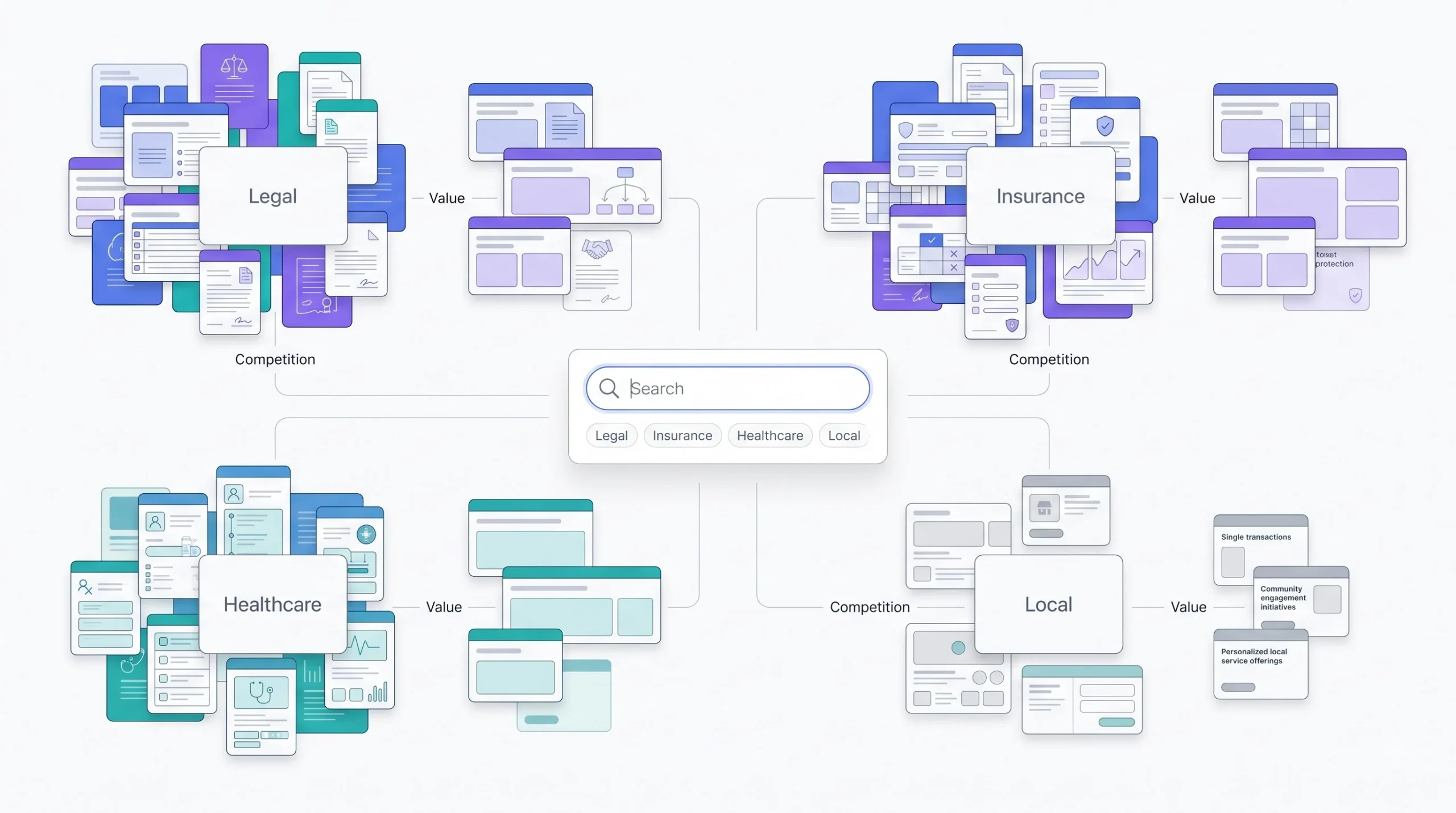
Not every click is worth the same thing, and this is the single biggest reason the CPC ranges you’ll see quoted online swing so wildly. A click on a personal injury lawyer keyword and a click on a local bakery keyword are not the same event wearing different clothes. The price gap reflects that hard.
Advertisers bid based on what a converted customer is worth to them, full stop. A law firm might land a single case worth lakhs. An insurance company might sign a policy that pays out for years. So legal and finance keywords routinely run ₹150, ₹300, sometimes past ₹600 a click, and the math still works on their end because the lifetime value justifies it. A local repair shop selling a ₹500 service can’t play that game, so competition, and the price that comes with it, stays a fraction of that.
This is exactly why generic advice like “keep your CPC under ₹30” is close to meaningless on its own. ₹30 is expensive in some categories and a rounding error in others.
Quality Score deserves more attention than almost anyone gives it
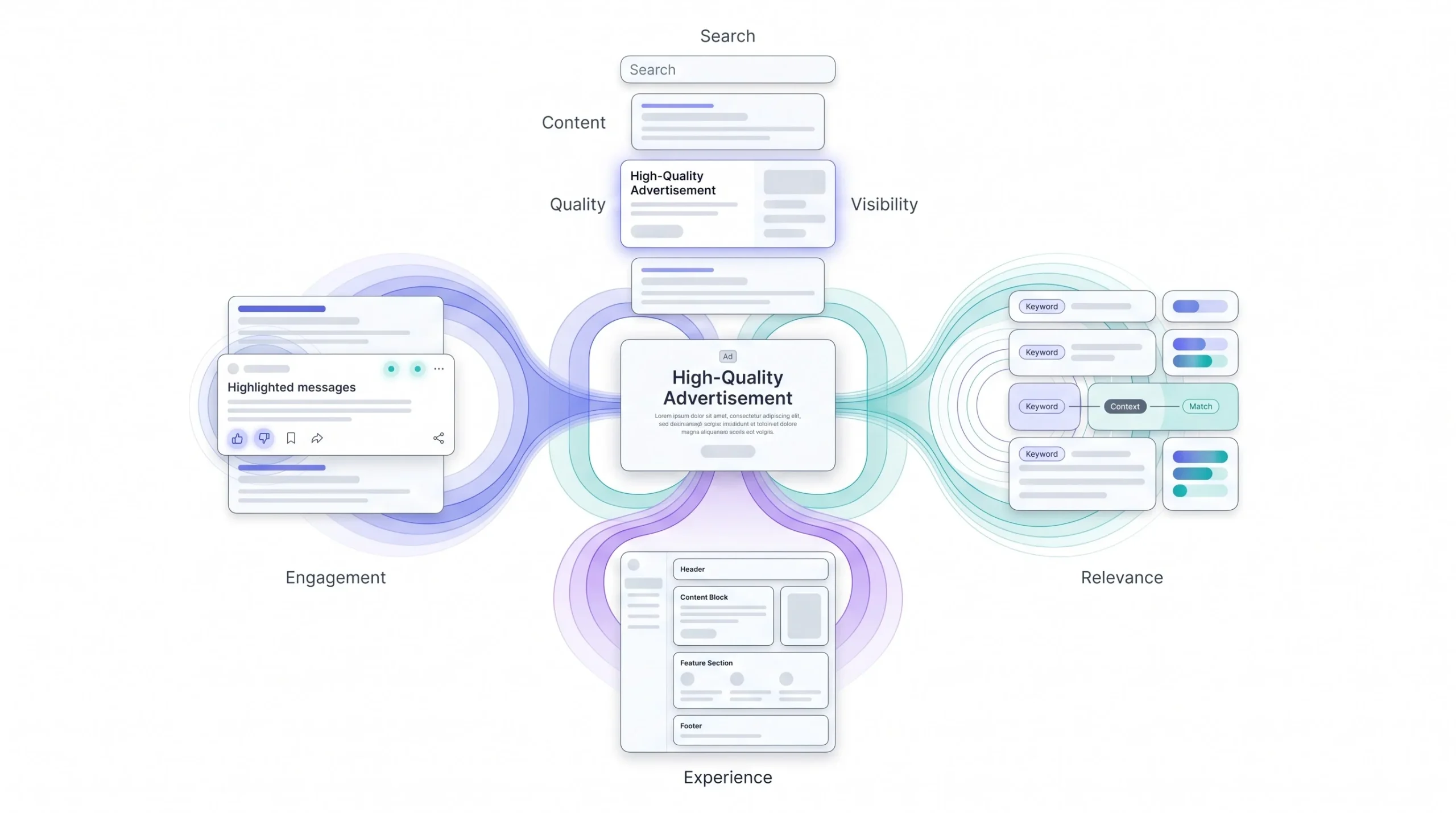
Underrated, constantly, and it’s frustrating because it’s one of the few genuine levers you control from day one. Quality Score is Google’s 1 to 10 rating of how relevant and useful your ad is for a given keyword, built from three components: expected click-through rate, ad relevance to the search term, and the landing page experience someone gets after they click.
Google actually exposes these three as individual diagnostics, “below average,” “average,” or “above average,” right in the interface, keyword by keyword. That’s not just a vanity metric to check once, it’s a diagnostic tool, use it like one. If expected CTR is flagged below average, the ad copy isn’t compelling enough for that search term. If ad relevance is weak, the keyword and the ad text have drifted apart, usually because one ad group is trying to serve too many loosely related keywords at once. If landing page experience is weak, that’s your site’s problem, not your ad’s, and no amount of copywriting fixes it.
Remember that Ad Rank formula from earlier. Quality Score sits directly inside it. So pushing your score up isn’t a feel-good metric, it mathematically lowers what you pay to hold the exact same position. Moving from a 4 to a 7 can meaningfully cut CPC for the identical ad slot, because you need a lower bid to hit the same Ad Rank number the higher score already gets you closer to. This is one of the highest-leverage things in the entire platform, and it’s genuinely wild how often it gets buried under a benchmark table instead of explained properly.
Worth knowing too, Quality Score isn’t a fixed grade sitting on your account, it’s calculated fresh for each keyword every time it’s eligible to enter an auction, and it’s built off historical performance for that keyword, similar keywords, and even that landing page’s history across the account. That’s why a brand new keyword often starts with no visible score at all, it just hasn’t accumulated enough impressions yet for Google to rate it confidently. Give it time and volume before assuming it’s broken. Also worth knowing, the 1 to 10 score shown in the interface is a diagnostic reporting number for you, it’s not literally the exact figure plugged into the live auction formula in real time, Google uses a more granular internal version. Don’t obsess over chasing a 10 on every single keyword, chase the direction, keep the trend moving up, and the cost benefit follows.
There’s a dedicated post on this site that goes deep into how Quality Score actually gets calculated and moved, worth reading if this is the lever worth pulling hardest for your account.
Keyword match type changes your exposure, not just your targeting
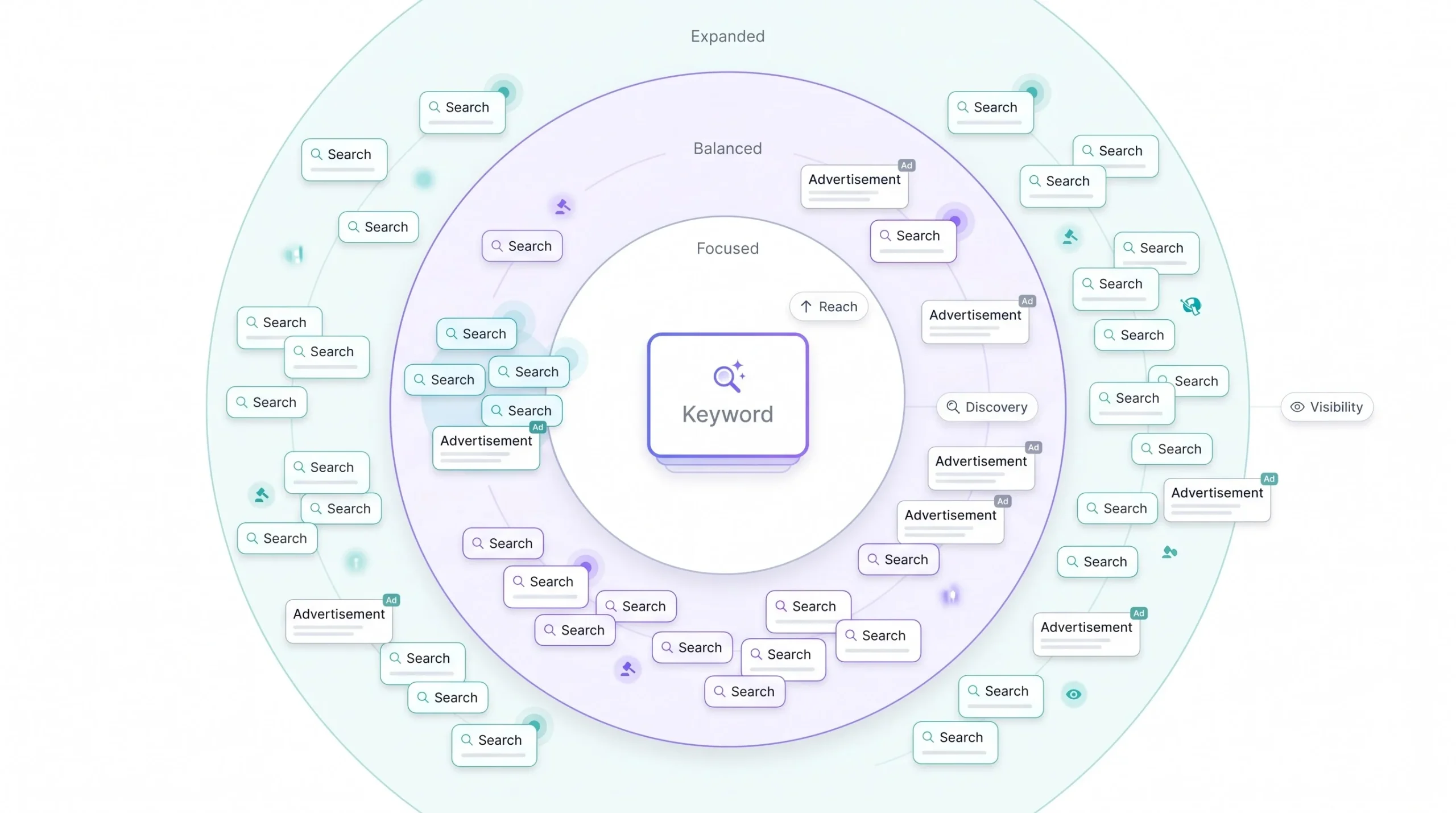
Broad, phrase, exact, these aren’t only about targeting precision. They change how many auctions you even walk into, which changes your competition exposure, which changes your average cost.
Broad match throws you into a wider pool of searches, including plenty only loosely connected to what you actually typed. More auctions usually means more competition, which usually means higher average CPC and real wasted spend before you’ve cleaned things up with a solid negative keyword list. Exact match narrows the field to searches closely matching your term, fewer auctions, tighter cost control, but less volume to work with. Neither is objectively correct, they’re different tools for different jobs, but plenty of beginners fire up broad match with zero negative keywords and then wonder where the budget went with nothing to show for it. It went into auctions that never should have included them in the first place.
Geography moves the number a lot more than people expect
Run the same campaign in Mumbai versus Jaipur or Indore and expect a real gap, and it’s not because Google charges metro markets a premium directly. Same demand-side logic as everything else here. More advertisers actively bid in metro markets because more competitors and more customer volume live there. More bidders in the same auction pushes the price up for everyone in it. A Tier-2 or Tier-3 city with fewer competing advertisers in your niche can mean noticeably cheaper clicks for equivalent intent, sometimes dramatically cheaper, which is worth knowing if you’re deciding where to concentrate budget across multiple locations.
Device and time of day
CPCs shift by device, and the direction depends entirely on the business. Some see mobile traffic convert like crazy and are happy to pay more for it. Others watch mobile browse endlessly and convert on desktop later, so they’ll actively bid mobile down once they’ve got the data to justify it. Same logic with time of day, once enough conversion data has piled up you can see which hours actually produce results and which ones just quietly burn budget, and adjust bids accordingly. None of this is something to guess at before launch. It’s something you watch, then react to, once real numbers exist.
Who else is actually in the room with you
One thing worth checking before assuming a high CPC is just “how the industry is,” Google Ads has a report called Auction Insights that shows exactly which competitors are showing up in the same auctions, how often they outrank you, and how often they show up at all. It’s sitting right there in the interface and most beginners never open it. If a CPC feels high, this is where to look before touching bids, because sometimes the honest answer isn’t “the industry is expensive,” it’s “three new competitors started bidding on this exact keyword two weeks ago and nobody noticed.” Those are two completely different problems with two completely different fixes, and the report tells you which one you’re actually dealing with instead of leaving it to a guess.
Seasonality will mess with your numbers whether you plan for it or not
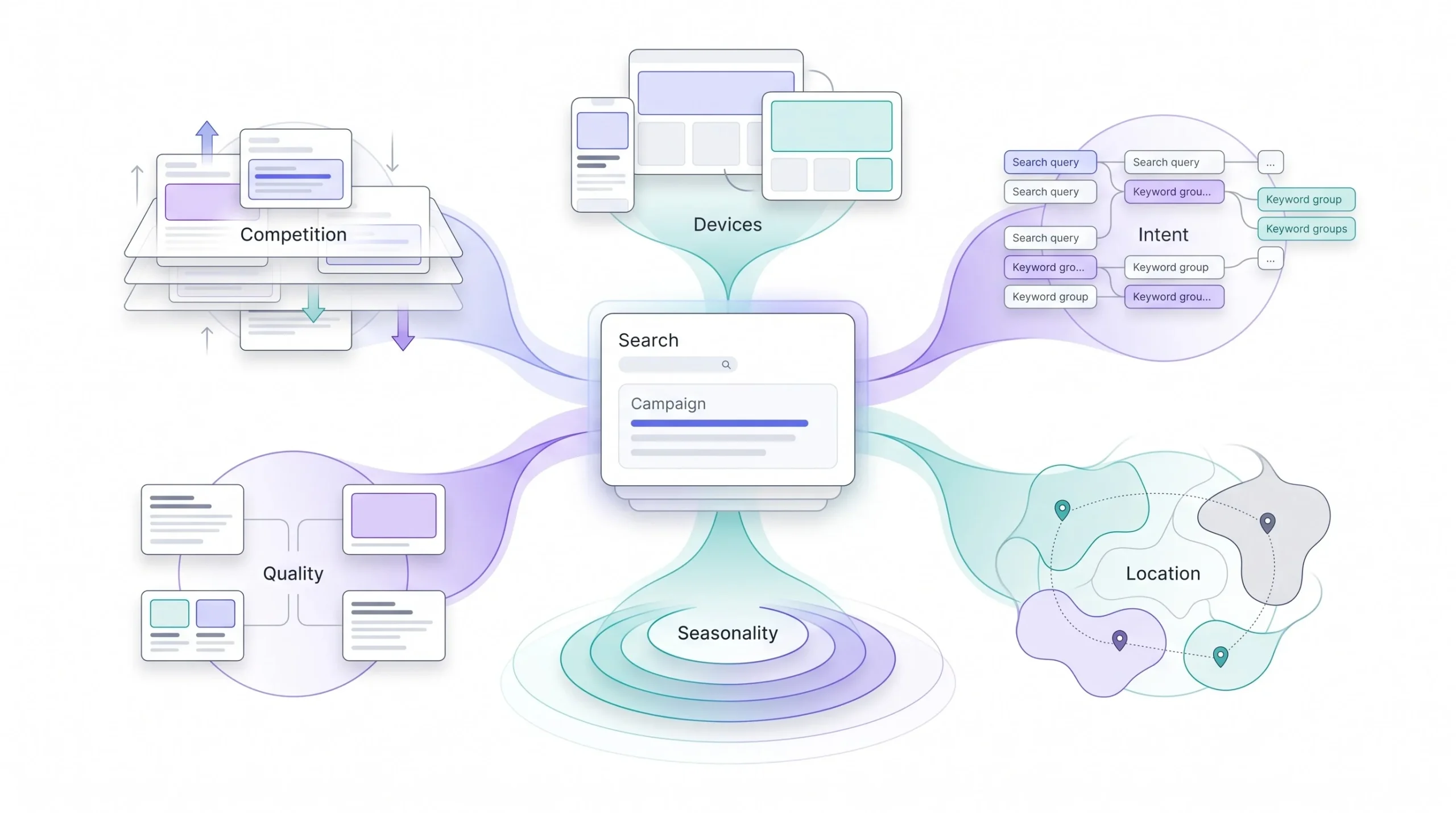
This catches people constantly. Festive season, wedding season, exam season if you’re in education like ADM, year-end budget flush in B2B, all of these are windows where demand spikes and competition spikes right alongside it. More businesses chasing the same eyeballs in the same short window pushes CPC up, sometimes sharply, for a few weeks before it settles back down. Plan a flat monthly budget without accounting for these swings and you’ll either overspend during the quiet stretches or get priced out entirely during the busy ones, right when demand from your side is probably highest too.
What Actually Moves Your CPC
| Factor | Direction of Impact | Why |
|---|---|---|
| Industry and keyword intent | Biggest swing | Advertisers bid on customer lifetime value, not click value |
| Quality Score | Higher score, lower CPC | Built directly into the Ad Rank formula |
| Match type | Broad usually costs more than exact | Wider auction exposure, more competitors |
| Geography | Metro cities cost more than Tier-2/3 | More advertisers bidding in the same pool |
| Device | Varies by industry | Conversion behavior differs by device, not universal |
| Competitor density | Direct swing | More active bidders on a keyword raises the floor |
| Seasonality | Spikes at demand peaks | More advertisers chasing the same volume window |
How Much Does Google Ads Actually Cost? (Benchmarks)

The numbers actually mean something now, because the mechanism behind them isn’t a mystery anymore. One honest caveat before diving in: treat these as directional ranges, not gospel carved in stone. Your account can land outside them for perfectly legitimate reasons, a genuinely niche keyword set, hyper-local targeting with barely any local competition, a lucky low-competition window nobody else has noticed yet. Use this as a sanity check against your own numbers, not a prediction of what they’ll be.
Average CPC by industry
Average CPC by Industry
| Industry | Approx. CPC Range (₹) | Why it’s this range |
|---|---|---|
| Legal services | ₹150–₹600+ | Extremely high value per case won |
| Insurance and finance | ₹100–₹400 | High customer lifetime value |
| Education (ed-tech, coaching) | ₹15–₹60 | Moderate competition, seasonal spikes |
| Real estate | ₹25–₹120 | High ticket size, longer sales cycle |
| E-commerce and retail | ₹5–₹40 | High volume, thin margin per click |
| Local services (home, repair) | ₹10–₹50 | Localized competition |
| B2B and SaaS | ₹80–₹300 | Long sales cycle, high contract value |
Look at the gap between legal and e-commerce for a second. That’s roughly a hundred times difference between the low end of retail and the high end of legal, on the exact same platform, running through the exact same auction mechanics. The gap isn’t Google being inconsistent. It’s the market being honest about what a converted customer is actually worth in each of those categories.
Cost by campaign type
Search isn’t the only format inside Google Ads, and a chunk of the “Google Ads is too expensive” complaints trace back to people running everything through Search when part of their goal, awareness especially, would be a fraction of the cost on Display or YouTube instead.
Search runs on cost-per-click and tends to be the priciest option because intent is at its peak, someone typed exactly what they want, right now. Display mostly runs on cost-per-thousand-impressions and is dramatically cheaper per exposure, you’re buying reach across a massive network of sites rather than paying premium click prices. Shopping sits in the middle, still click-based, but tied to product discovery rather than raw search intent. YouTube largely runs on cost-per-view, a completely different economic model built around watch time instead of clicks. Performance Max blends all of it together through automated bidding across formats, harder to isolate cleanly, but it generally trends lower than pure Search because it’s spreading spend across cheaper inventory alongside the expensive stuff.
There’s a full breakdown of Search versus Display on this site if the goal is figuring out which format actually fits your objective, not just which one’s cheaper.
Typical Cost Structure by Campaign Type
| Campaign Type | Pricing Model | Relative Cost | Best For |
|---|---|---|---|
| Search | CPC | High | High-intent conversion |
| Display | CPM/CPC | Low | Awareness, retargeting |
| Shopping | CPC | Medium | E-commerce product discovery |
| YouTube | CPV/CPM | Low to medium | Awareness, consideration |
| Performance Max | Blended, automated | Variable | Full-funnel automation |
What a realistic monthly budget actually looks like
A small local business, a single clinic or a home services shop, usually needs somewhere around ₹15,000 to ₹40,000 a month to see anything meaningful. At a ₹20 average CPC, that’s roughly 750 to 2,000 clicks to work with. Not massive. Enough to start actually learning what converts, which is the point at this stage.
A growing SMB pushing into a wider market or a more competitive keyword set tends to land in the ₹50,000 to ₹1,50,000 range, enough room to run multiple campaigns at once and gather enough conversion data to optimize properly instead of guessing off a handful of clicks.
An established mid-market business running Search, Display, and Shopping together usually sits somewhere between ₹2,00,000 and ₹8,00,000 a month, spread across formats deliberately instead of dumping the whole budget into one bucket.
Enterprise accounts in competitive verticals like finance or insurance can run well past ₹10,00,000 a month without much hesitation, because the per-conversion economics justify that spend at their customer value.
None of these numbers mean much in isolation though. Without the conversion math behind them, a budget is just a number that feels comfortable. Here’s how to actually build one that isn’t.
How to Set Your Google Ads Budget (The Actual Formula)
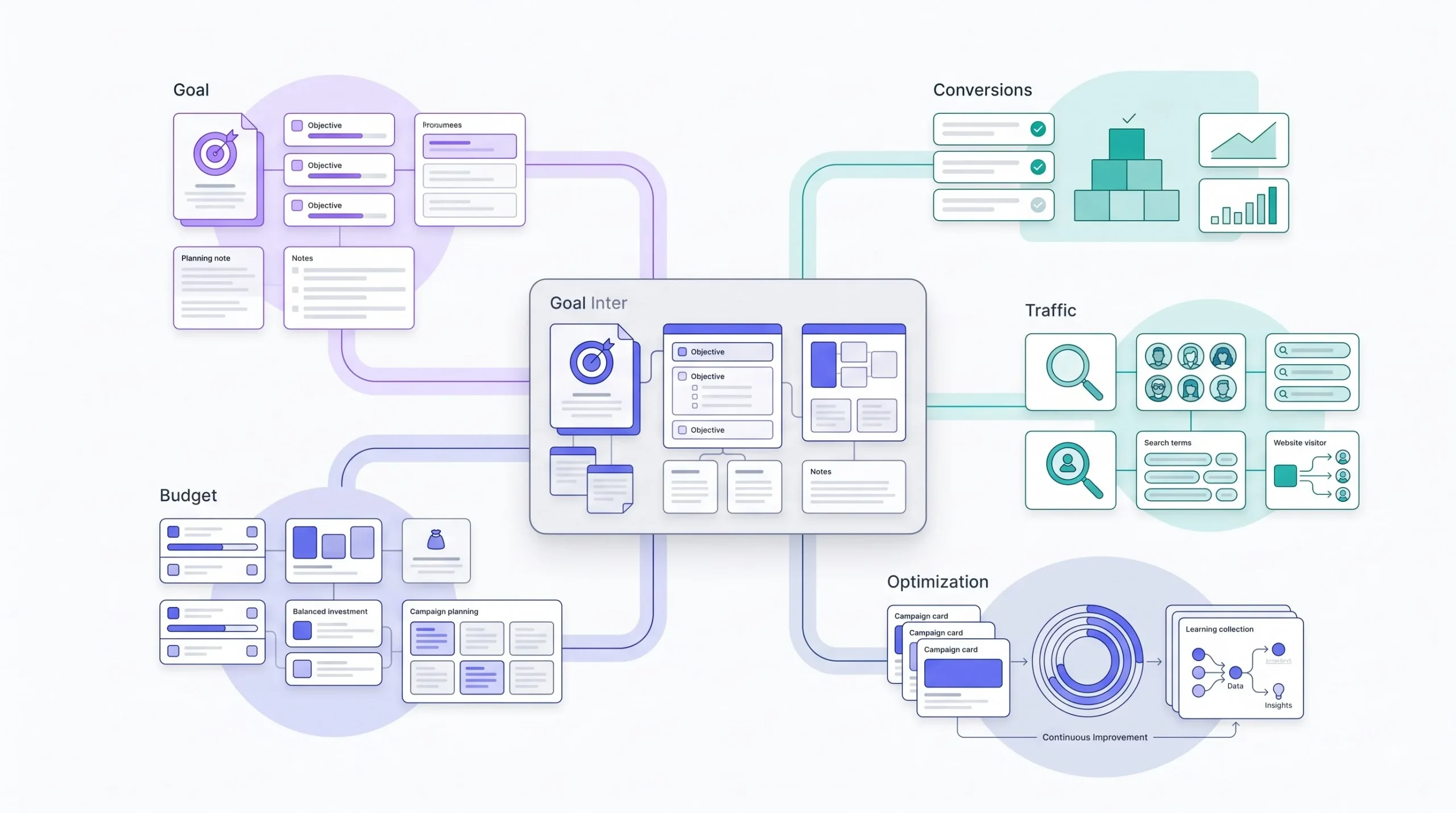
This is the part that matters if the goal is a real budget instead of a comfortable guess. Most people budget backward from what feels affordable. The better move, work forward from what’s actually needed.
Start with the target. How many conversions, leads or sales, need to happen per month for this whole thing to be worth doing? Say the answer is 50.
Next, the conversion rate, the percentage of people who click the ad and actually convert on the landing page. Real campaigns already running should use their actual number, not a guess. First time out, a decent landing page tends to convert somewhere between 3% and 8%, and honestly, anything consistently below that usually points to a landing page problem, not an ad problem. Say 5% for this example.
Back-calculate the clicks needed. Fifty conversions at a 5% conversion rate means 1,000 clicks are required to hit that target. Fifty divided by 0.05.
Multiply that by a realistic CPC for the keyword set. Say education, average CPC around ₹30. That’s 1,000 clicks times ₹30, landing at ₹30,000 for the month just to hit the base target.
Here’s the part that gets skipped constantly, and it’s not optional: pad it for the learning phase. A brand new campaign has zero Quality Score history, Google’s still figuring out who to actually show the ad to, and efficiency in the first few weeks is genuinely worse than it’ll be once things settle in. Adding another 20% to 30% on top during that ramp-up isn’t waste, it’s realistic room to let the campaign actually learn instead of choking it off before it’s found its footing. So that ₹30,000 base probably needs to sit closer to ₹36,000 to ₹39,000 in month one alone.
One more layer worth adding if the business runs on tighter margins, e-commerce especially: budget off target ROAS instead of pure CPA once there’s enough sales data to calculate it. If the average order value is ₹2,000 and the acceptable cost per acquisition needs to stay under ₹400 to keep margin healthy, that ₹400 becomes the real ceiling driving the whole budget calculation, not the industry-average CPC alone. CPC tells you what a click costs. CPA tells you what a customer actually costs, and CPA is the number that decides whether the spend was worth it in the first place.
One thing that quietly throws this whole calculation off if nobody accounts for it, conversion lag. Not every conversion happens in the same session as the click. Someone clicks an ad on Monday, thinks it over, comes back and converts directly on Thursday without clicking another ad. Google’s reporting will usually still credit that back to the original click depending on the attribution window set, but if that window is too short, or if tracking isn’t set up to catch the delayed return visit, the campaign looks like it’s converting worse than it actually is. For high-consideration categories like B2B, real estate, or anything with a longer decision cycle, this lag can stretch from a few days to a few weeks, and budgeting off week-one numbers alone for those categories is a good way to kill a campaign that just needed more time to show its real conversion rate. Give longer sales cycle campaigns a longer runway before judging the CPA against the target.
Daily budget versus monthly, and a quirk most people never hear about
Google Ads lets you set a daily budget, but here’s something that catches beginners off guard constantly: Google can spend up to roughly double the daily budget on a single high-traffic day, by design. Not a bug. It’s meant to capture extra opportunity when demand spikes, and it balances out against lower-spend days elsewhere in the same billing cycle so the monthly total lands close to what was actually set. Checking daily spend and panicking because it blew past the number set is a rite of passage at this point. Look at the monthly total, not the daily figure, when judging whether a budget is actually under control.
Don’t budget off what a competitor spends. Their conversion rate, their margins, their customer value, none of that is visible from the outside. Back-calculate from your own numbers or the whole exercise is just guessing with extra steps.
That’s genuinely the most common mistake in this entire section, asking what a competitor’s budget looks like instead of doing the math on the actual business sitting in front of you.
Bidding Strategies and How They Affect Cost

Picking a bidding strategy isn’t some technical setting buried three menus deep. It directly shapes how cost behaves day to day, and the wrong choice for where an account is at can genuinely hurt.
Manual CPC hands over full control, a bid gets set, the consequences get lived with. Tedious, but predictable, and honestly still worth using on very small or very niche accounts where automated strategies don’t have enough data to actually work with yet.
Maximize Clicks does roughly what it says, optimizing for the most clicks the budget allows. Good for pushing CPC down and volume up fast, but here’s the real risk, more clicks doesn’t automatically mean more useful clicks. It’s entirely possible to end up with a cheap, busy campaign converting terribly if nobody’s watching closely.
Maximize Conversions shifts the target from clicks to actual conversions, letting automated bidding chase the outcome that actually matters instead of a proxy for it. Per-click cost tends to vary more here than with manual bidding, because the system is willing to bid higher on individual auctions it predicts are more likely to convert, and pull back on the ones it’s not confident about.
Target CPA and Target ROAS push it further still. Tell Google the exact cost per conversion or return per rupee wanted, and the algorithm adjusts bids across every single auction to hit that average target. Per-click cost can spike noticeably from one auction to the next under this setup, because the system isn’t chasing a flat CPC anymore, it’s chasing the outcome, and cost per click just becomes whatever byproduct that chase produces along the way.
Here’s what that actually looks like in practice. Set a Target CPA of ₹500 on a campaign with an average CPC of ₹30. On an auction where the system’s signals say this particular searcher looks like a strong match, maybe it’s their third visit to the site this week, maybe the search term historically converts well, the algorithm might bid ₹45 or ₹50 for that one click, well above average, because it’s confident that click is worth chasing at a higher price. On a weaker-signal auction the same day, it might bid ₹15. Neither number is wrong. Average them out across enough volume and the blended CPA lands near the ₹500 target, even though no individual click cost anywhere close to that average CPC figure. This is exactly why watching CPC in isolation on a Target CPA campaign is the wrong metric to obsess over, the target itself is the one that matters, CPC is just noise underneath it doing its job.
The catch across all the automated strategies, and this ties directly back to the budget buffer point earlier, is they need a real data runway before they’re any good. The algorithm needs enough conversion volume, somewhere around 30 conversions in the trailing 30 days tends to be the rough threshold people point to, before there’s enough signal to optimize with any confidence. Switch to Target CPA on day two of a brand new campaign and the algorithm is basically guessing, which usually shows up as rocky, inconsistent performance until enough real data has actually piled up. There’s a dedicated post on bidding strategies on this site going much deeper into picking the right one for a specific stage and goal, worth reading if this is where an account is currently stuck.
Hidden Costs Beginners Miss
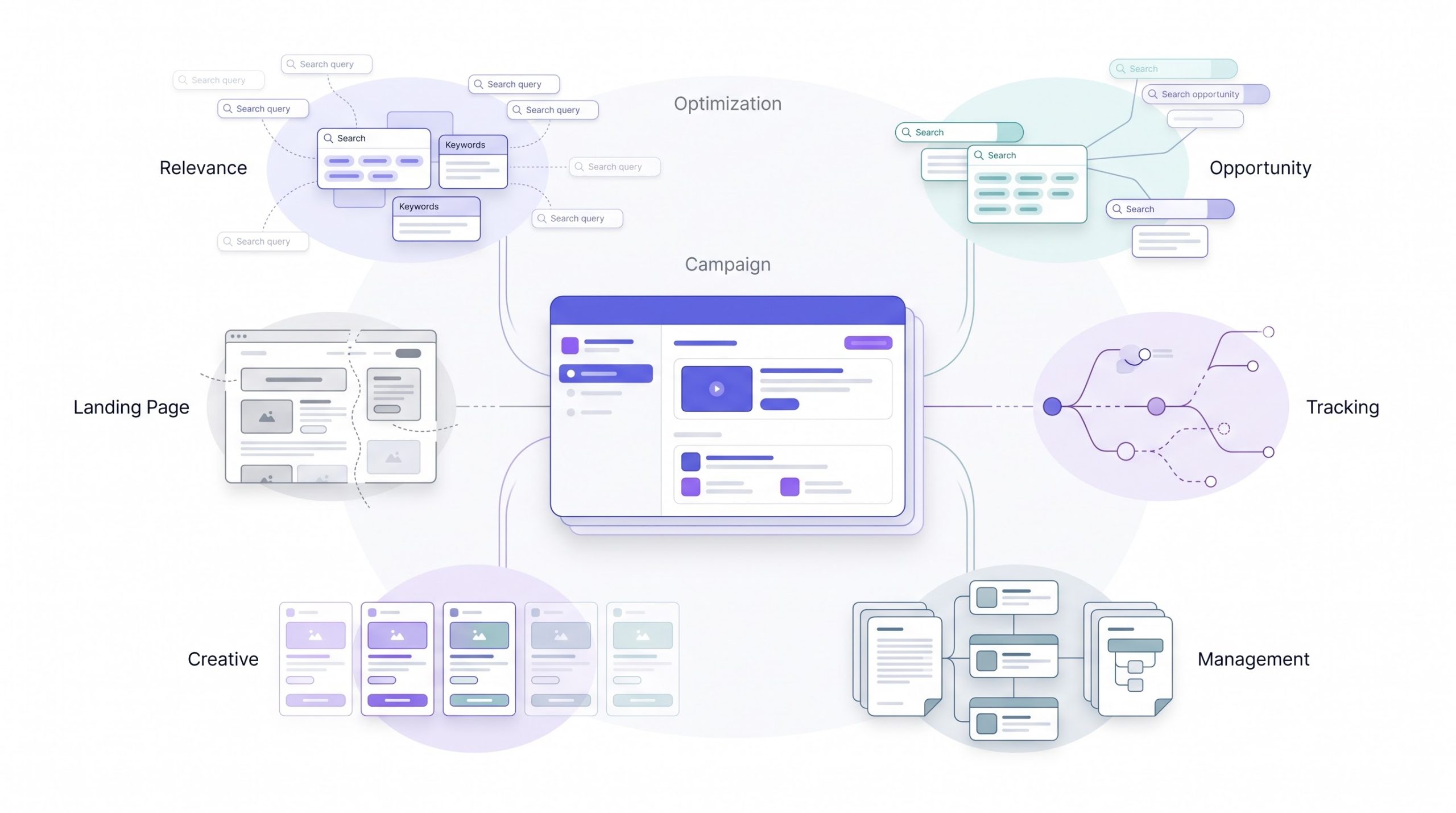
This is the section most “how much does Google Ads cost” content skips entirely, which is unfortunate because these are exactly where budgets quietly leak without anyone catching it until the month’s already over.
Poor negative keyword hygiene is probably the single biggest silent killer. Without a solid negative list, ads show up for searches that have nothing to do with what’s actually being sold, and every one of those clicks still costs money. A coaching institute running broad match with no negatives might end up paying for clicks on “free coaching classes” or “coaching jobs,” neither one a real customer, and that spend just evaporates.
Landing page mismatch quietly costs twice over. It hurts conversion rate directly, sure, but it also drags Quality Score down over time, which, straight back to the Ad Rank formula from earlier, raises CPC going forward too. A bad landing page isn’t a one-time loss. It’s a compounding one.
Ad fatigue is a cost most budgets never actually line-item. The best-performing creative won’t stay the best forever, audiences get tired of seeing the same copy and imagery, click-through rate drops, and that drop drags Quality Score down alongside it. Refreshing creative takes design time, copywriting time, testing cycles, real cost sitting entirely outside the media spend number that most people never bother tracking separately.
Agency or freelancer management fees need to sit clearly apart from media budget, and this causes more billing confusion than it should. Someone quoting a “₹50,000 Google Ads budget” needs to be crystal clear on whether that’s ₹50,000 total including their fee, or ₹50,000 in pure ad spend with a fee sitting on top of it. Two very different numbers, and conflating them is where a lot of client relationships go sideways over something that should’ve been a two-line clarification upfront.
Conversion tracking gaps are the sneaky one, and this happens more often than anyone likes to admit. Broken tracking means campaigns get misread entirely, a campaign that looks cheap on the surface because of a low CPC might actually be converting at zero, and budget keeps flowing toward it because nobody caught the gap in time. Testing that tracking actually fires correctly before scaling anything isn’t optional. It’s the difference between optimizing toward real results and optimizing toward noise that just looks like results.
There’s also a cost that doesn’t show up as a rupee figure anywhere but hits revenue just as hard, impression share lost to budget. Google reports this metric directly, it tells you the percentage of eligible auctions your ad simply didn’t show up for because the daily budget ran out before the day did. A campaign converting beautifully at ₹25 CPA with 40% impression share lost to budget isn’t a campaign with a performance problem, it’s a campaign that’s been underfunded the entire time and nobody checked the one metric that would’ve shown it. This is worth checking before ever touching bids or Quality Score to fix a “flat” campaign, sometimes the fix isn’t optimization at all, it’s just more budget to actually capture the demand that’s already there and already converting.
And one more worth naming honestly, invalid traffic. Google runs its own filtering for obviously fraudulent or accidental clicks and credits them back automatically in most cases, but it’s not perfect, and industries with high-value keywords tend to attract more of this kind of noise. It’s rarely the dominant cost driver for a typical account, but it’s worth knowing it exists rather than assuming every single recorded click was a real, engaged human.
How to Lower Your Google Ads Cost Without Cutting Reach
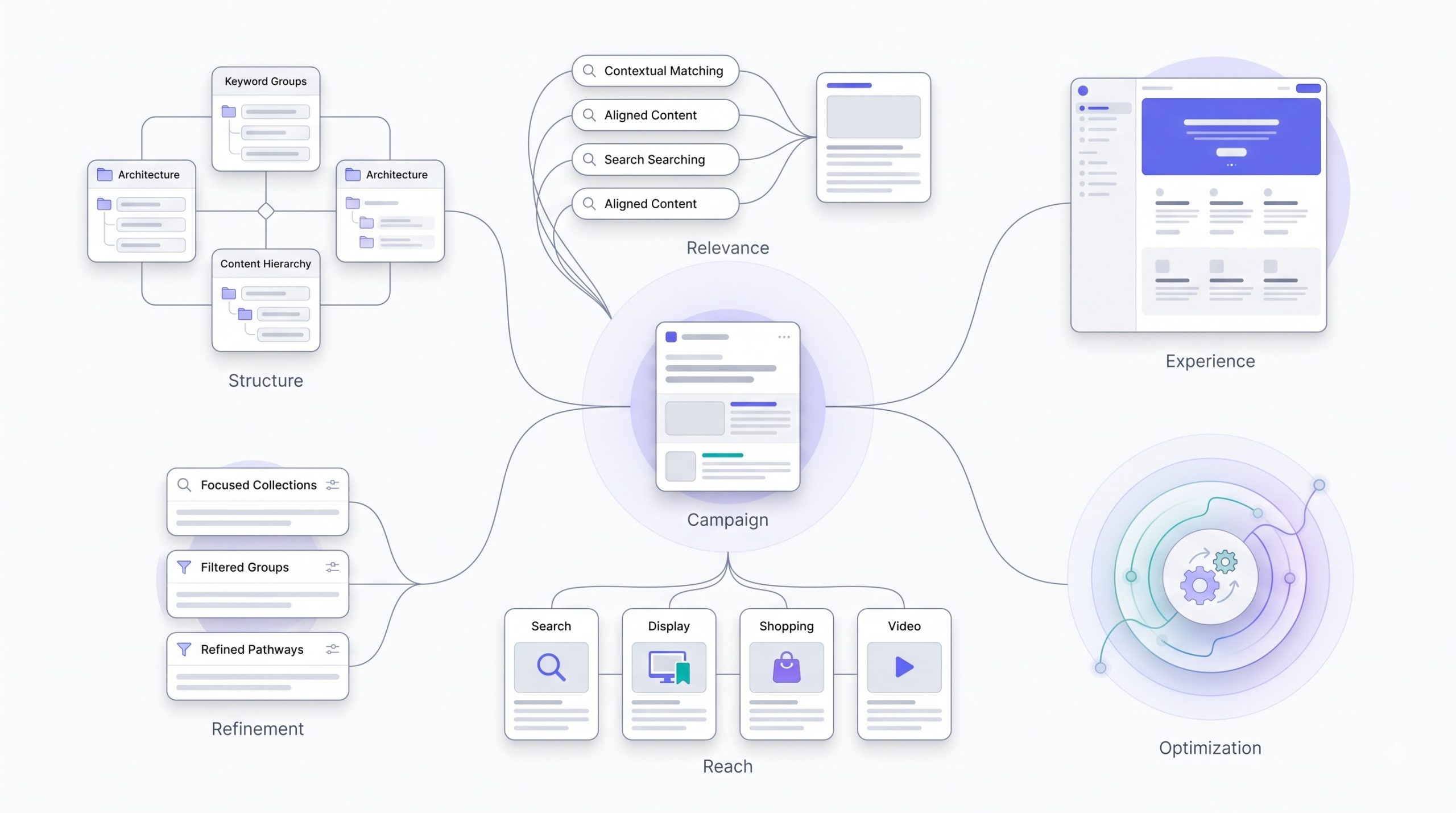
Everything covered so far comes back around right here.
Improving Quality Score is still the single highest-leverage move available, and it costs effort, not extra media spend. Tighter ad group themes, each group targeting a small, closely related cluster of keywords instead of one huge mixed bag. Ad copy that actually mirrors the keyword instead of running the same generic message across everything. A landing page answering exactly what the search implied instead of dumping traffic on a general homepage and hoping. All of it pushes Quality Score up, which pulls CPC down for the identical position, straight from the Ad Rank formula this whole post keeps circling back to.
Building a real negative keyword list cuts wasted auction entries before they ever cost a rupee. This isn’t a one-time setup task either, it’s an ongoing habit, checking the search terms report regularly and adding new negatives as junk traffic shows up week over week.
Ad extensions matter more than most people credit them for. Sitelinks, callouts, structured snippets, all of these improve expected click-through rate, and expected CTR is one of the three components feeding directly into Quality Score. More extensions generally means a bigger, more informative ad on the page, which means better CTR, which feeds Quality Score, which pulls cost down. It’s all one connected loop, not a checklist of unrelated tips.
Dayparting and device bid adjustments only really pay off once there’s enough data to act on, but once that data exists, they’re straightforward. Conversions clustering in evening hours or on mobile specifically, lean bids into that window and pull back from the hours or devices quietly burning spend with nothing to show for it.
And finally, shifting some budget toward lower-CPC formats for top-of-funnel goals protects the expensive Search budget for the high-intent terms that actually deserve it. Running Display or YouTube for awareness at a fraction of the cost per exposure, while Search stays reserved for people actively searching with real buying intent, is a far more efficient split than trying to force every single goal through the most expensive format on the platform. There’s a post on PPC structure and another on landing pages for ads on this site, both worth reading for the deeper how-to on either lever specifically.
Conclusion
“How much does Google Ads cost” was never really the right question to begin with. Cost is a function of Ad Rank, Ad Rank is a function of bid and Quality Score, and both of those sit, to a real degree, in the advertiser’s hands. The actual question worth asking is how much does your Google Ads cost, given the Quality Score you’re willing to build and the budget discipline you’re willing to bring to it. Two businesses in the same industry, same city, even the same keywords, can end up paying wildly different amounts because one treated the auction as a lever to pull and the other treated it as a bill to just pay and hope for the best.
No budget set yet? Go back to the formula. Work forward from the conversion target, not backward from a number that just felt safe to type into a box. Campaigns already live and CPC feels too high? The levers are all sitting right there, Quality Score, negative keywords, extensions, budget split across formats. None of it is complicated once the mechanics actually make sense. It just takes actually opening the account and looking, instead of borrowing a benchmark number from somewhere else and hoping it applies.
Frequently Asked Questions
Is there a minimum budget for Google Ads?
Technically no, Google doesn’t enforce a minimum spend anywhere. Practically, going too low means the algorithm barely gets enough traffic to learn anything useful, and campaigns can stall out before they’ve gathered enough data to ever optimize properly. Somewhere around ₹15,000 to ₹20,000 a month tends to be the realistic floor for a small local business to see meaningful movement, though a genuinely niche, low-competition keyword set can sometimes work with less.
Why did my CPC suddenly increase?
Usually one of a handful of things. A seasonal demand spike pulling more competitors into the same auctions, a Quality Score drop from ad fatigue or a landing page issue nobody caught, new competitors entering the keyword space, or a shift in targeting that quietly widened auction exposure without anyone realizing. Checking the search terms report and the Quality Score column first usually points straight to the culprit.
Does Google Ads cost more than Meta Ads?
Depends heavily on industry and intent, and it’s not really a fair fight to compare directly. Google Ads tends to cost more per click in high-intent categories because it’s capturing someone actively searching for a solution right now. Meta Ads often runs cheaper per click or per impression but catches people earlier, browsing rather than searching with intent, so the comparison comes down to which stage of the funnel is actually being targeted, not which platform is objectively cheaper.
Can I set a lifetime budget instead of daily?
Standard Search and Display campaigns run on daily budgets by default. Lifetime budgets show up more with certain formats, some video and app campaigns especially, where a total spend cap gets set across a defined date range and Google paces spending across that window instead of budgeting day by day.
How much should a small business spend on Google Ads per month?
Realistically somewhere in the ₹15,000 to ₹40,000 range as a starting point for most local or small service businesses, adjusted up or down based on how competitive the specific industry and keywords are. A local repair shop and a small law firm shouldn’t be plugging in the same starting number just because both technically count as “small business.”
Do unused daily budgets roll over?
Not directly in the way most people assume. Google can spend up to about double the daily budget on high-demand days, and that extra spend balances out against lower-spend days within the same billing month, so the overall monthly charge should still land close to the daily budget multiplied by the days in the month. Not a literal rollover, more like automatic pacing spread across the whole month.
Is Google Ads worth it for a low-margin business?
It can be, but the math has to be tight, and there’s no getting around that. Low margin means less room to absorb inefficient spend, so Quality Score, tight keyword targeting, and a genuinely strong landing page matter more than they would otherwise. It’s not that Google Ads is off the table for low-margin businesses, it just leaves far less room for waste, so getting the fundamentals right upfront matters a lot more than it would for a high-margin business that can afford to be sloppy for a few months while it figures things out.